32
Operating
A list appears with the possible worktypes that can be activated.
If there are no worktypes in the list, only the item “No entry” can be
selected. In this case no worktypes can be assigned to this dictation.
Select the desired entries using the up/down buttons and confirm x
the selection by pressing “OK”.
If you do not wish to assign a worktype to the dictation, select “ x No
entry” using the up/down buttons. Confirm your selection using
“OK”.
Complete the entry using “ x Save”.
Group/category
Details can be found in the section “Workflow/Group/Category”.
Press “ x OK”.
A list appears with the possible categories that can be activated.
If there are no groups/categories in the list, only the item “No entry”
can be selected. In this case no group/category can be assigned to
this dictation.
Select the desired entries using the up/down buttons and confirm x
the selection by pressing “OK”.
If you do not wish to assign a group/category to the dictation, select x
“No entry” using the up/down buttons. Confirm your selection using
“OK”.
Complete the entry using “ x Save”.
Numbers/reference (characters)
Details can be found in the section “Menu functions/Workflow/ Number/
reference (characters)”.
“Number/reference” details menu
Press “ x OK”.
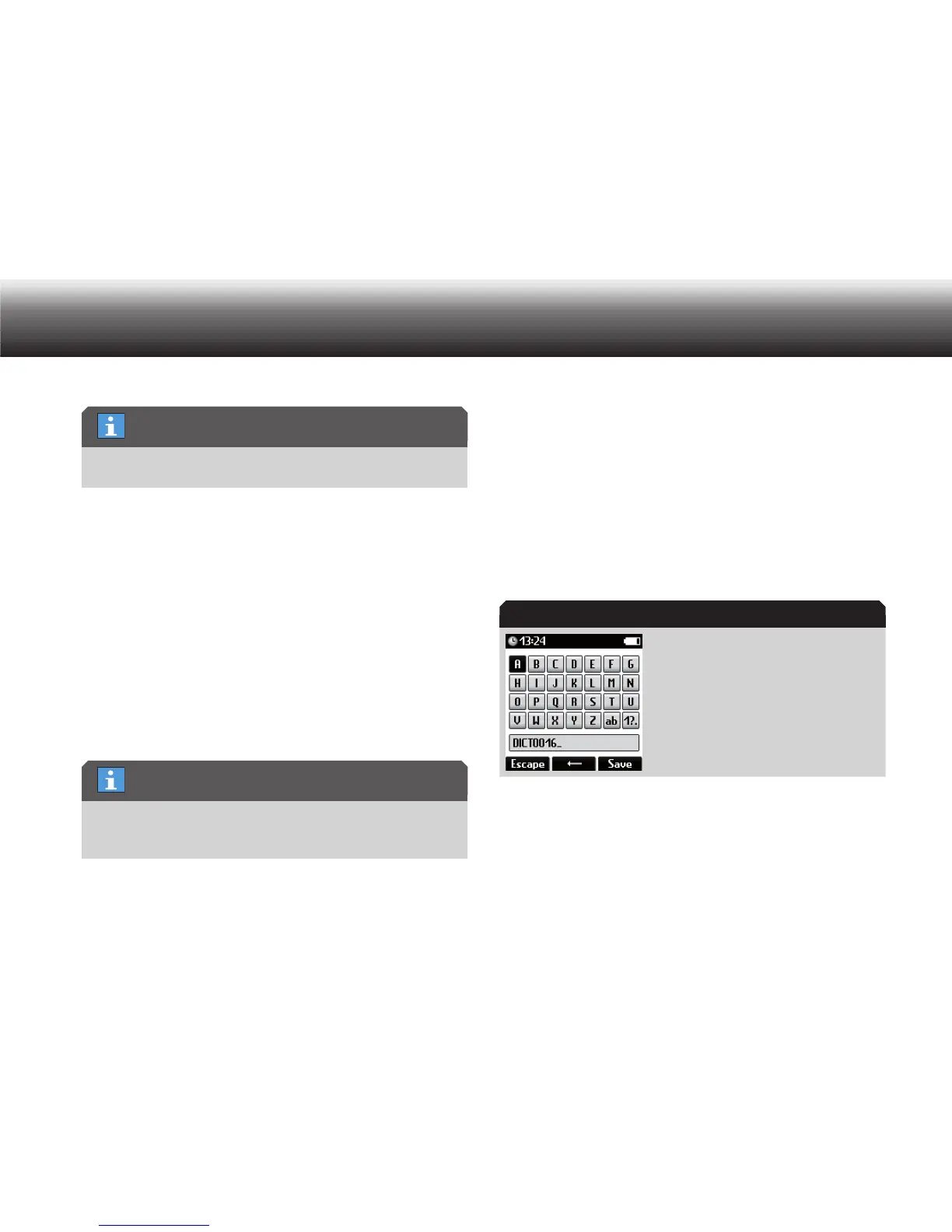
The text editor appears.
Details can be found in the section “Initial Setup/Navigation/Text
editor”.
List empty
List empty
Number/reference



 To Next Page