19
Initial Setup
Up/down buttons
Navigate up and down in the menu•
Increase or decrease when entering a number•
Increase and decrease the speed or volume during play-back•
Display buttons in menu
Left display button:
Escape: go up one menu level without accepting changes•
Back: up one menu level•
Middle display button:
• : delete last character in an entry line
Right display button:
Save: Save all changes and jump up one menu level•
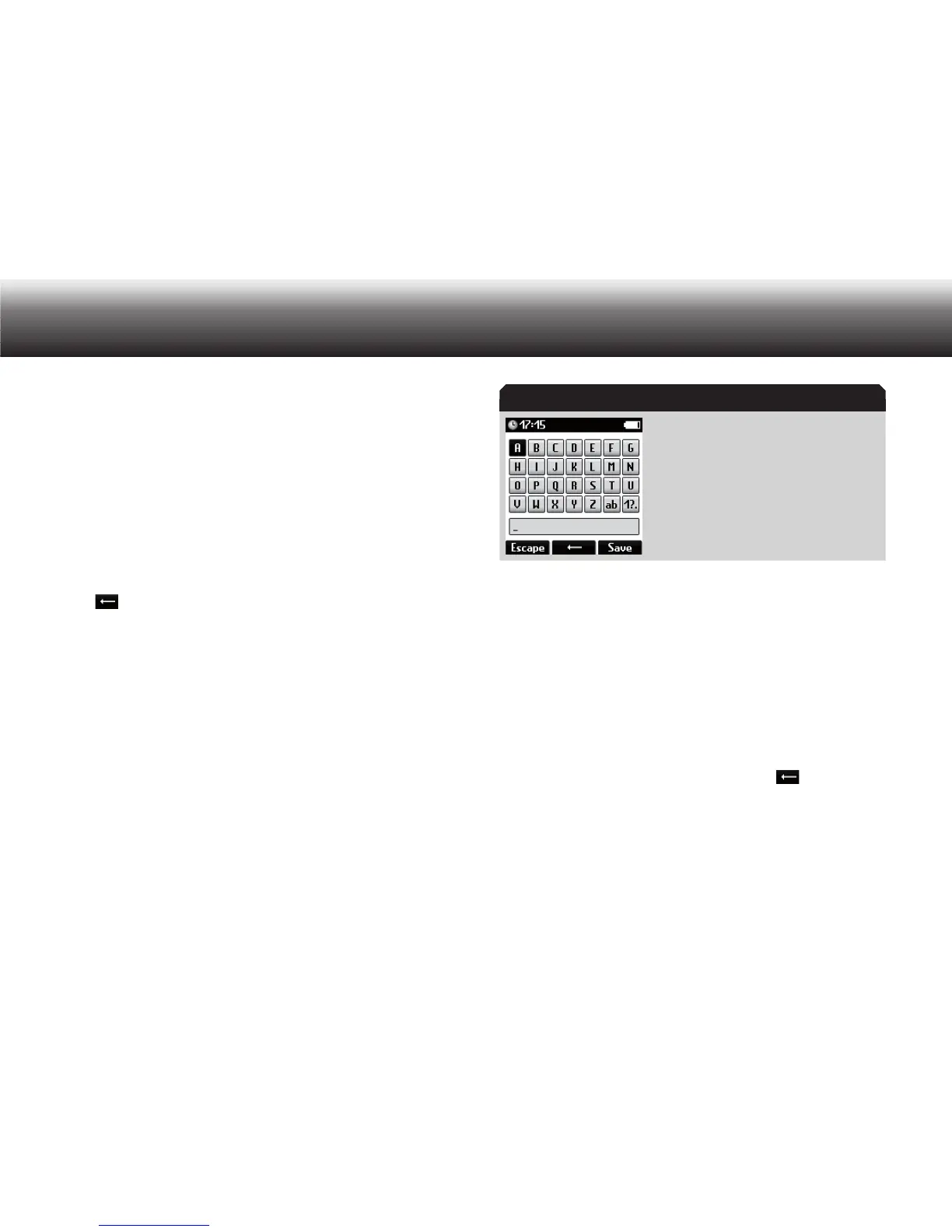
Text editor
The Digta offers you a text editor for entering characters and digits
when using certain functions, for instance changing file names. It con-
tains three types of entry: capital letters, lowercase letters and num-
bers/symbols. Entry starts out with capital letters by default.
Entering text in the text editor
You can navigate in the Digta’s text editor using “NEW”, “MENU” and
the up/down buttons.
You can jump between lines using the up/down buttons. The “NEW” and
“MENU” buttons serve as left/right buttons to move between charac-
ters in a line.
You can change between the three types of entry by selecting among
the symbols “AB”, “ab” and “1?” and pressing “OK”.
Select among the symbols using “ x NEW”, “MENU” and the up/down
buttons. Confirm your selection using “OK”.
If you have made a mistake in the entry, press “ x
”.
The entry is deleted one character at a time and can then be
reentered.
Finish retyping the entry and confirm using “ x Save”.
If you wish to cancel the entry, press x “Escape”.
Text editor



 To Next Page