48
Menu functions
Profiles5.6
In the “Profiles” menu, you can select a profile from among the pre-
defined user profiles.
Press “ x MENU”.
Use the up/down buttons to navigate to the “ x Profiles” menu item
and confirm using “OK”.
Use the up/down buttons to navigate to the desired profile and con- x
firm using “OK”.
If you do not wish accept the change, press “ x Back”.
Details regarding profiles can be found in the section “Initial setup/
Profiles”.
5.7 Recording
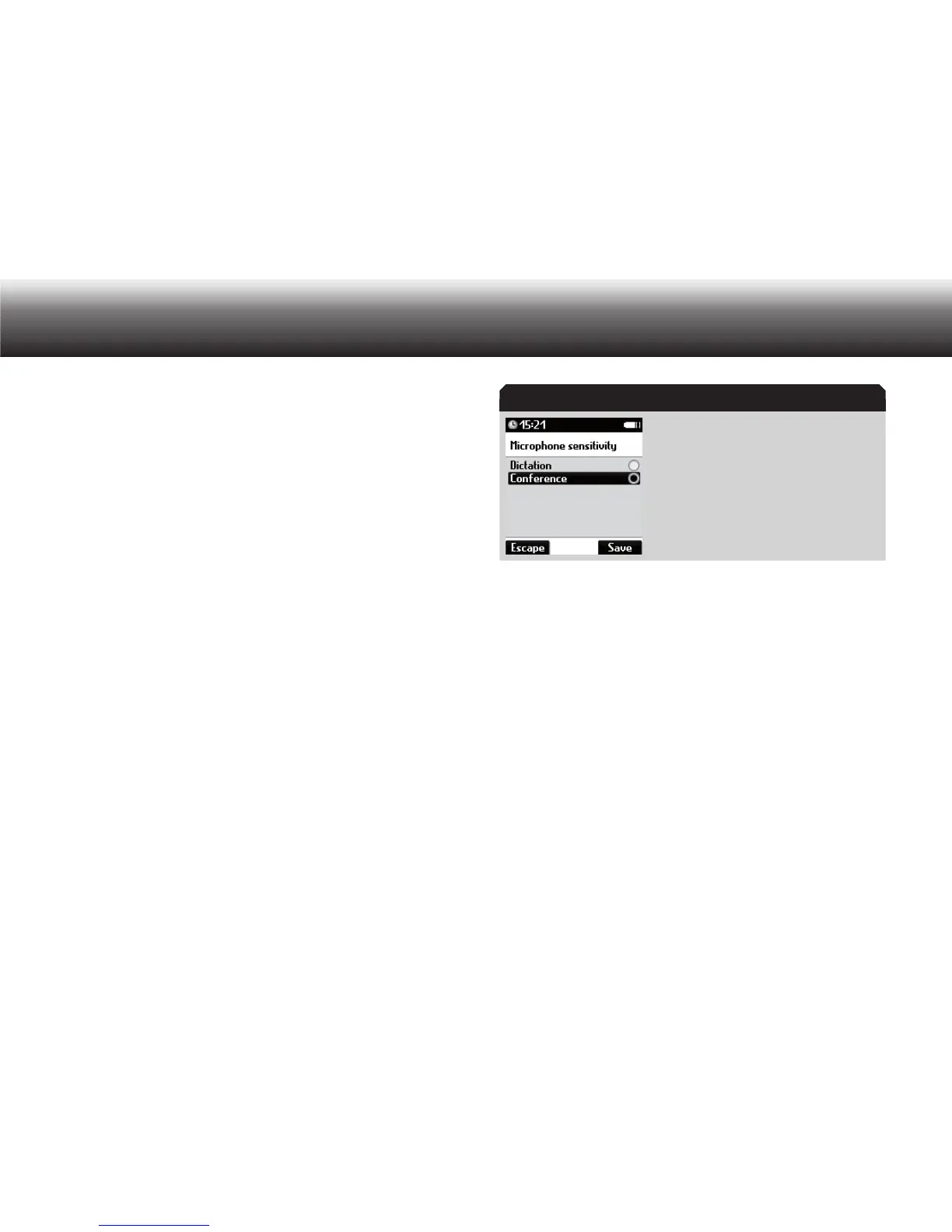
Microphone sensitivity
In the “Microphone sensitivity” menu, you can set the Digta’s record-
ing quality.
Press “ x MENU”.
Use the up/down buttons to navigate to the “ x Recording” menu item
and confirm using “OK”.
Select the “ x Microphone sensitivity” subitem using the up/down
buttons. Confirm your selection using “OK”.
“Microphone sensitivity” menu
Move to the desired option using the up/down buttons. x
Dictation•
Conference•
Activate the selected option by pressing “ x OK”.
The marker bullet moves to the highlighted bar.
Confirm the change using “ x Save”.
If you do not wish to save the change, press the “ x Escape” button.
Voice activation
In the “Voice activation” menu, you can switch the Digta’s voice acti-
vation function on and off. If the “Voice activation” function is switched
on, recording is paused during breaks in speech if the surrounding envi-
ronment is quiet. The recording automatically resumes when you begin
speaking again.
Microphone sensitivity



 To Next Page