23
Operating
4. Operating
Recording of new 4.1 dictation
Please press the button “ x NEW”.
The dictation machine switches over to the recording pause »ll«, the
LED-indicator blinks red.
Start the recording by clicking the » x
g« button. Dictate your new text.
The recording indicator lights red in the Overwrite recording mode
and shines orange in the Insert recording mode. The progress bar
increases as well as the dictation length.
Pause the recording by clicking the » x
g« button once again.
The dictation machine switches over to the recording pause »ll«, the
LED-indicator blinks red resp. orange.
Continue the recording by clicking the x »
g« button again. Go on dic-
tating your text.
End the recording by clicking the x »
e/f« button.
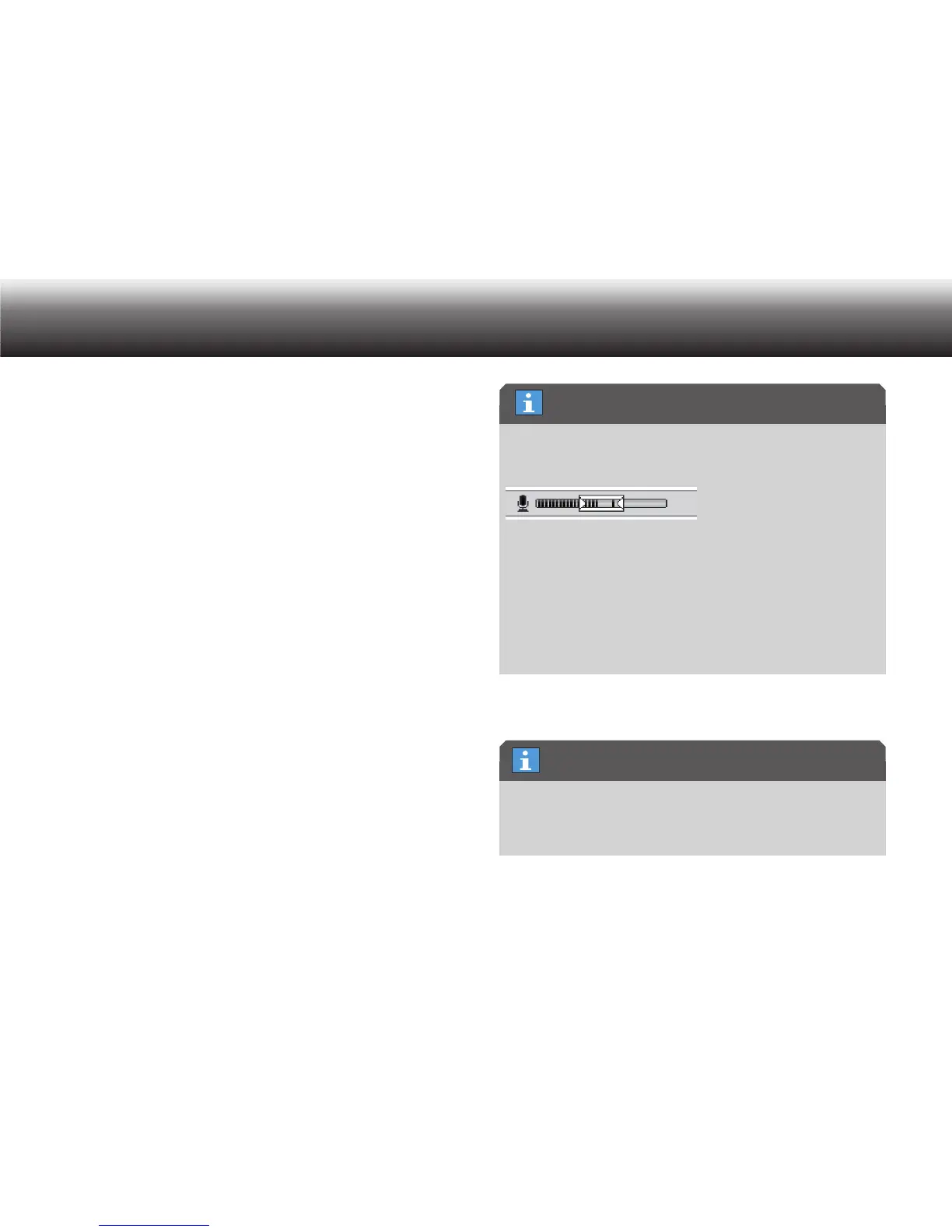
Record several test dictations and pay attention to the volume indica-
tor. The volume bars should remain inside the window marked on the
display.
During play-back, ensure that the dictation has been recorded at an
easily understandable volume. The dictation should be able to be
heard clearly and without distortion at the middle volume setting.
If your test dictation is too loud or too quiet, adjust the dictation
machine’s microphone sensitivity to your voice.
Details on this adjustment can be found in the section “Menu func-
tions/Recording/Microphone sensitivity”.
4.2 Play-back dictation
If you do not select a new dictation after switching the dictation
machine on, the last dictation that was being worked on will be
played back from the point it was at before the device was switched
off.
Dictation volume
Select dictation after switching on the device



 To Next Page