51
Menu functions
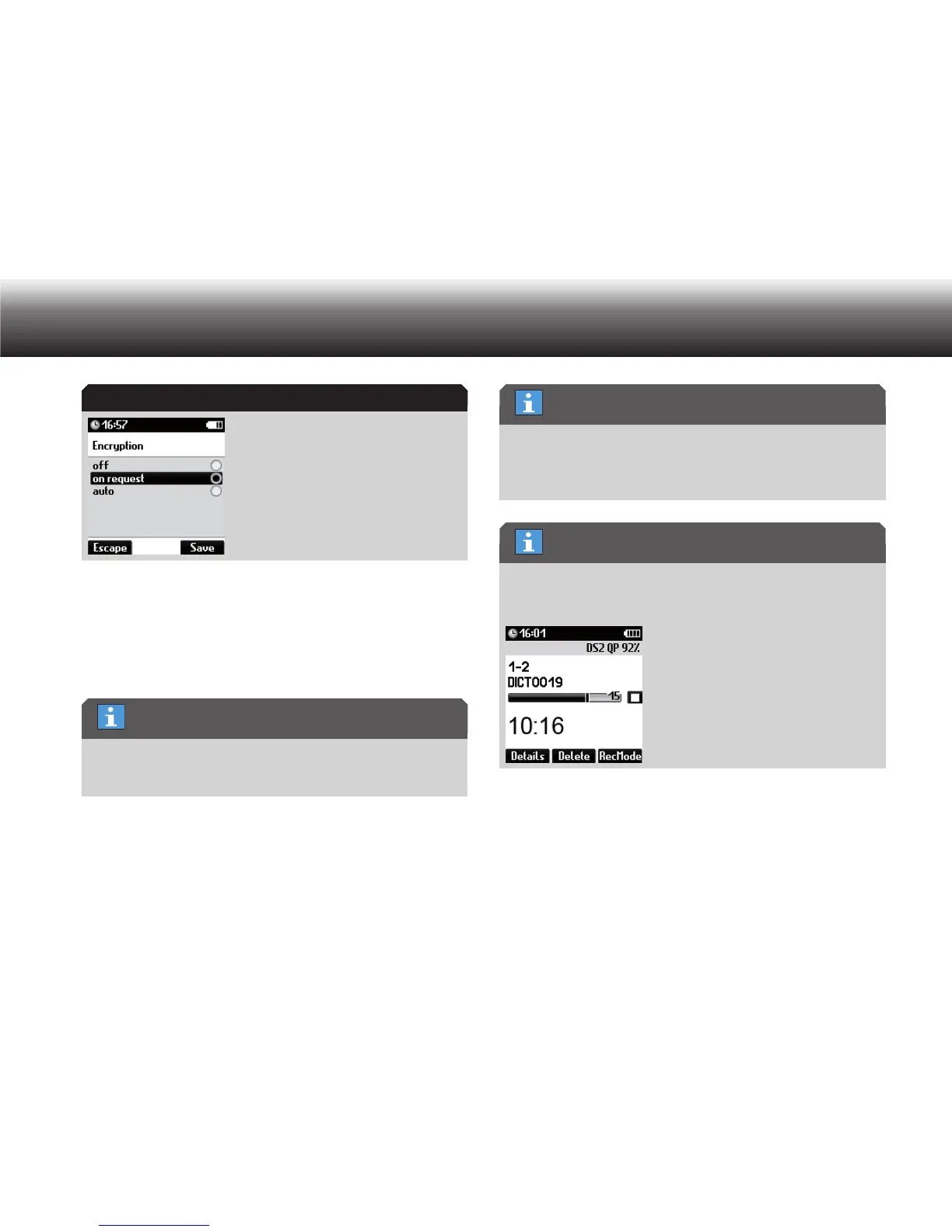
Select one of the following settings using the up/down buttons: x
»off«: encryption is not offered•
»on request«: Encryption will be offered for each new dictation•
»auto«: Each new dictation will be automatically encrypted•
Confirm your selection using “ x OK”.
You can switch between recording formats by selecting the sampling
frequency in a different format; i.e. if you select the sampling fre-
quency for a certain recording format, this format is then active.
Confirm the change using “ x Save”.
If you do not wish to save the change, press the “ x Escape” button.
If WAV* and MP3* are not licensed for your device, this items do not
appear in the menu. In this case, in the “Recording” menu you are
immediately directed to the “DSS/DSS Pro” menu with the corre-
sponding subitems.
The recording format that is currently set for new dictations is shown
in the extended status line. Activate the extended status line in the
menu “Display/Screen”.
Automatic follow-up dictation
Long recordings, e.g. conferences, can be automatically recorded in
several follow-up dictations.
Encryption
Selecting the recording format
“WAV” and “MP3” menus
Current setting



 To Next Page