66
Menu functions
The dictation counter goes up to 9999. You should not reset the Dig-
ta’s counter too often; otherwise conflicts could arise as a result of
dictations having the same name saved on the PC.
Press “ x MENU”.
Use the up/down buttons to navigate to the “ x Device settings” menu
item and confirm using “OK”.
Select the “ x Reset counter” subitem using the up/down buttons.
Confirm your selection using “OK”.
A confirmation prompt appears.
Confirm using “ x OK” to reset the counter permanently.
The next dictation that you record will then have the lowest avail-
able number.
Change PIN
You Digta is equipped with a PIN/PUK function. The PIN can be acti-
vated using the software included with delivery.
Activating the PIN (personal identification number) protects your device
against unauthorized use. Use a number combination that is known only
to you as your pin.
The factory setting of the PIN is 0000.
In the “Change PIN” menu, you can delete the previous PIN and set a
new PIN.
Press “ x MENU”.
Use the up/down buttons to navigate to the “ x Device settings” menu
item and confirm using “OK”.
Select the “ x Change PIN” subitem using the up/down buttons.
Confirm your selection using “OK”.
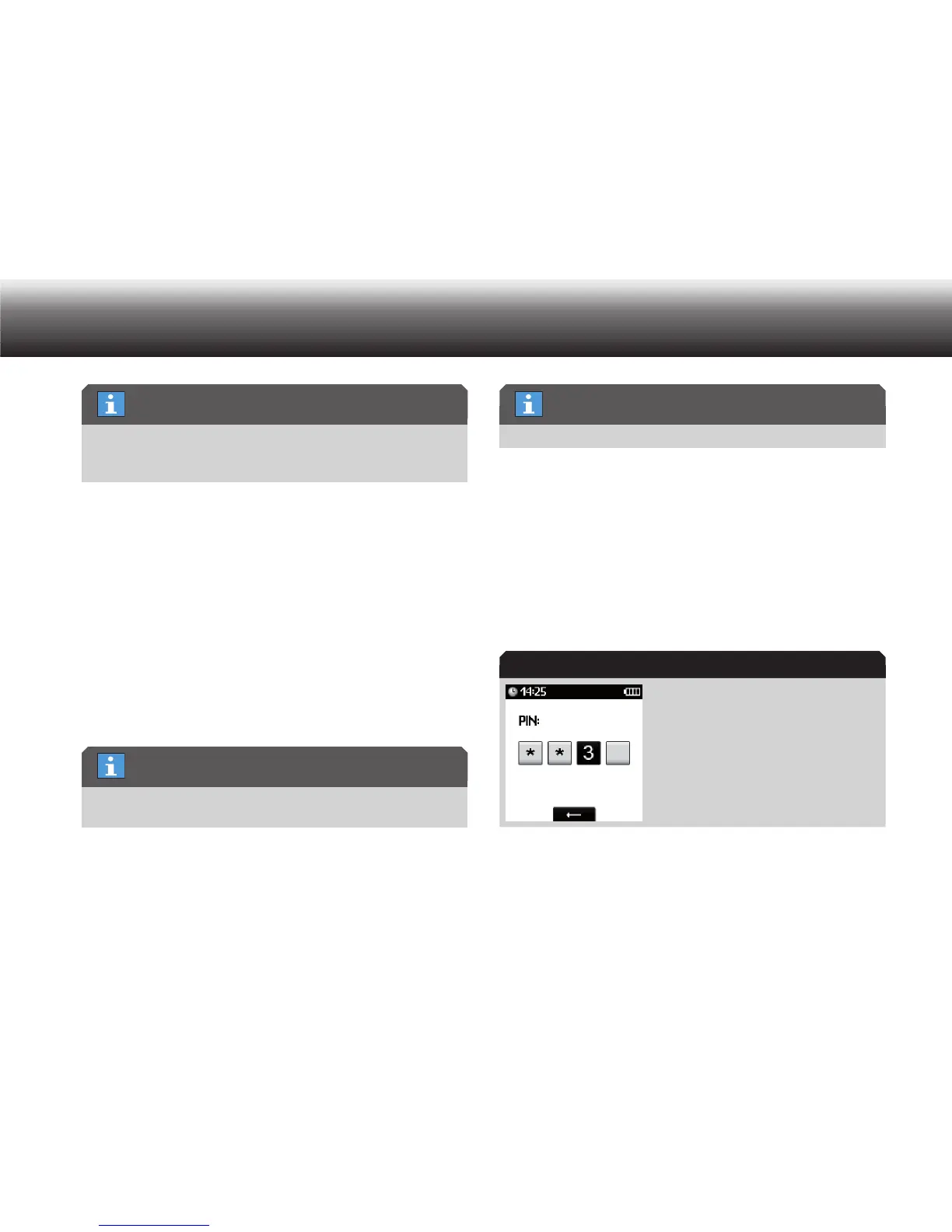
A prompt for the previous PIN appears.
Display during PIN prompt
Enter the previous PIN by selecting the digits using the up/down but- x
tons and confirming each individual digit by pressing “OK”.
Resetting frequency
PIN/PUK function
PIN/PUK function
PIN prompt



 To Next Page