34
Operating
Depending on which function you wish to use, proceed as described x
in the following sections.
Scan in new Dictation ID
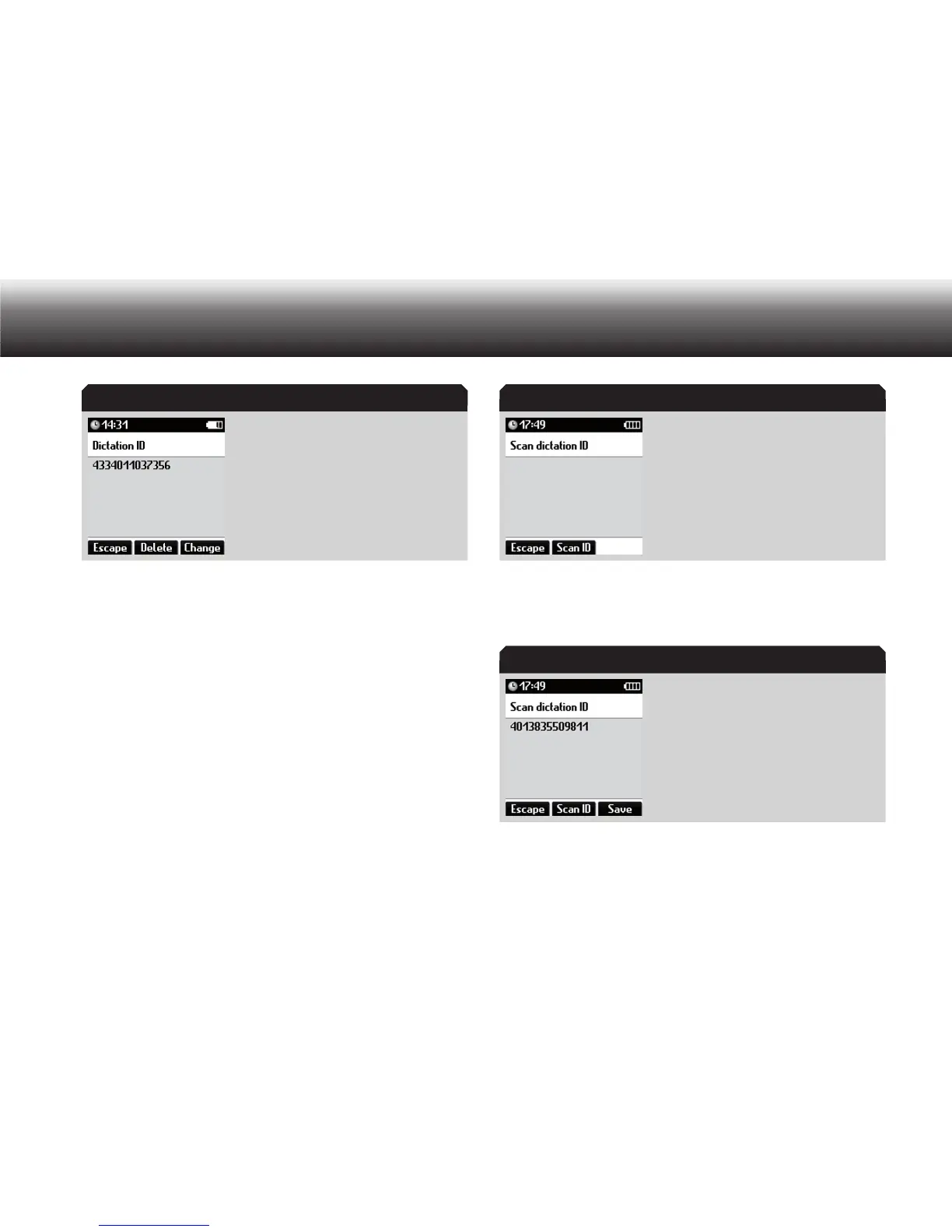
You can scan in a dictation ID using a barcode scanner to assign a data-
set to a dictation, even after the dictation is complete.
Select the “Dictation ID” function from the details menu using the up x
and down buttons. Confirm your selection using “OK”.
Hold the scanner near the barcode and press the “ x Scan ID” button.
The Digta confirms the successful scanning of the ID with an acous-
tic tone. The corresponding dataset is shown on the display.
Press “ x Save” to confirm the dictation ID.
If you wish to scan in another barcode, press the “ x Scan ID” button
again.
Dictation ID Scan dictation ID
Scanned dictation ID



 To Next Page