26
Operating
4.3 Change a dictation
Insertion of a dictation part
Additional dictation parts can be inserted at any position desired.
Press the button x »
e/f«.
The device turns to recording stop.
Select the desired dictation by using the up-down navigation but- x
tons.
Press the button » x
e/f« to listen to the dictation.
Press the button » x
e/f« again at the desired dictation position.
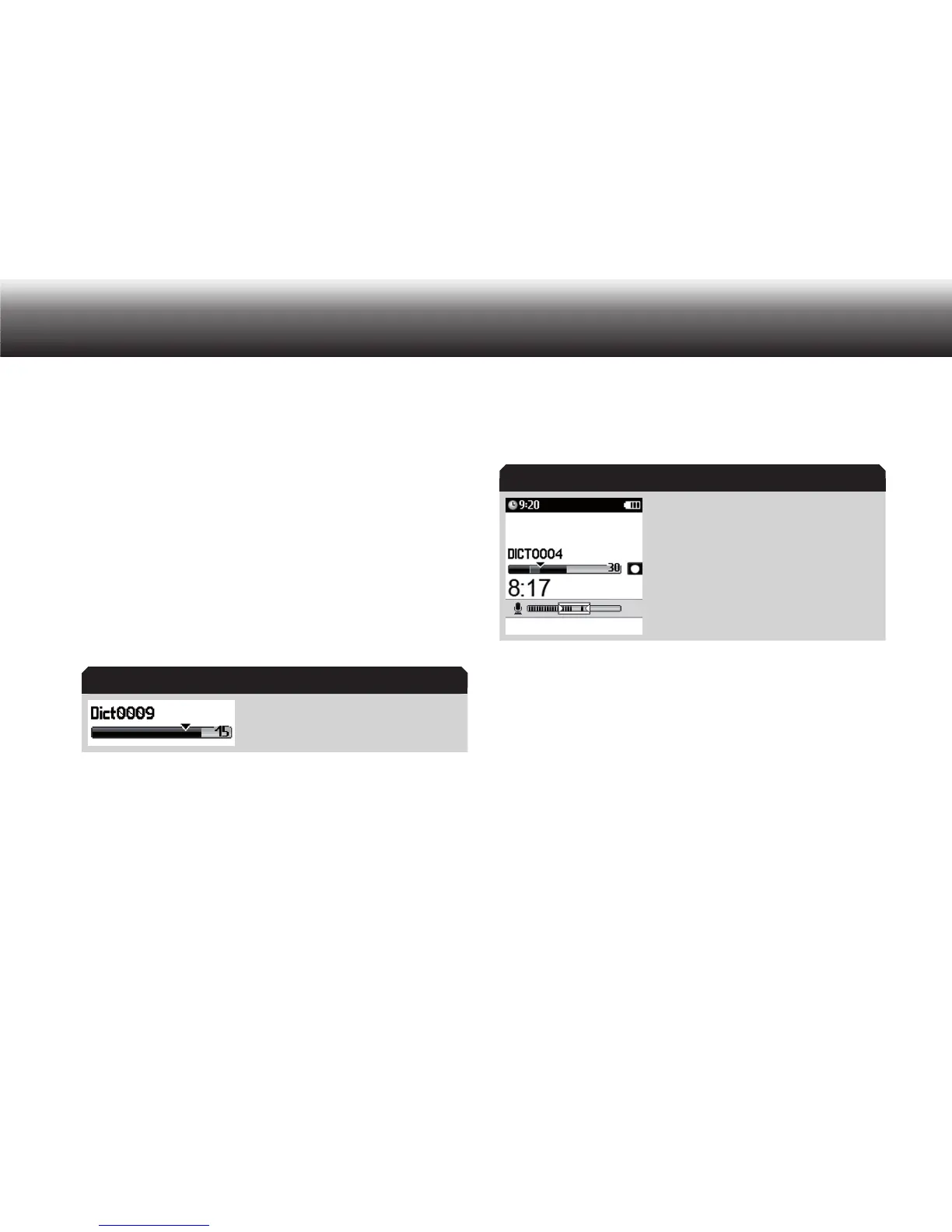
Control if the insertion mode is activated. x
The insertion mode is marked through a tri-
angle in the progress bar.
If another recording mode is activated, please press the button x
“RecMode”.
A list of possible recording modes appears on the display.
Use the up/down buttons to navigate to the “ x Insert” recording mode
and confirm by pressing “OK”.
End your selection with the button “ x Save”.
Start the recording by clicking the » x
g« button. Dictate the text which
shall be inserted.
The recording indicator blinks orange. The progress bar increases as
well as the dictation length.
Recording in the insertion mode
Stop the recording by pressing the x »e/f« button.
Overwrite dictation parts
You can overwrite a dictation from any dictation position on.
Press the button x »
e/f«.
The device turns to recording stop.
Select the desired dictation by using the up-down navigation but- x
tons.
Press the button » x
e/f« again to listen to the dictation.
Press the button » x
e/f« again at the desired dictation position.
Insertion mode
Insertion mode



 To Next Page