24
Operating
Select dictation
Please press the button x »e/f« first if a recording or play-back is
running.
The device turns to recording stop.
Select the desired dictation by using the up-down navigation but- x
tons.
Listen to dictation
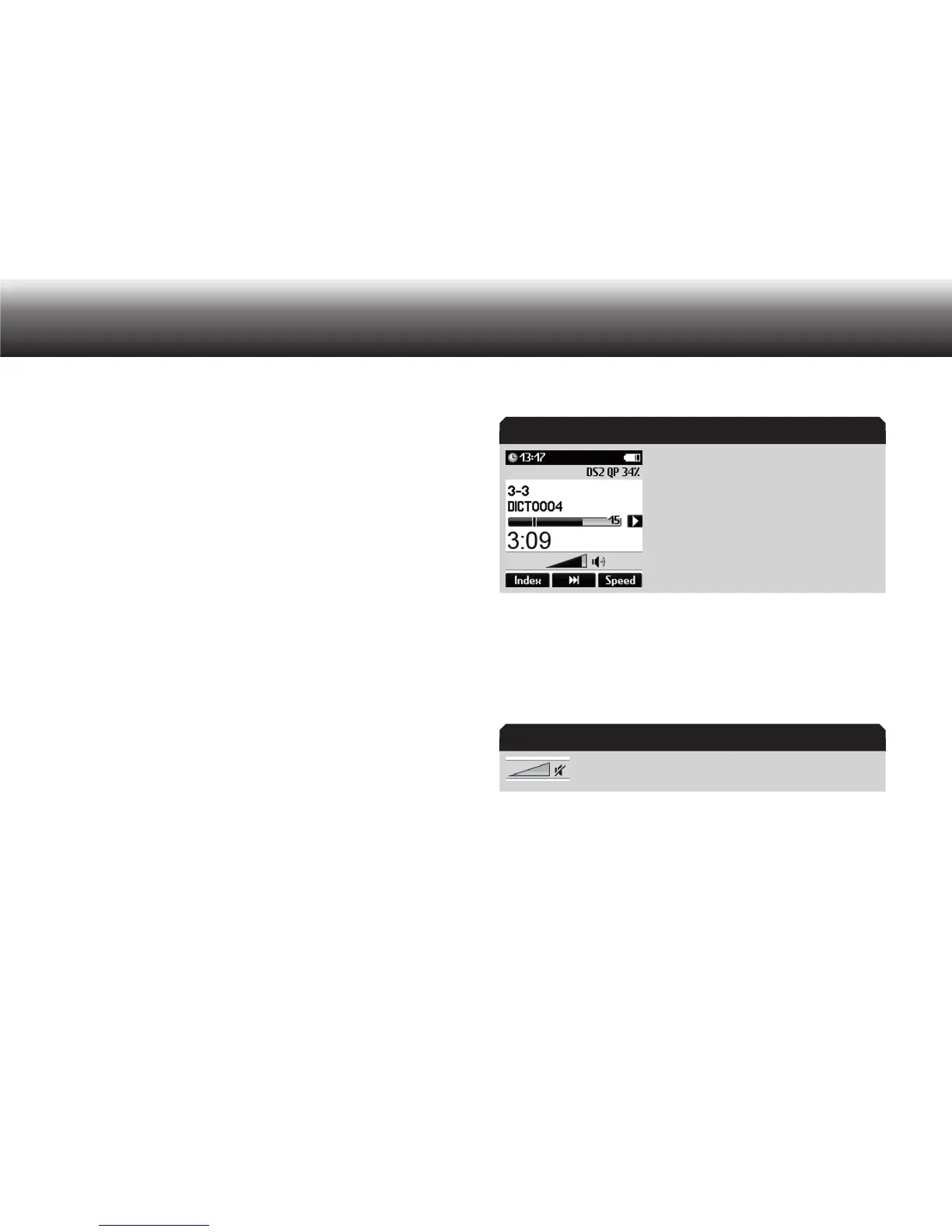
Press the button » x e/f« again to listen to the dictation.
The progress bar on the display increases. The minutes and seconds
of the current dictation position shown on the display increase.
If play-back via OK is activated, you can start and pause the play- x
back process by pressing the “OK” button.
End the play-back by clicking the button » x
e/f« or “OK”.
Continue the play-back by clicking the button x »
e/f«.
Setting the volume
Volume control display
Press the up-down buttons during play-back. x
The volume indicator appears on the display.
Set the play-back volume as desired x by means of the up-down but-
tons.
The play-back volume can be turned up/down or soundless.
Speaker icon is struck through when the speaker is
muted
Volume control
Speaker off



 To Next Page