58 Connection
HBM QuantumX
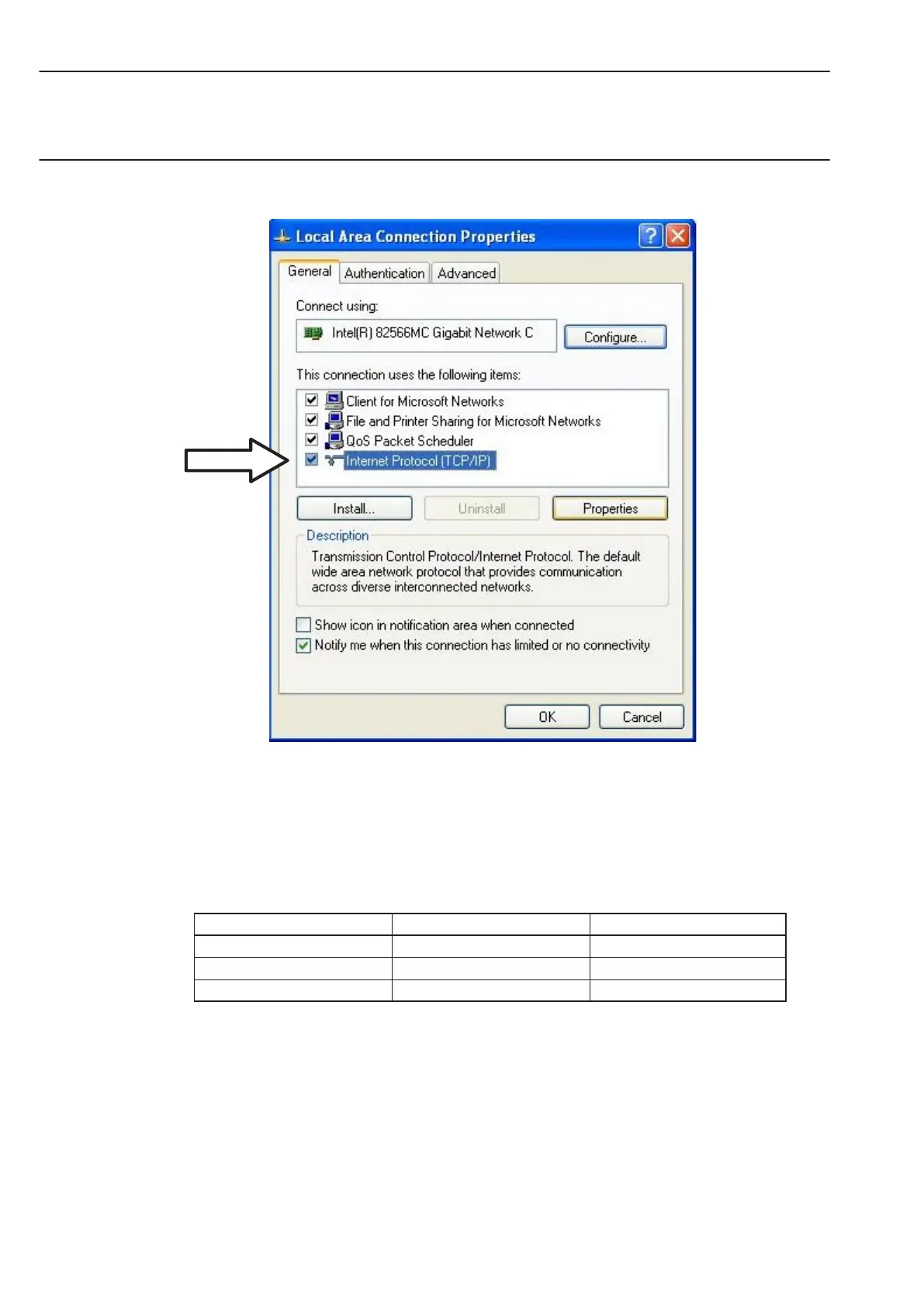
• In the tab ”Alternate Configuration”, select the option ”User-defined” and enter your data
in the ”IP address line” and ”subnet mask”.
Example: Manual IP setting − PC side
Settings IP address Subnet mask
Module before 169.1.1.22 255.255.255.0
PC / Notebook 172.21.108.51 255.255.248.0
PC / Notebook after 169.1.1.1 255.255.255.0



 To Next Page