70 Connection
HBM QuantumX
5.2.13 Firmware update via Ethernet
We recommend updating the module firmware
• When you want to use new HBM software
• When you want to use a new module with a different firmware version
Your PC software must also be updated
• When you want to update the firmware of your module to improve its performance
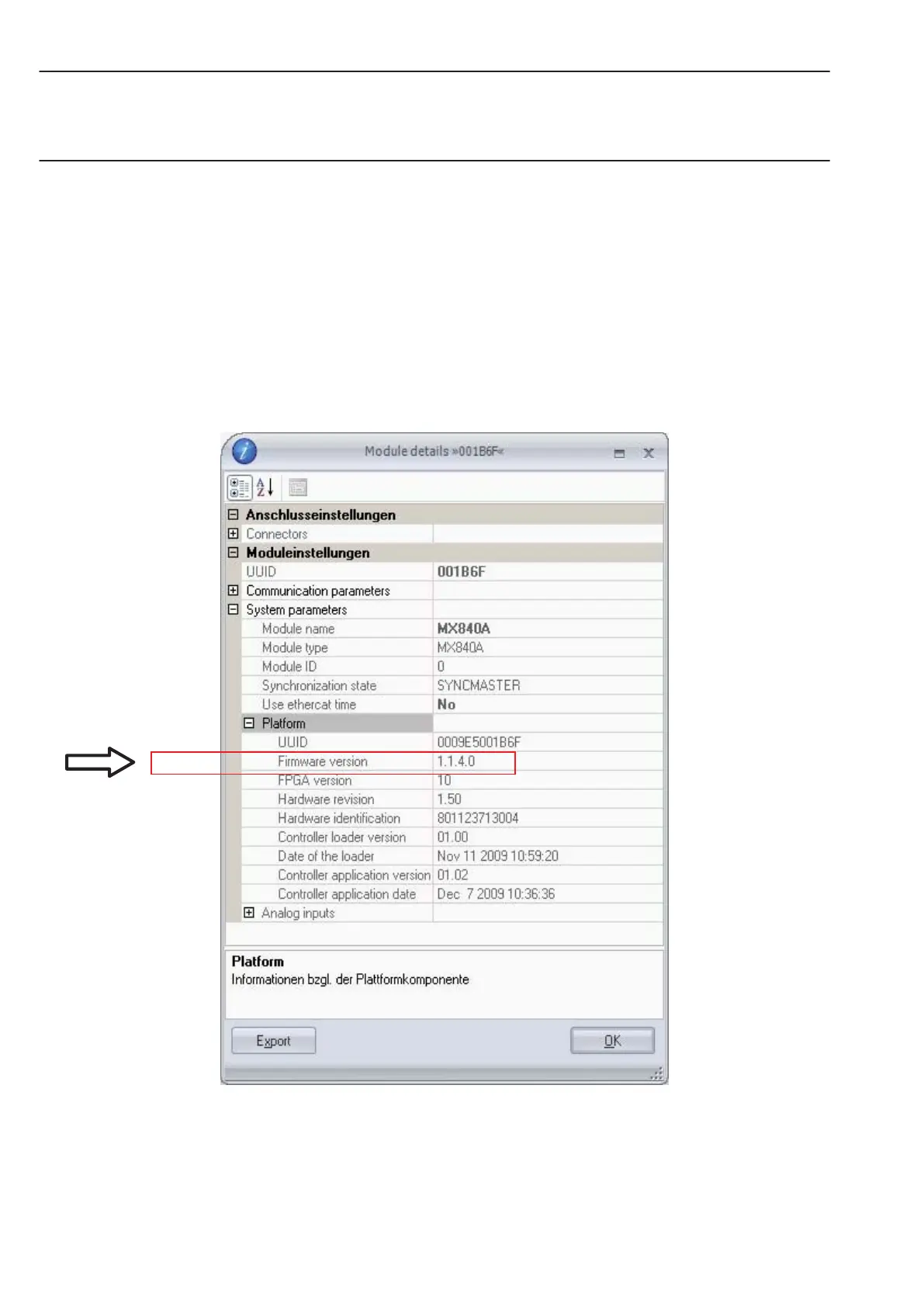
Use QuantumX Assistant as follows to determine which firmware version your module is
working with:
• Right-click on Module −> Details −> System parameters
• Compare your version with the latest firmware version on the Internet under:
www.hbm.com\quantumX



 To Next Page