Referring to the table, in general, each part of the address must match between the two devices if
marked as “network” and can vary within the range shown if marked as “host”
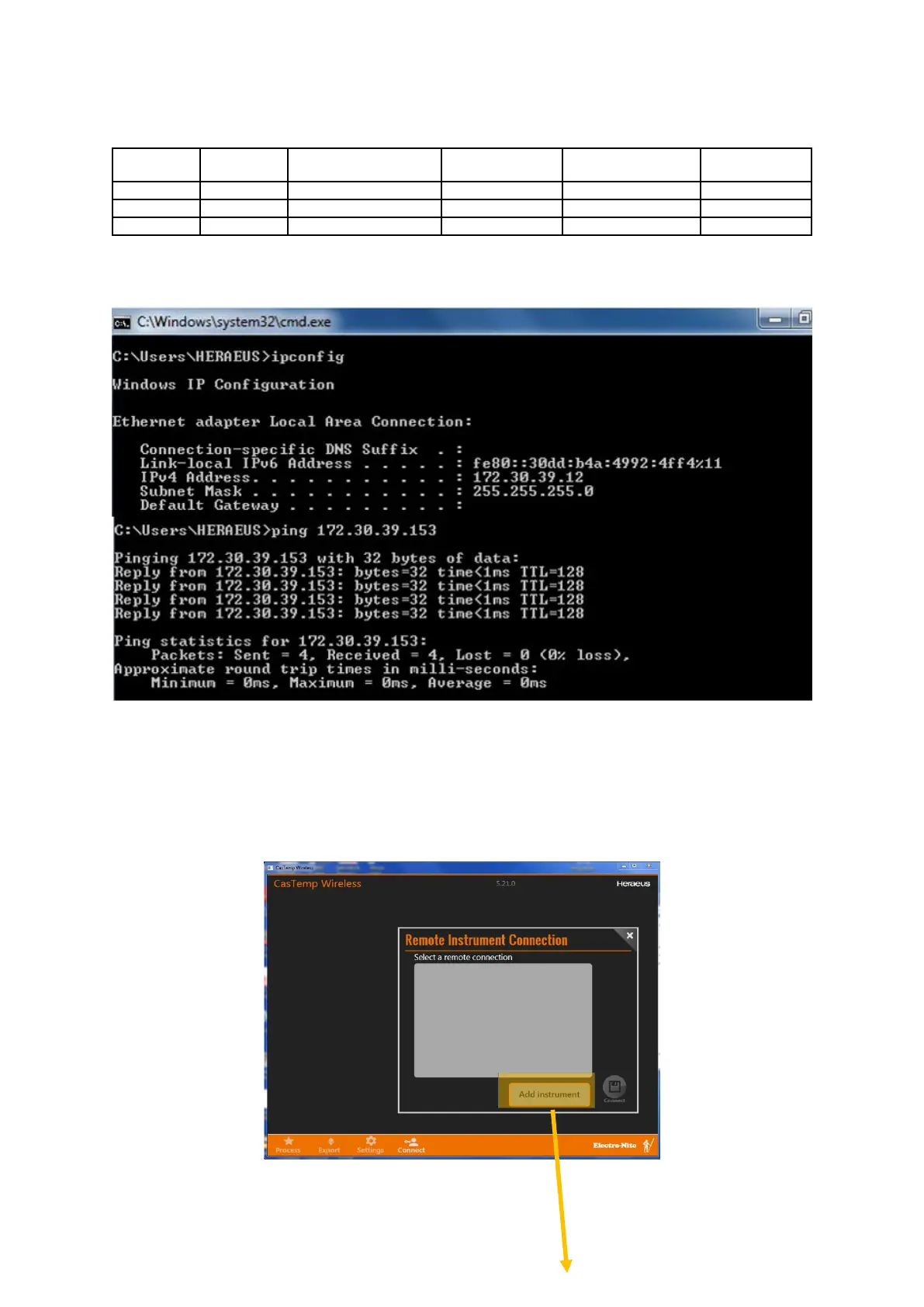
To confirm connection, type “cmd” in the run box of the pc to open a DOS screen, or open the
operating system of the instrument (7.2). IPCONFIG will confirm the local ip address and PING will
confirm a successful connection.
The example shows a successful “PING” result between a PC set to 172.30.39.12 and CTW
instrument set to 172.30.39.153.
Note that there may be other network constraints which restrict the range of IP addresses that can be
set. Refer to the local administrator as required.
Connection
Ensure that the instrument and Remote client software versions are the same (eg 6.5.0)
Follow the menus as shown to achieve connection







 To Next Page