Basic work
28
4990851_002_00 – 2082262 – 2022-01-10
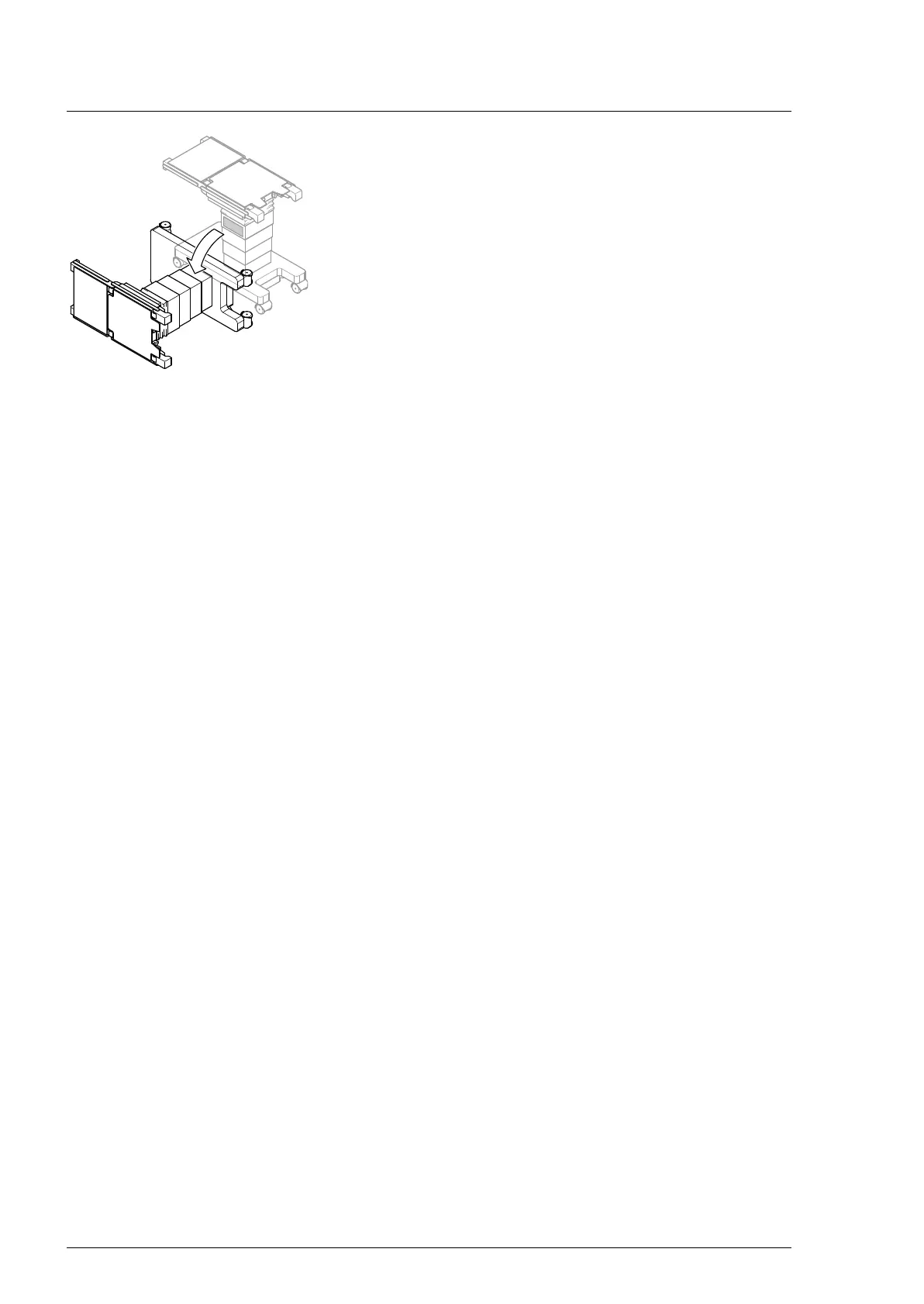
9. CAUTION! High weight of the operating table. Correct the
wheel position as required and tilt the operating table with
the help of a second person. Align the wheels in parallel to the
long side of the operating table, so that the operating table
does not roll away while it is being tilted.
The side with the column keypad should face downwards.
6.8 Restore the operating table to the upright position
1. Keep the floor in front of the operating table clear, and clean
it if necessary.
2. CAUTION! High weight of the operating table. Move the
operating table into the upright position with the help of a
second person.
3. Switch on the operating table using the switch at the running
gear.
4. Activate the parking brake of the operating table.
5. Switch off the operating table using the switch at the running
gear.
6. Mount the running gear metal cover on the running gear
(Chapter 11.2).
7. Guide the column cover downwards and close on the running
gear (Chapter 6.4).
8. Remove the tail wheels, if present.












 To Next Page