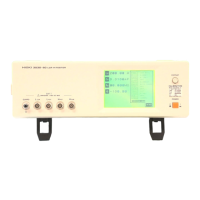
11.1 Remote Control and Monitoring Using an RS-232C Interface
160
Procedure
11.1 Remote Control and Monitoring Using
an RS-232C Interface
Modem
Modem
The instrument can be connected by RS-232C cable to a modem for
remote control and monitoring from a PC at another location using
public circuit or cellular phone.
1
3196
RS-232C
Straight
cable
Public circuit
RS-232C
Straight
cable
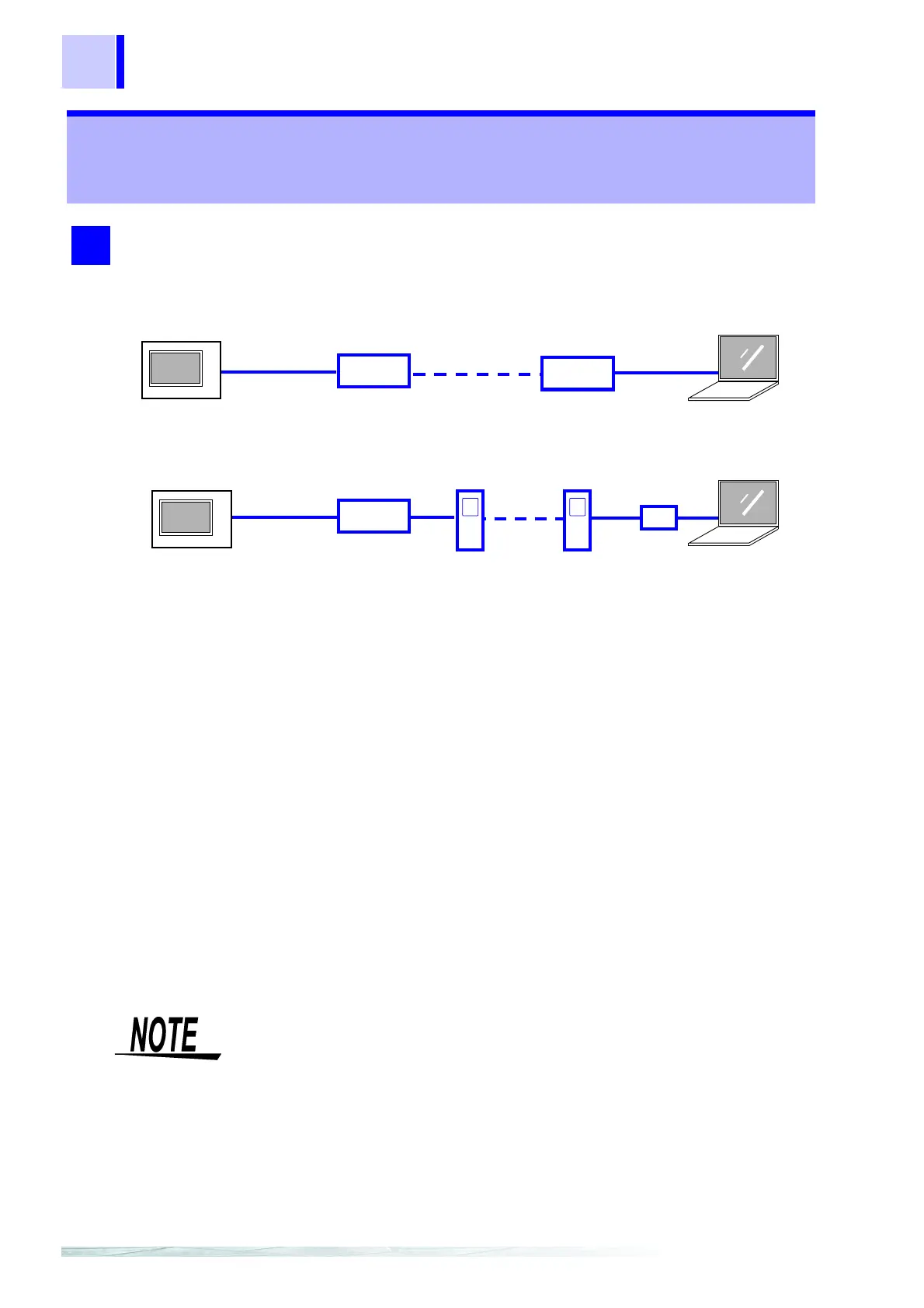
When the modem is directly connected to a public circuit:
example)
Modem
PC card
Cellular phone
(example)
3196
When the modem is connected to a cellular phone:
Connection Cable
RS-232C
Straight
cable
• The settings of the modem connected to this device are made automati-
cally by the 3196. After reading the user's guide of the PC and modem,
set the modem connected to the PC.
• Make the same connection and settings even when using the HTTP
server function or Down96 download application software.
Connect the instrument to the modem using an RS-232C cable (straig
cable).
Connecting method: Refer to the Quick Start Manual.
❖ 11.1.1 "Connecting a Modem" (page 161)
2. Make connection point settings on the 3196
❖ 11.1.2 "Setting the 3196" (page 162)
3. Make 3196 settings using the PC
❖ 11.1.3 "Setting the PC" (page 163)



 To Next Page