105
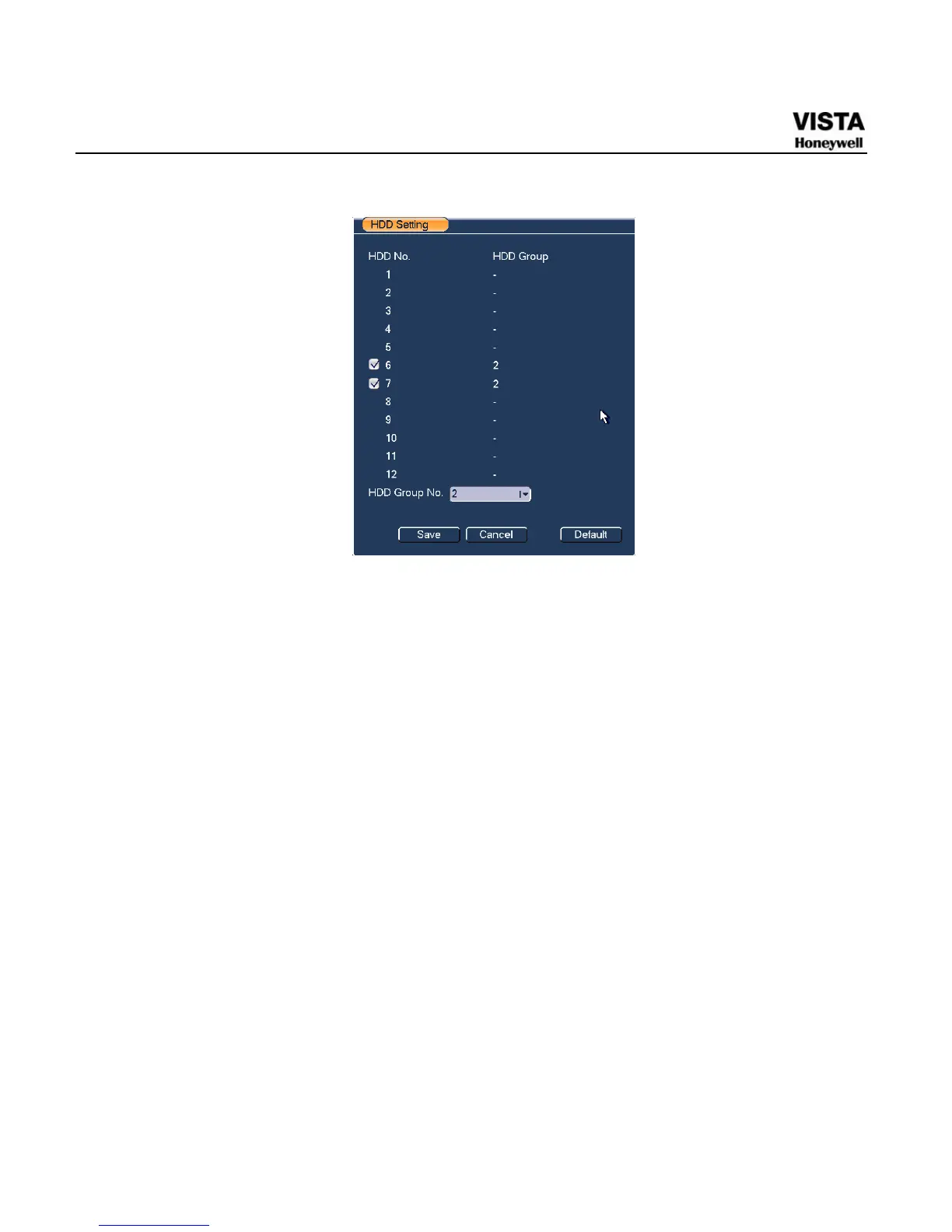
Figure 5-33 Same HDD Group Setting Menu
Channels Setting
Click the button named with “Channels Settings” at the top right corner
of the
779HFigure 5-30, system will pop up an interface shown as in 780HFigure
5-34
.
When you are setting the configurations of the channels setting, please
select relevant channels first (such as channel 1 to 16), and then select
the HDD Group NO. Please click the Save button to save current setup.
The
781HFigure 5-34 and 782HFigure 5-35 show that channels 1 to 16 are
associated to HDD Group NO 1, and channels 17 to 32 are associated
to HDD Group NO 2. Therefore the records of channels 1 to 16 are
stored into the hard disk(s) which belong to HDD Group NO 1, and the
records of channels 17 to 32 are stored into the hard disk(s) which
belong to HDD Group NO 2.
Important
Once you change the HDD Group settings, system will pack the records
and snapshots, and then reboot.


 To Next Page
 Loading...





