106
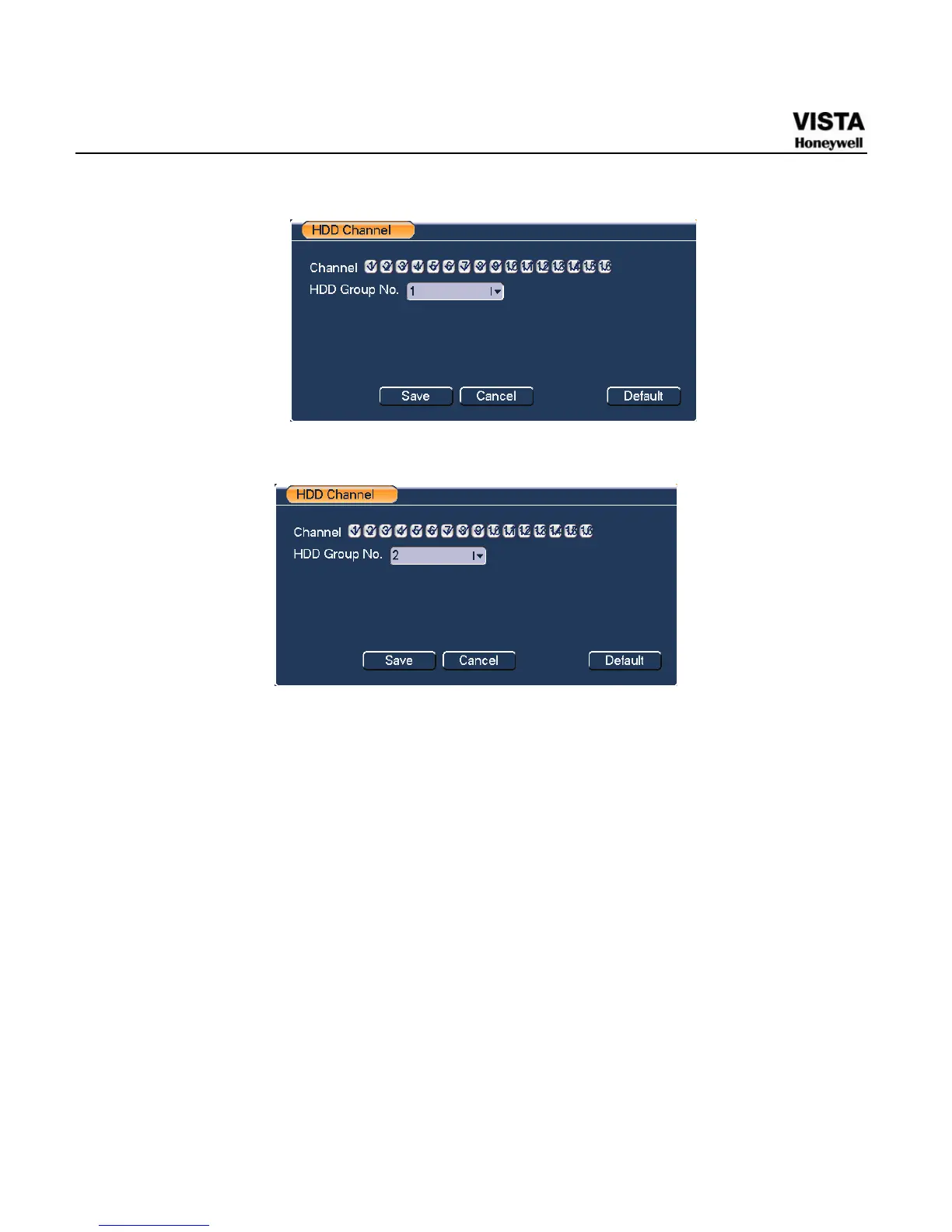
Figure 5-34 HDD Group 1 Channel Setting
Figure 5-35 HDD Group 2 Channel Setting
Abnormity
Abnormity interface is shown as in 783HFigure 5-36.
z Event type: There are several options for you such as disk error, no disk,
disconnection, IP conflict and etc.
z Alarm output: Please select alarm activation output port (multiple
choices).
z Latch: Here you can set corresponding delaying time. The value ranges
from 10s-300s. System automatically delays specified seconds in
turning off alarm and activated output after external alarm cancelled.
z Show message: system can pop up the message in the local screen to
alert you when alarm occurs.


 To Next Page
 Loading...





