151
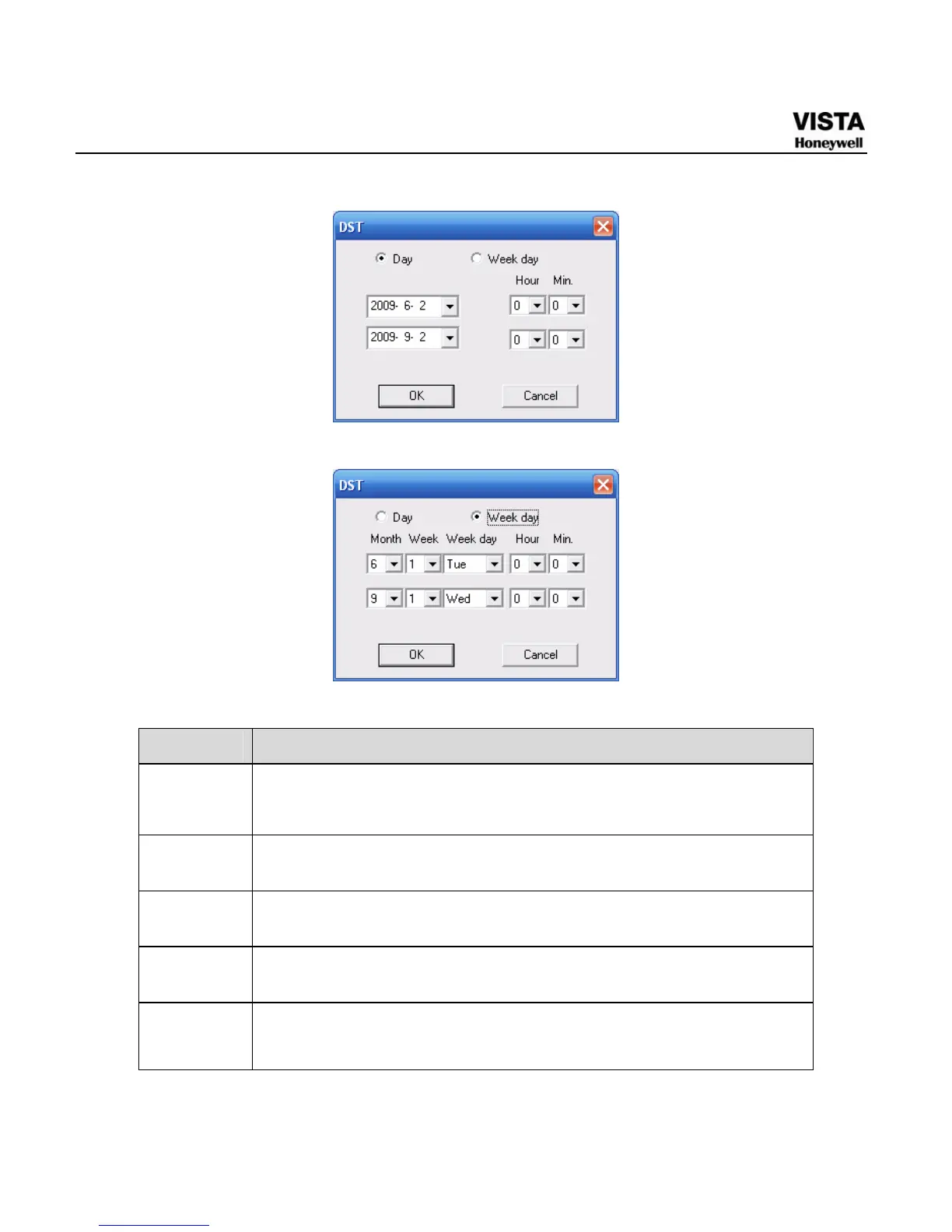
Figure 7- 23 DST Setup Menu (Date)
Figure 7- 24 DST Setup Menu (Week)
Please refer to the following sheet for detailed information.
Parameter Function
System
Time
Here is for you to modify system time. Please click Save button
after your completed modification
Sync PC You can click this button to save the system time as your PC current
time.
Data
Format
Here you can select data format from the dropdown list.
Data
Separator
Please select separator such as – or /.
Time
Format
There are two options: 24-H and 12-H.


 To Next Page
 Loading...





