193
Type Parameter Function
Path Here you can specify alarm sound file.
About
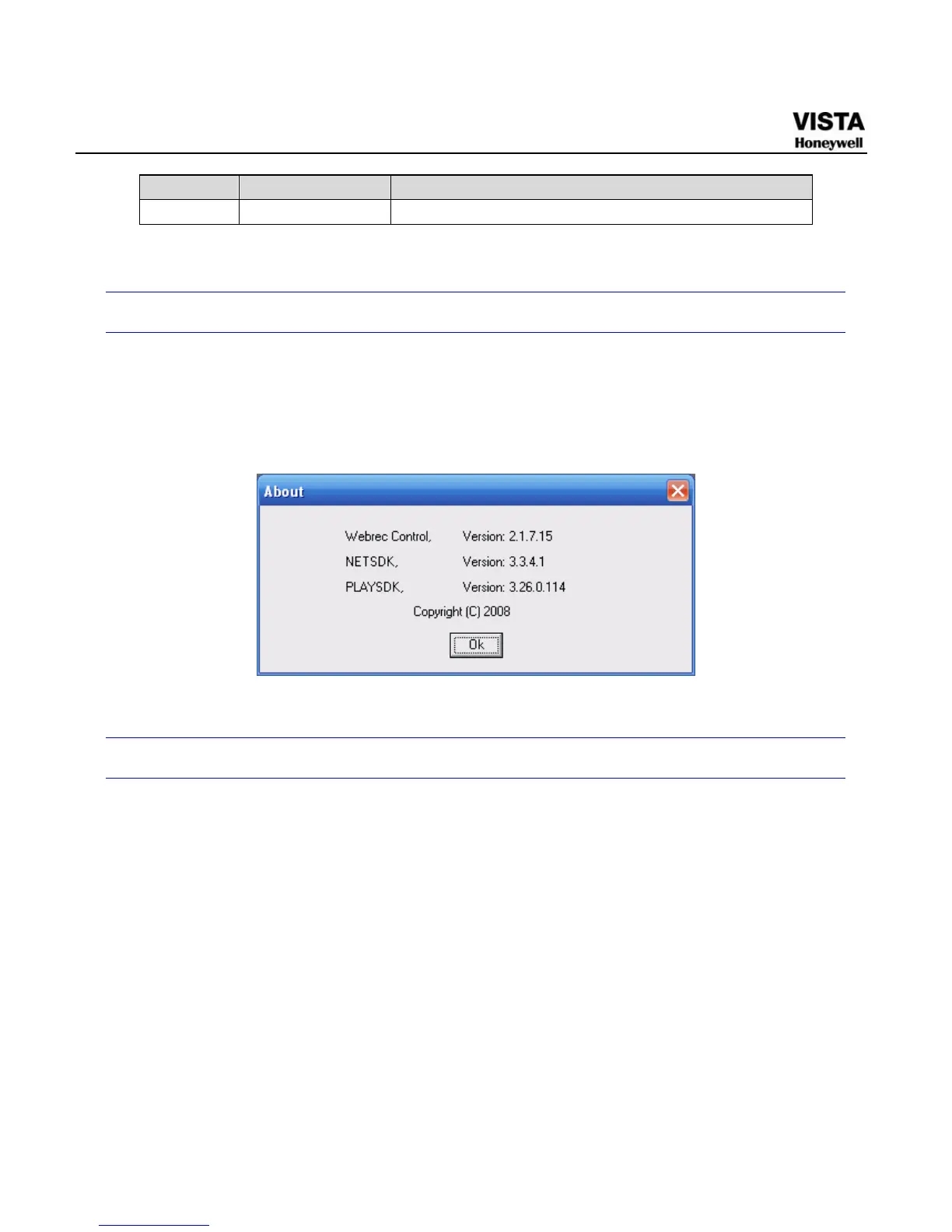
Click about button, you can view current web client information. See
Figure 7-63.
Figure 7- 62 Web Client Information
Log out
Click log out button, system goes back to log in interface. See Figure 7-
64.
You need to input user name and password to login again.


 To Next Page
 Loading...





