129
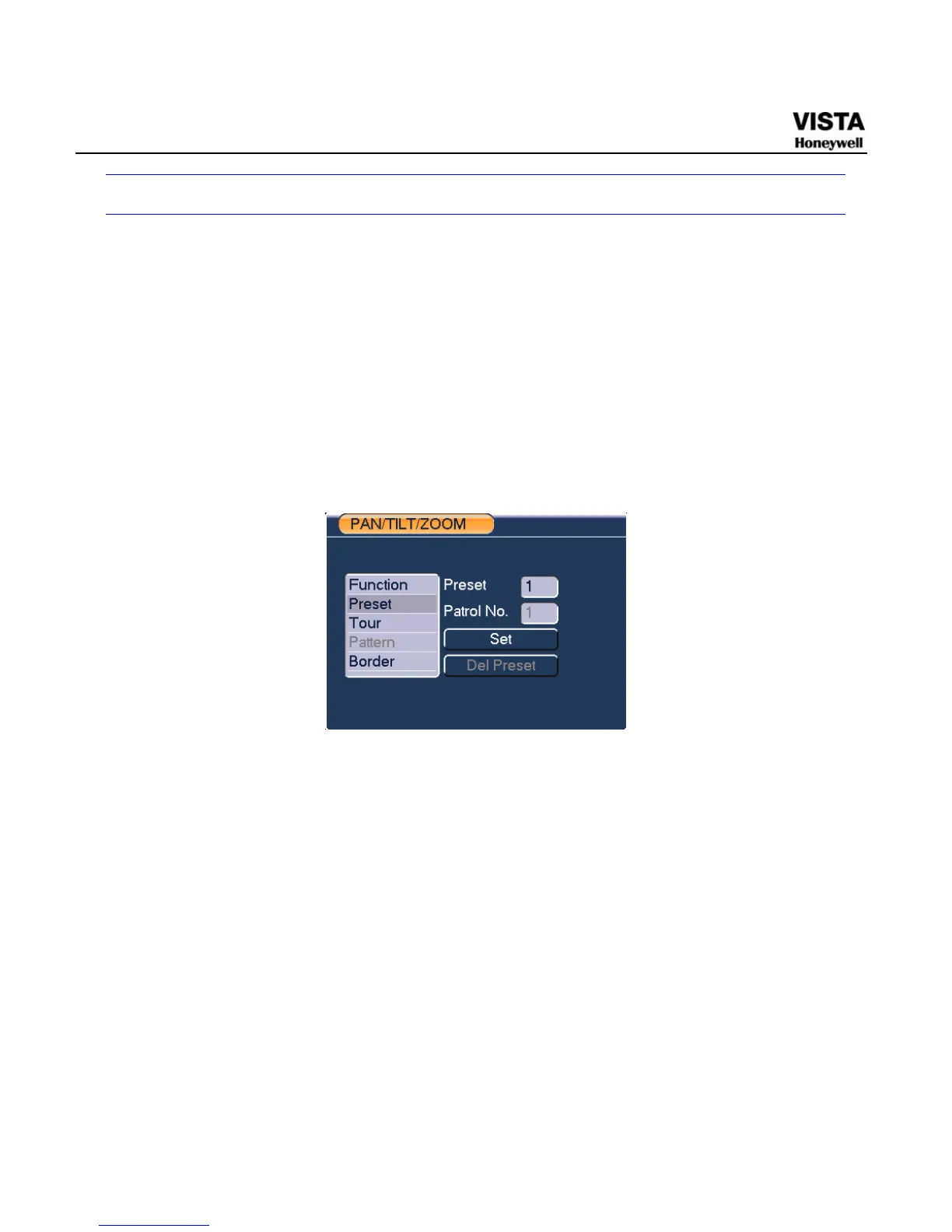
Preset /Patrol / Pattern /Border Function
In X402H402H402HFigure 6-2X click the set button. The interface is shown as below:
Here you can set the following items:
z Preset
z Patrol
z Pattern
z Border
Figure 6- 4 PTZ Setup Menu
In X403H403H403HFigure 6-2X, click page switch button, you can see an interface as in
X404H404H404HFigure 6-6X.
Here you can activate the following functions:
z Preset
z Tour(Patrol)
z Pattern
z Auto scan
z Auto pan
z Flip


 To Next Page
 Loading...





