Parameter Description
RS485 monitoring grouping ● In non-grouping scenarios, set RS485
monitoring grouping to Enable for each unit.
● In grouping scenarios, set RS485 monitoring
grouping to Enable for the unit with the
COM/FE port connected, and Disable for
other units.
----End
6.5.4.3 Setting Communications Parameters (Modbus-TCP Protocol)
Context
This section applies to the scenario where the unit is connected to the NMS.
Procedure
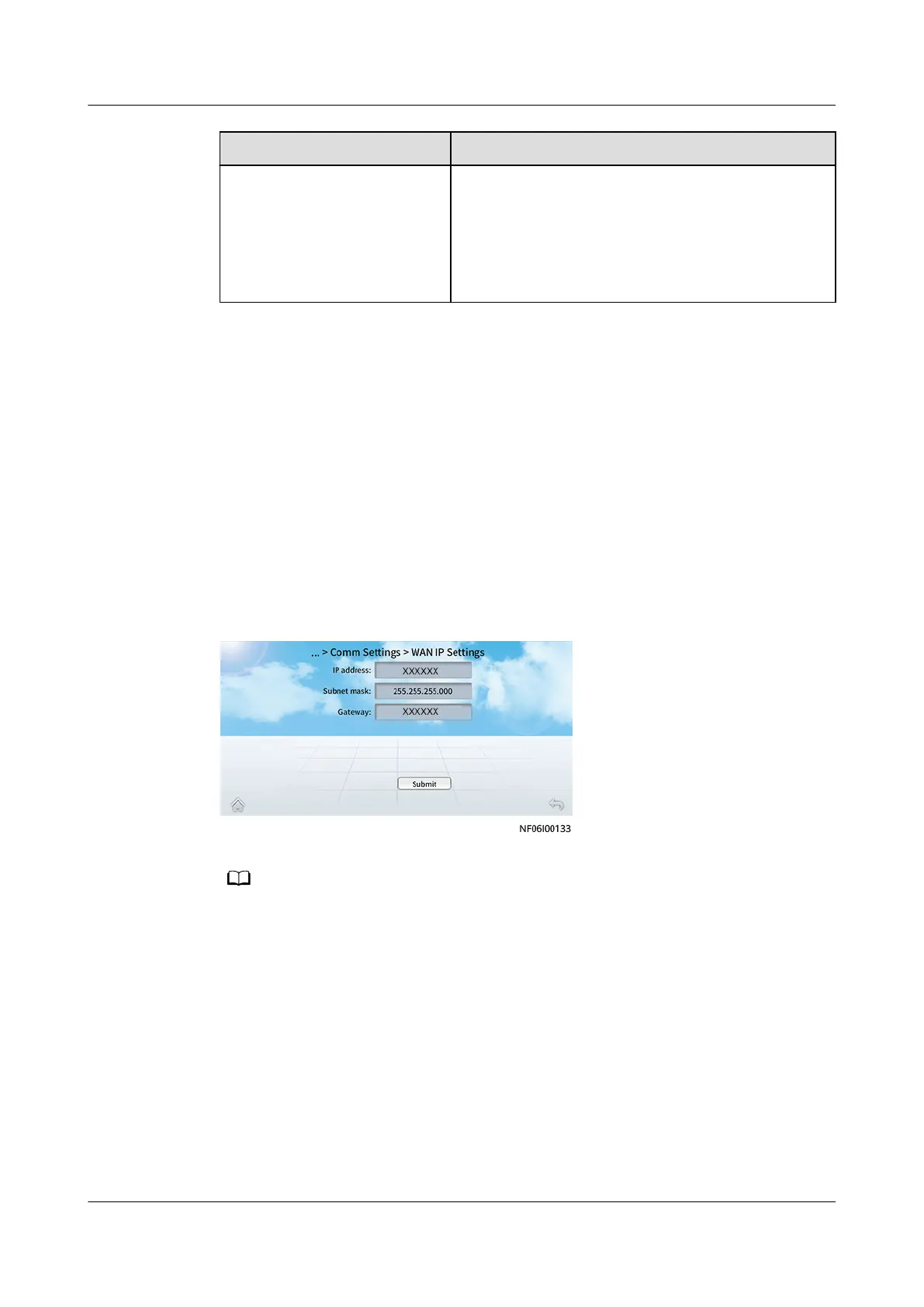
Step 1 On the home screen, choose Settings > Comm Settings > WAN IP Settings, and
set the IP address, subnet mask, and gateway based on the actual plan.
Figure 6-24 WAN IP Settings
The WAN IP address cannot be in the 192.168.245.X, 192.168.246.X, or 192.168.248.X
network segment.
Step 2 On the home screen, choose Settings > Comm Settings > Modbus Settings.
NetCol8000-A(045, 055, 060, 090, 120) In-room Air
Cooled Smart Cooling Product
User Manual 6 Power-On Commissioning
Issue 05 (2020-10-10) Copyright © Huawei Technologies Co., Ltd. 190







 To Next Page