12.3.5 How Do I View System Parameters?
Procedure
● On the home screen, choose Common Function > Summary. The Summary
screen is displayed.
● On the home screen, choose Running > System Overview. The System
Overview screen is displayed.
----End
12.3.6 How Do I View Version Information?
Procedure
Step 1 On the home screen, tap About.
Step 2 On the About screen, tap Version Info or E-label.
● The Version Info screen displays detailed version information about the control board,
T/H sensor, compressor, and the SPD and voltage detection board. The E-label screen
displays detailed information about the system, control board, T/H sensor, compressor,
SPD and voltage detection board, and outdoor fan.
● When the cold and hot aisles T/H boards are enabled, the information about the
corresponding cold and hot aisles is displayed on the T/H Board under About > Version
Info or T/H Board under About > E-label.
● When the cold and hot aisles T/H boards are disabled, the information about the
corresponding cold and hot aisles is not displayed on the T/H Board under About >
Version Info or T/H Board under About > E-label.
----End
12.3.7 How Do I View the Service Information?
Procedure
Step 1 On the home screen, tap About.
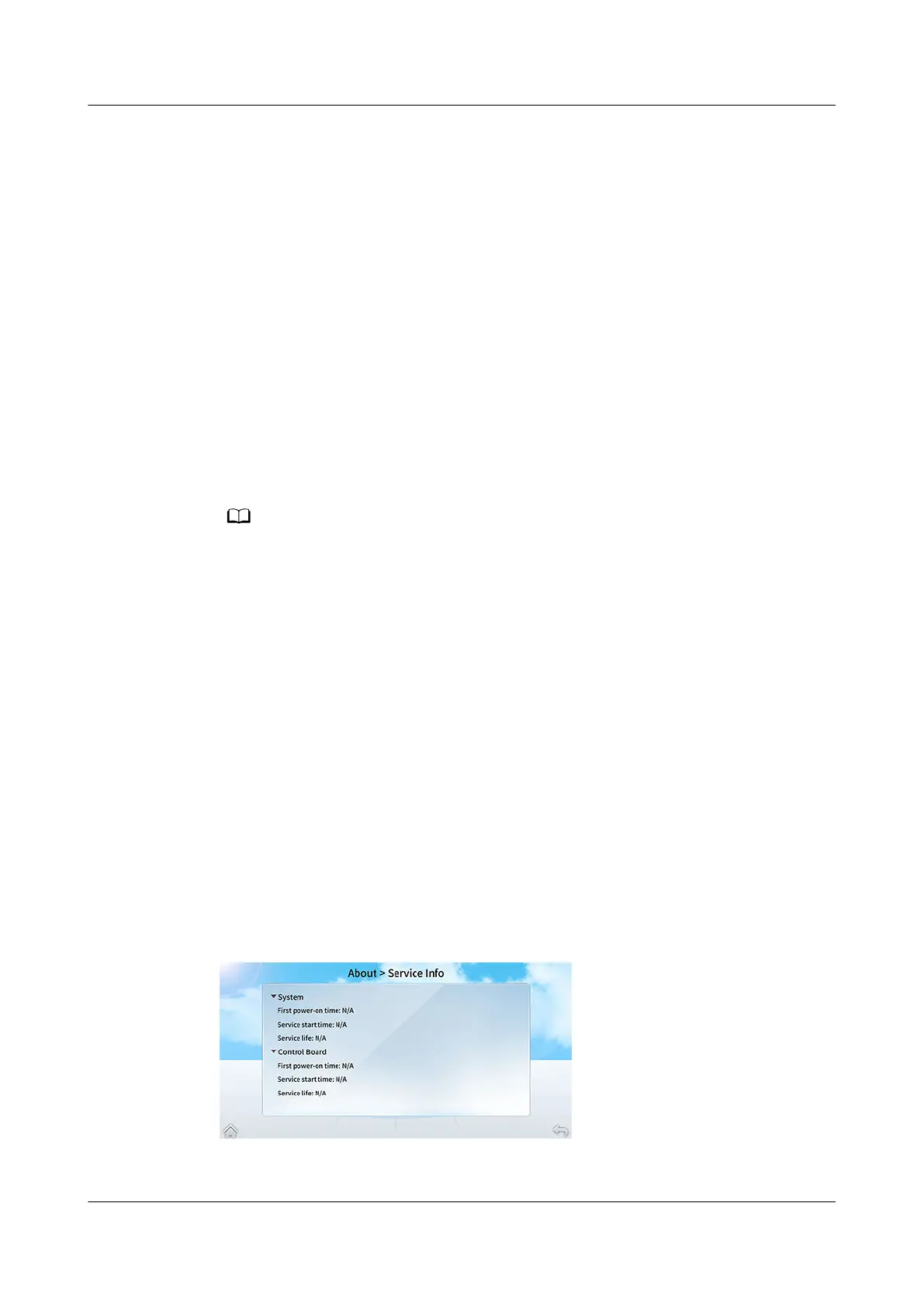
Step 2 On the About screen, tap Service Info.
Figure 12-13 Service Info screen
----End
NetCol8000-A(045, 055, 060, 090, 120) In-room Air
Cooled Smart Cooling Product
User Manual 12 FAQ
Issue 05 (2020-10-10) Copyright © Huawei Technologies Co., Ltd. 294







 To Next Page