Prerequisites
After the WiFi module of the USB port is connected to the USB port on the main
control module of the unit, WIFI Settings can be set.
Procedure
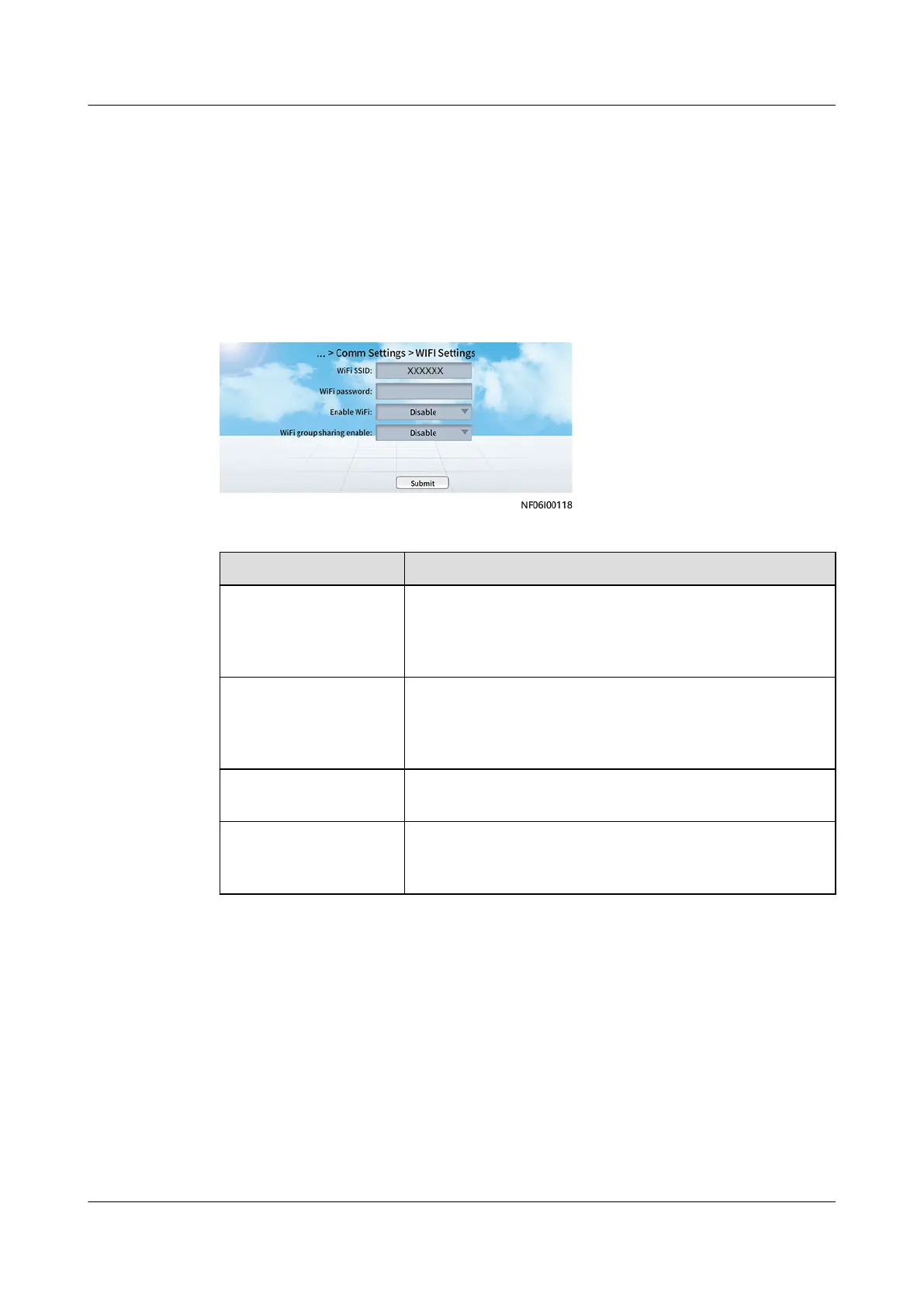
Step 1 On the home screen, choose Settings > Comm Settings > WIFI Settings.
Figure 6-28 WIFI Setting
Step 2 Set parameters.
Parameter Description
WiFi SSID Set WiFi SSID based on the actual conguration; WiFi
SSID is the name used for the WiFi hotspot over which
a mobile phone can connect to the smart cooling
product.
WiFi password Enter the WiFi password when you use a mobile phone
to connect to the WiFi. The WiFi has no default
password. When you enable the WiFi function for the
rst time, you need to set a password.
Enable WiFi Enables the WiFi function of the smart cooling product.
The default status is Disable.
WiFi group sharing
enable
When a mobile phone is connected to the WiFi of the
smart cooling product, it can access the units in the
same FE cascading network.
Step 3 Tap Submit.
----End
6.6 Startup
Context
On the home screen, there are Start and Shutdown buttons for controlling the
startup and shutdown of smart cooling products.
NetCol8000-A(045, 055, 060, 090, 120) In-room Air
Cooled Smart Cooling Product
User Manual 6 Power-On Commissioning
Issue 05 (2020-10-10) Copyright © Huawei Technologies Co., Ltd. 195







 To Next Page