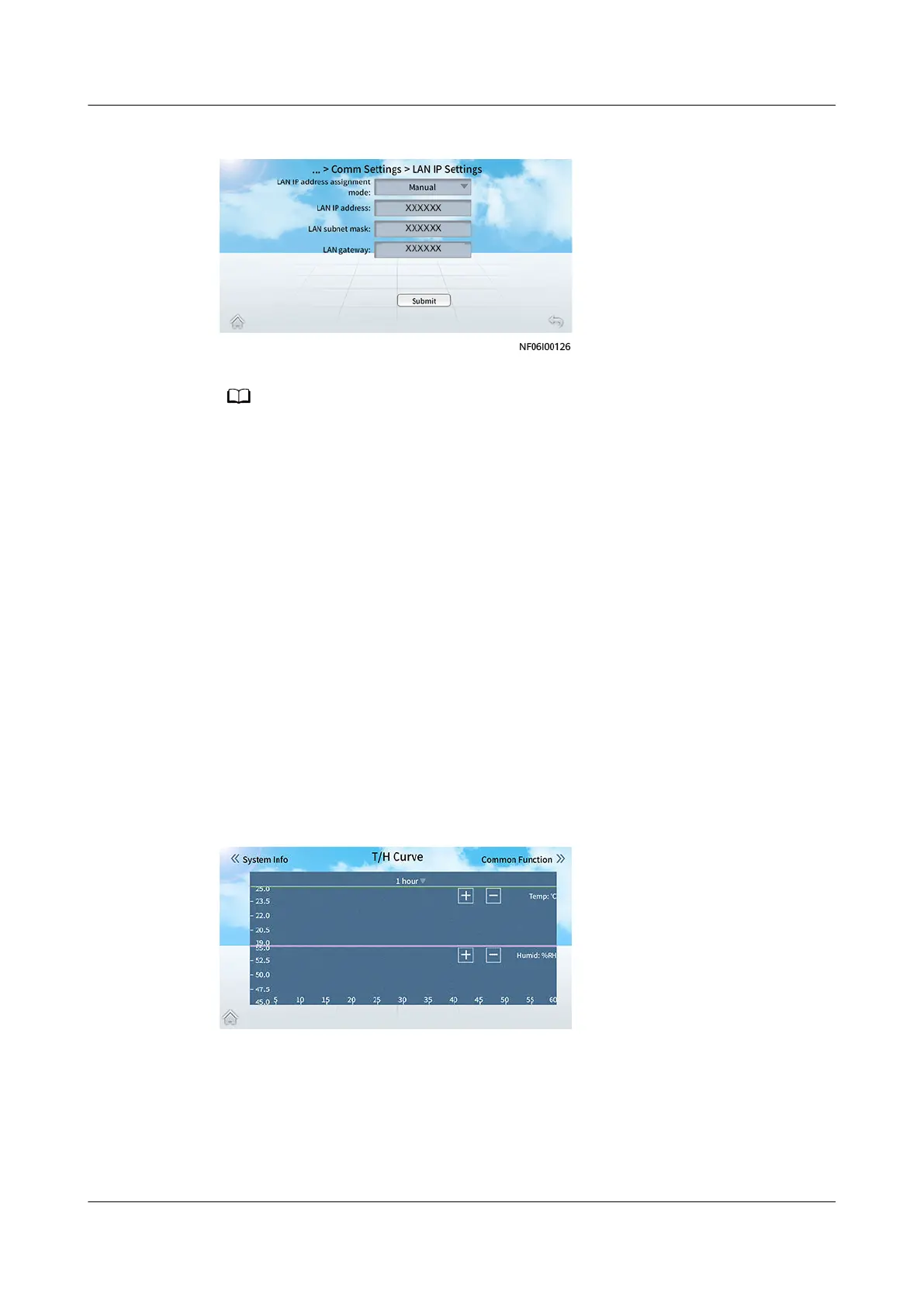
Figure 12-11 LAN IP Settings
● If the LAN IP address of the unit has not been changed, the LAN IP address of each
unit in the group is reallocated when the Teamwork function is enabled.
● If the LAN IP address of the unit has been changed, the LAN IP address of the unit
remains unchanged when the Teamwork function is enabled.
● The LAN IP address must be in the 192.168.248.X network segment.
----End
12.3.2 How Do I Check Temperature and Humidity Curves?
Context
On the T/H Curve screen, the temperature and humidity curves show the recent
temperature and humidify changes. You can choose to display the curves in recent
one hour, one day, seven days, or 30 days.
Procedure
Step 1 Tap T/H Curve on the home screen.
Figure 12-12 T/H Curve screen
NetCol8000-A(045, 055, 060, 090, 120) In-room Air
Cooled Smart Cooling Product
User Manual 12 FAQ
Issue 05 (2020-10-10) Copyright © Huawei Technologies Co., Ltd. 292







 To Next Page