Procedure
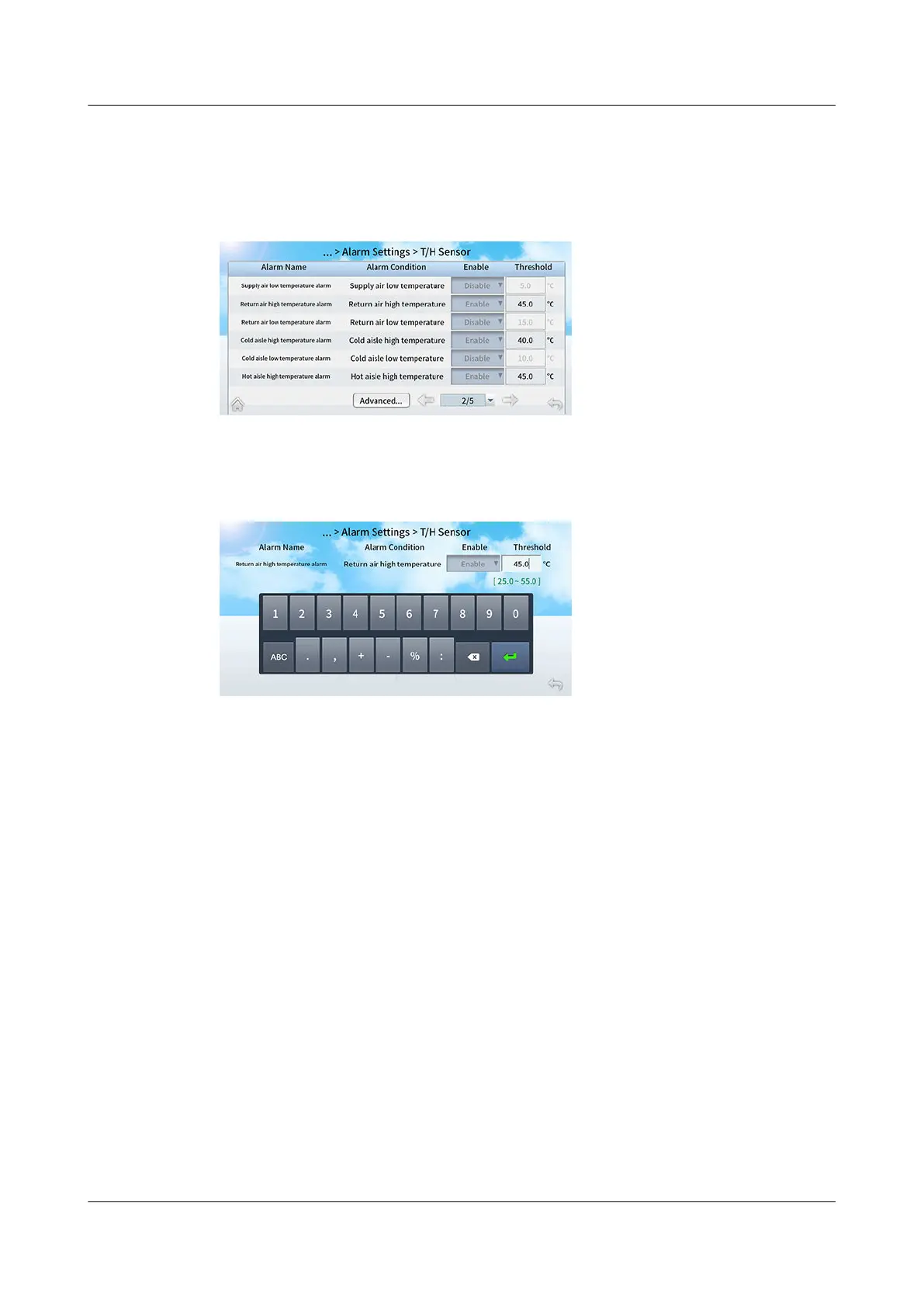
Step 1 On the home screen, choose Settings > Alarm Settings > T/H Sensor.
Figure 12-18 Setting alarm parameters
Step 2 Tap the value next to the Threshold column of the Return air high temperature
alarm.
Figure 12-19 Setting thresholds
----End
12.3.15 How Do I Commission a Component?
Context
● On the Diagnostic screen, you can enable or disable components and control
their output ratio.
● To perform manual operations on system components in diagnostic mode,
ensure that the system is powered on.
● The following describes how to commission an indoor fan.
Procedure
Step 1 On the home screen, choose Maint > Diagnostic > Enter to enter the diagnostic
mode.
NetCol8000-A(045, 055, 060, 090, 120) In-room Air
Cooled Smart Cooling Product
User Manual 12 FAQ
Issue 05 (2020-10-10) Copyright © Huawei Technologies Co., Ltd. 299







 To Next Page