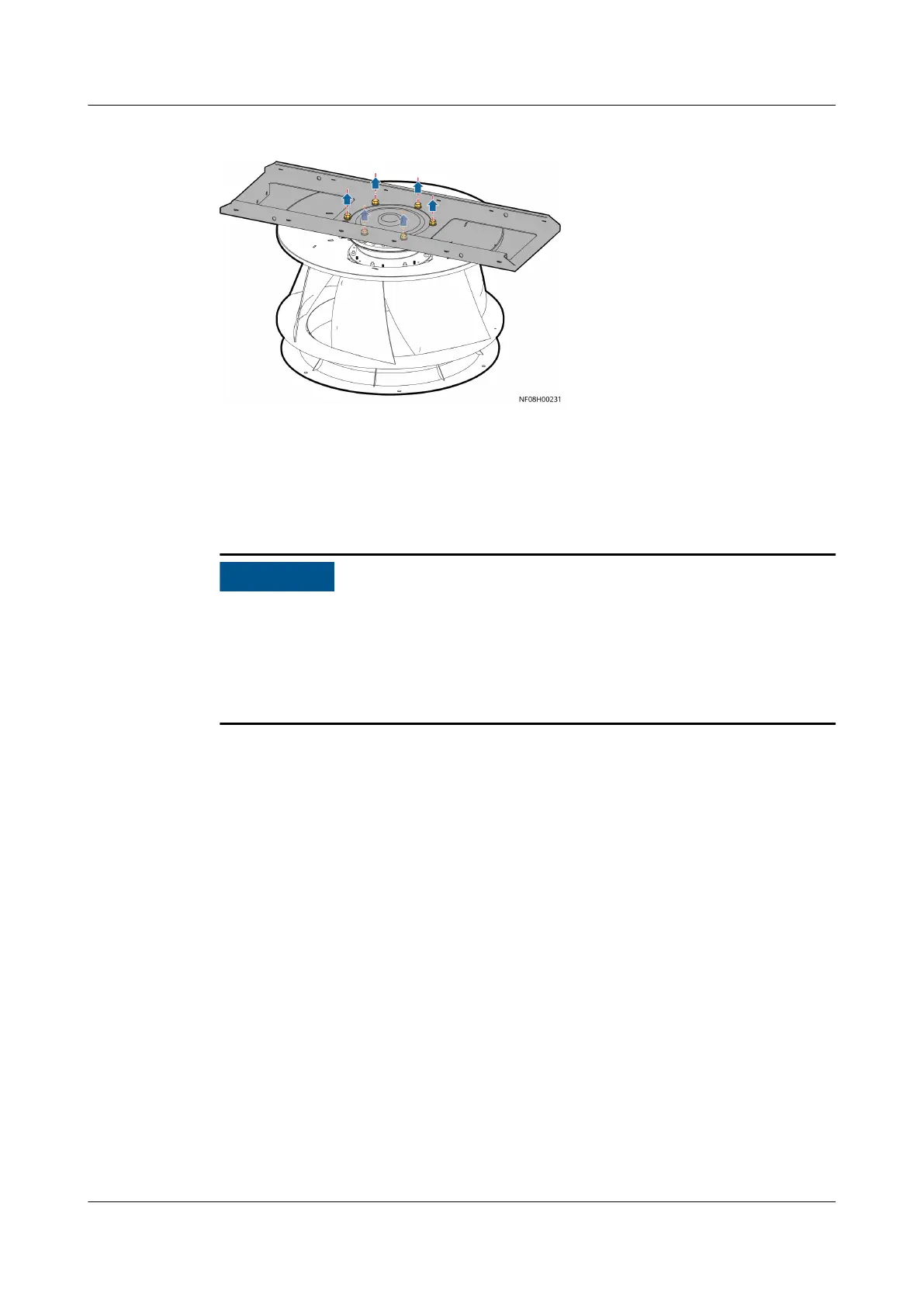
Figure 11-19 Removing a fan
Step 7 Reinstall the fan and connect the cable.
Step 8 Turn on the general switch and fan switch. The display module lights up. Choose
Alarms > Query Act. Alarms, and tap Indoor fan communication failure to
enter the Details screen.
● If two or more fans need to be replaced onsite, replace the rst fan and clear
its alarms. After replacing the
rst fan, power o the smart cooling product.
Then replace the next fan and clear its alarms.
● Ensure that the indoor fan communication failure alarm to be cleared
corresponds to the fan that is being processed.
Step 9 Tap Repair in the lower left corner. The Connect the cable to the
communications port on the fan to be repaired and disconnect the cables
from the communications ports on other faulty fans. message is displayed.
Then tap Yes. The command is triggered successfully and the alarm is cleared.
Step 10 On the home screen, choose Maint > Diagnostic Mode > Enter. On the displayed
screen, increase the indoor fan speed to check that the fan speed is normal. Check
that it works properly before you exit.
Step 11 Install the fan maintenance
bae and close the front door.
Step 12 On the home screen, choose Maint > Performance Maint to enter the
Performance Maint screen and clear the runtime of the indoor fan.
----End
11.9.3 Replacing an Indoor Fan
(Downow)
Context
Recommended tools and materials: 13# socket wrench, Phillips screwdriver, small-
sized
at-head screwdriver, security torx hex key
NetCol8000-A(045, 055, 060, 090, 120) In-room Air
Cooled Smart Cooling Product
User Manual 11 Parts Replacement
Issue 05 (2020-10-10) Copyright © Huawei Technologies Co., Ltd. 277







 To Next Page