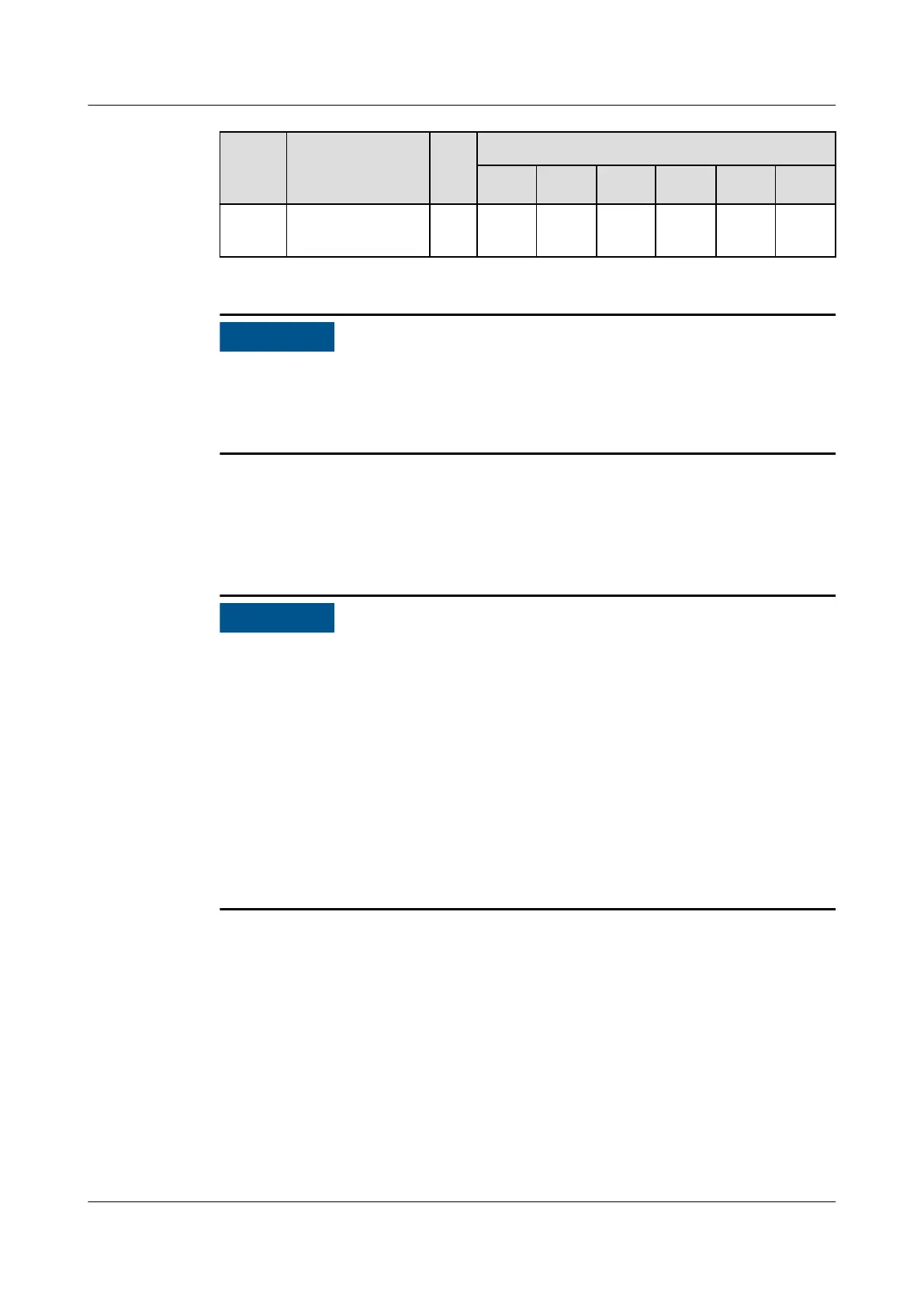
Locati
on
Display Name Ad
dre
ss
DIP Switch No.
1 2 3 4 5 6
Hot aisle 5
temp/humid
25 ON OFF OFF ON ON OFF
After the addresses are set, power on the device, choose Settings > System
Settings > T/H sensor on the home screen of the display module, and set the
sensors in the aisles corresponding to the addresses to Enable. Otherwise, the
sensors will not work.
----End
4.11.4 (Optional) Installing Teamwork and Monitoring
Communications Cables
● Units of dierent models and software versions cannot be networked for
teamwork.
● Connect teamwork and monitoring communications cables based on the
networking scenario.
● The teamwork communications cable must be a shielded network cable of Cat
5e or higher
specications. The network cable length between adjacent units
must be less than or equal to 100 m, and the maximum distance for CAN
teamwork communication must be less than or equal to 310 m.
● Route cables in compliance with local standards. Take appropriate shielding
measures, such as using a galvanized pipe or an ELV cable tray, to reduce the
impact of electromagnetic interference on teamwork communication.
Otherwise, teamwork networking may fail.
4.11.4.1 Preparing a Network Cable
Step 1 Crimp a network cable.
NetCol8000-A(045, 055, 060, 090, 120) In-room Air
Cooled Smart Cooling Product
User Manual 4 System Installation
Issue 05 (2020-10-10) Copyright © Huawei Technologies Co., Ltd. 138







 To Next Page