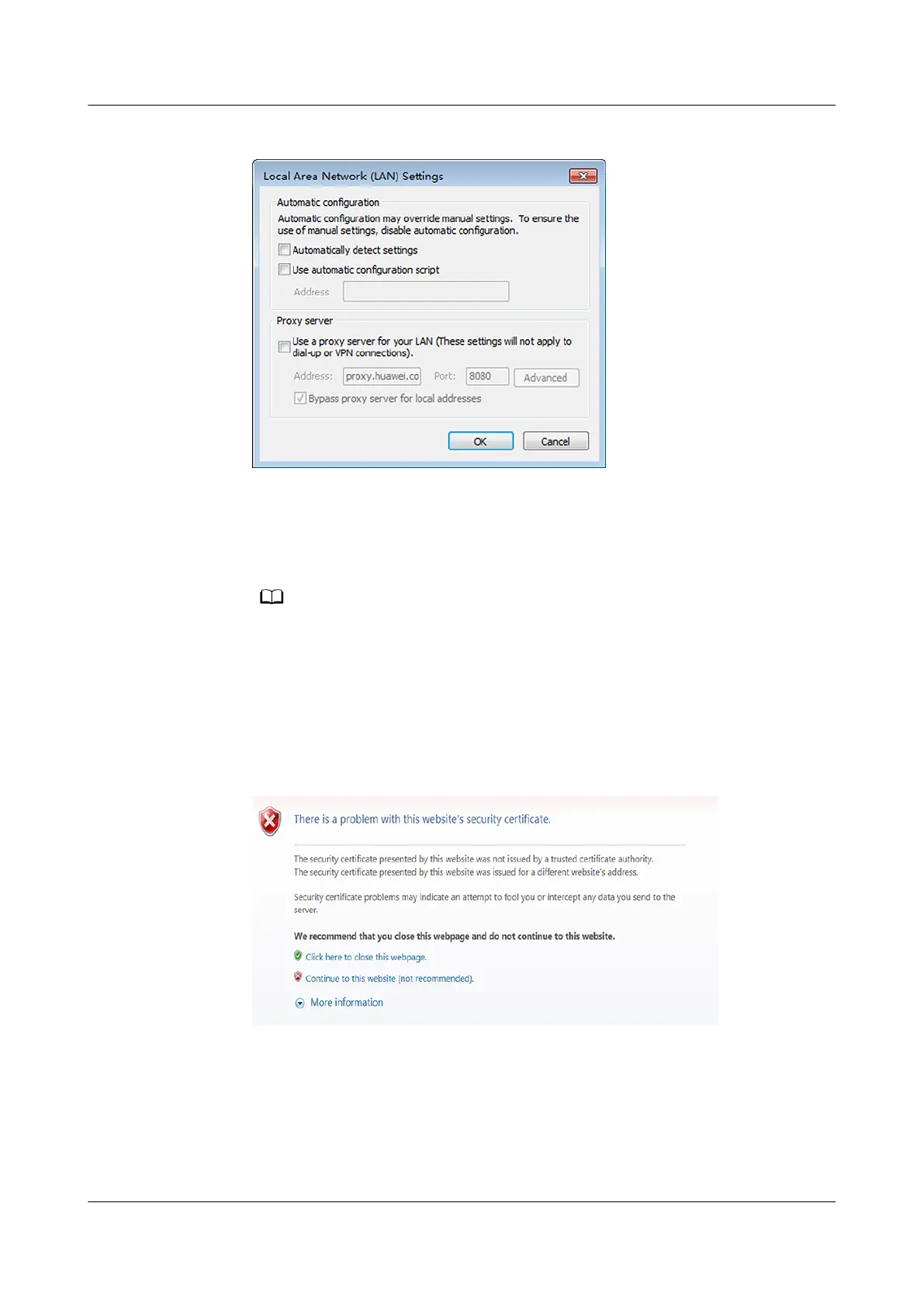
Figure 7-2 Setting the proxy server
5. Click OK.
Step 3 Log in to the WebUI of the unit.
1. Enter https://IP address (such as https://192.168.0.10) in the address box of
the browser, and then press Enter to enter the WebUI login page.
– If no certicate is installed, a warning is displayed. Click Continue to this website (not
recommended).
– The unit has a built-in security
certicate before delivery, which is used for SSL
encrypted connection between the WebUI and a browser. To improve system security,
you are advised to use your own security certicate and periodically update it. The
imported security certicate needs to be bound to the IP address of the unit. Otherwise,
the security risk warning will still be displayed during login.
Figure 7-3 Security certicate problem
2. On the login page, enter the preset user name admin and preset password
Changeme, set the language, and click Log In.
NetCol8000-A(045, 055, 060, 090, 120) In-room Air
Cooled Smart Cooling Product
User Manual 7 WebUI
Issue 05 (2020-10-10) Copyright © Huawei Technologies Co., Ltd. 206







 To Next Page