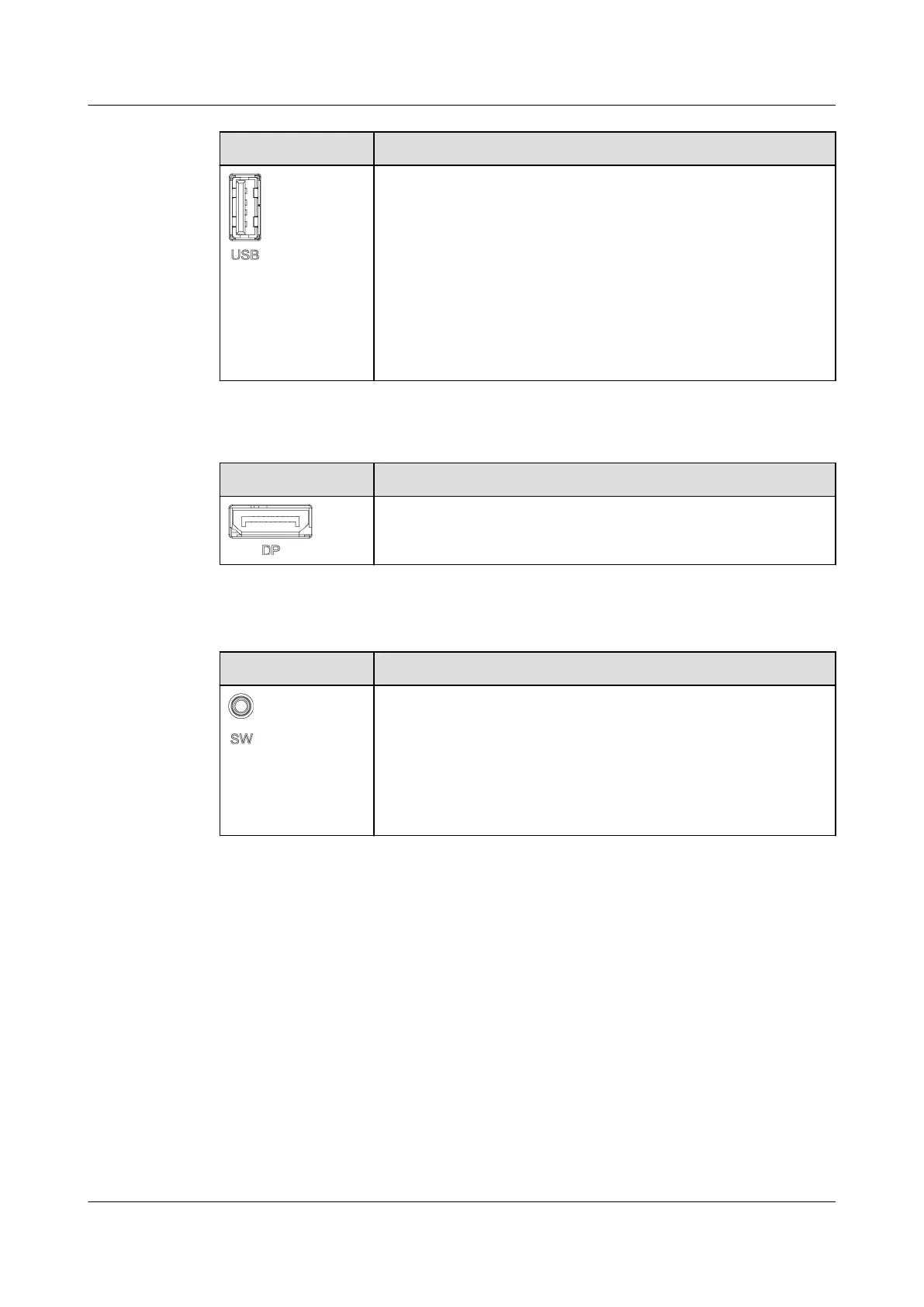
Appearance USB Port
● Connects the WiFi module to the unit over the Service
Expert app. You can obtain the service authorization
code when the unit is powered on for the rst time, and
view or obtain the running information about the unit
during inspection. The user must be an authorized
service engineer. To ensure security, remove the WiFi
module immediately after use.
● Connects a USB
ash drive to export data, import and
export
conguration les, import certicates and keys,
and upgrade the version.
● DP port: connects to the display module.
Appearance DP Port
Connects to the display module for communication and
power supply.
Button
Exterior
SW button
When the smart cooling product is shut down and the
admin user has logged in, if you hold down the button for
more than 10s, a red frame is added to the button that
involves a risky operation on the display module within 5
minutes. You can press and hold down the button for 10s
to enter the risky operation screen. Exercise caution
because a risky operation may
aect system data.
NetCol8000-A(045, 055, 060, 090, 120) In-room Air
Cooled Smart Cooling Product
User Manual 2 Product Description
Issue 05 (2020-10-10) Copyright © Huawei Technologies Co., Ltd. 32







 To Next Page