Note: If a key is not pressed in approximately 10 seconds, an error message will be displayed. If a time out
error message occurs, press the Micro ↑ key once, then the Line Feed key to repeat T&D05
6. Continue to press the keys as each request is displayed.
7. If an error message is displayed, go to “T&D Error Messages and Actions – Models 001, 002, and 003” on
page 231.
8. The test completed successfully if the display advances to the next test number.
T&D06 - Parallel Attachment Test
Note: This test is not available on Model 003 when a LAN attachment card is installed. It is available with all
other configurations. If you wish to perform a diagnostic verification of the parallel interface, press the LAN
attachment test printout button on the LAN attachment card.
The parallel loop-back connector (PN 08H7269) needs to be installed for this test.
Note: If the loop-back connector is not installed, an error message will be displayed. To bypass this message,
press any key, then the Form Feed key to advance to the next test.
Display:
T&D06 Parallel Attachment Test RUN TEST ? YES END NO
87
7
6
25
4
3
1
16 15
15
14
13
12
11
10
9
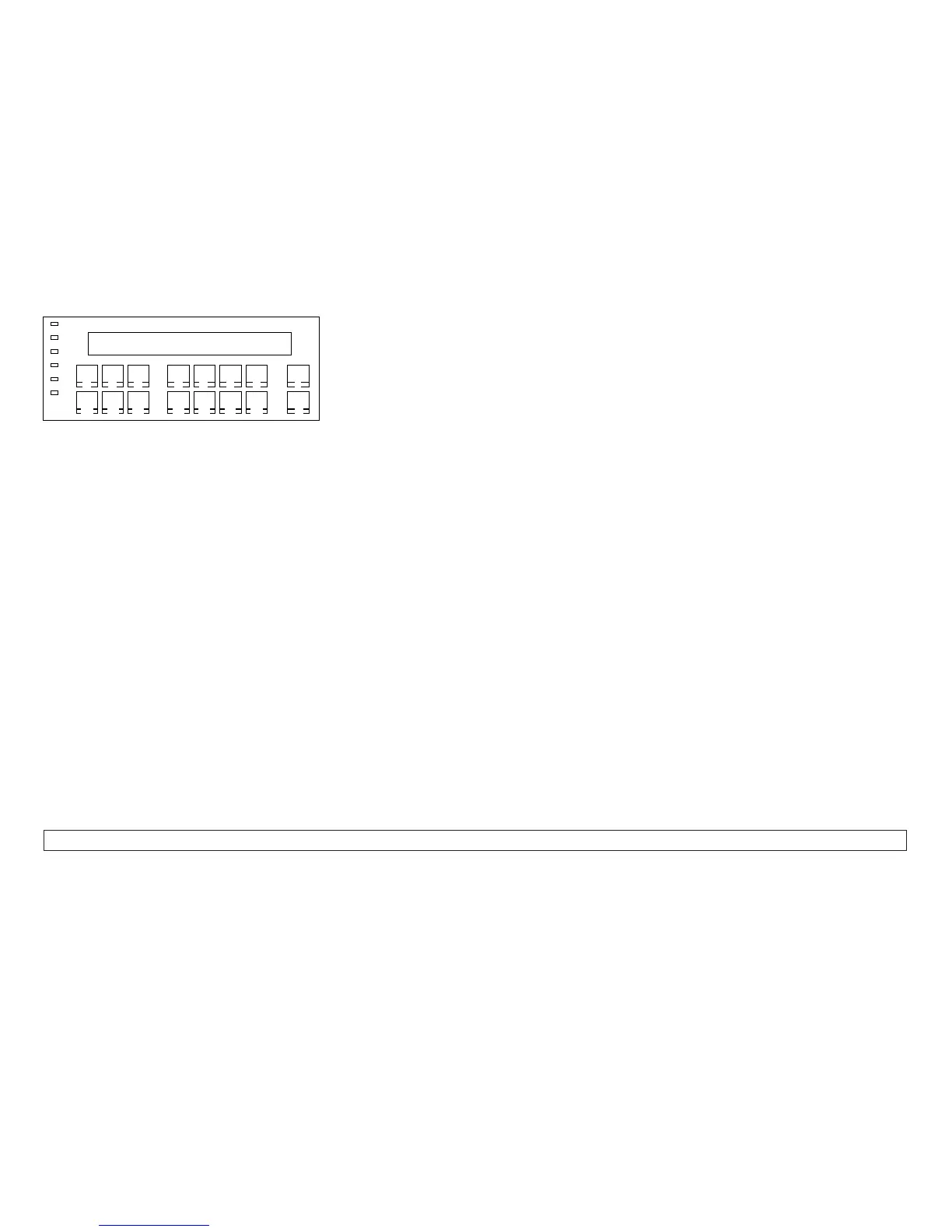
Figure 19. Operator Panel Key Press Sequence
Chapter 2. Diagnostics 206














 To Next Page