Starting/Stopping Auto Descent
Altitude Assist features require the system to include an altitude input
device. The following procedure is used to start or stop Auto Descent.
Auto Descent calculates the distance remaining in your Active flight
plan, and based on the glide path angle, the altitude you are descending
to, and your present altitude, alerts you with a message when you
should begin and end your descent. For a complete discussion on Auto
Descent, refer to Setting/Editing Auto Descent Values.
Action Explanation
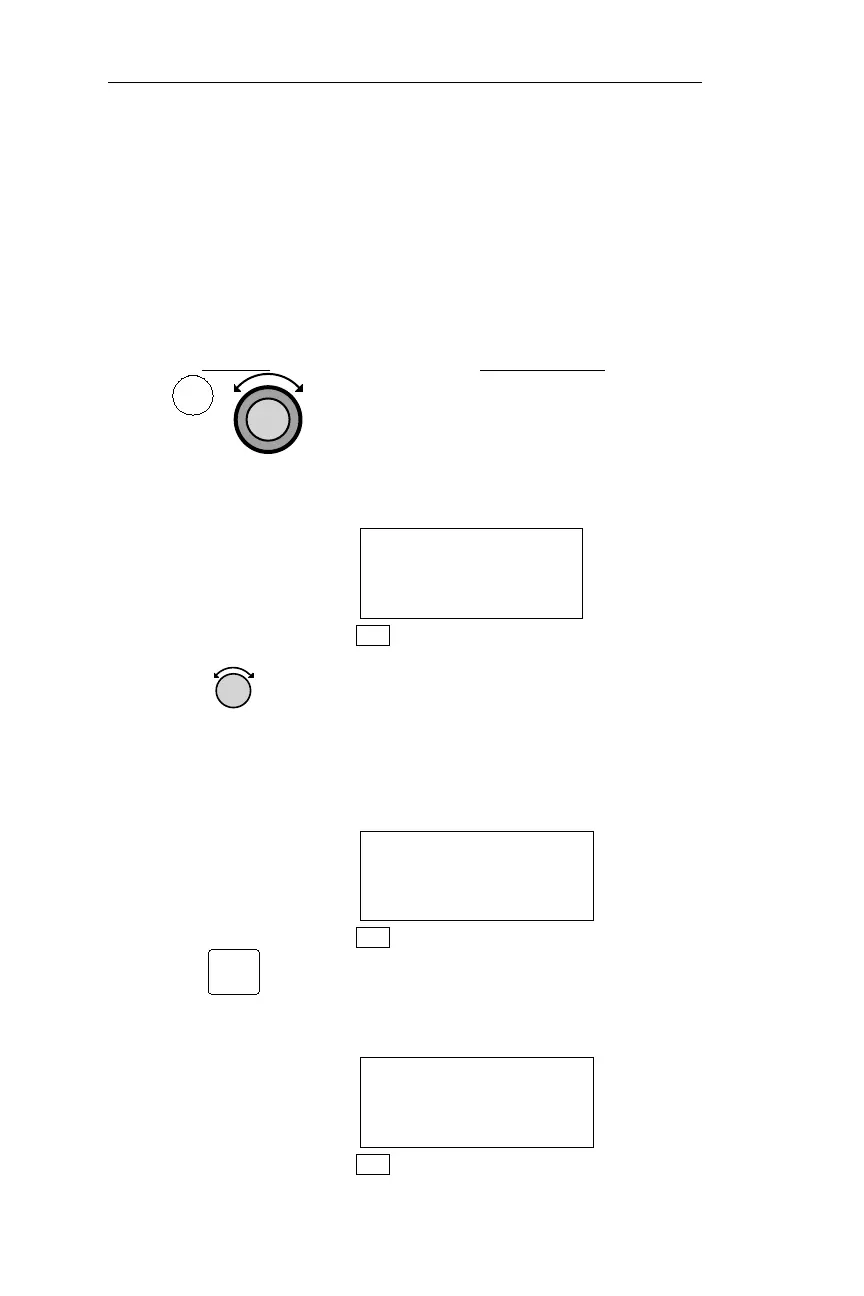
1.
In NAV mode turn the Large knob to
display the Altitude Assist page. (If an
ARINC 429 Air/Data sensor is installed,
this page shows barometric altitude, not
the local altimeter setting.)
ALTITUDE ASSIST
LOCAL ALTIMETER
SETTING 29.92¯
NAV
2.
Turn the Small knob to display the
Auto Descent page. Based on the
descent rate defined in the preceding
procedure,a descent angle indegrees is
calculated and displayed on the middle
line.
AUTO DESCENT OFF
0.3° TO 1500’
ENT TO READY
NAV
3.
Pressing ENT activates Auto Descent.
Pressing ENT a second time deactivates
the feature.
AUTO DESCENT OFF
0.3° TO 1500’
ENT TO CANCEL
NAV
98
Nav Mode Procedures Operations
NAV
ENT



 To Next Page