Viewing Messages
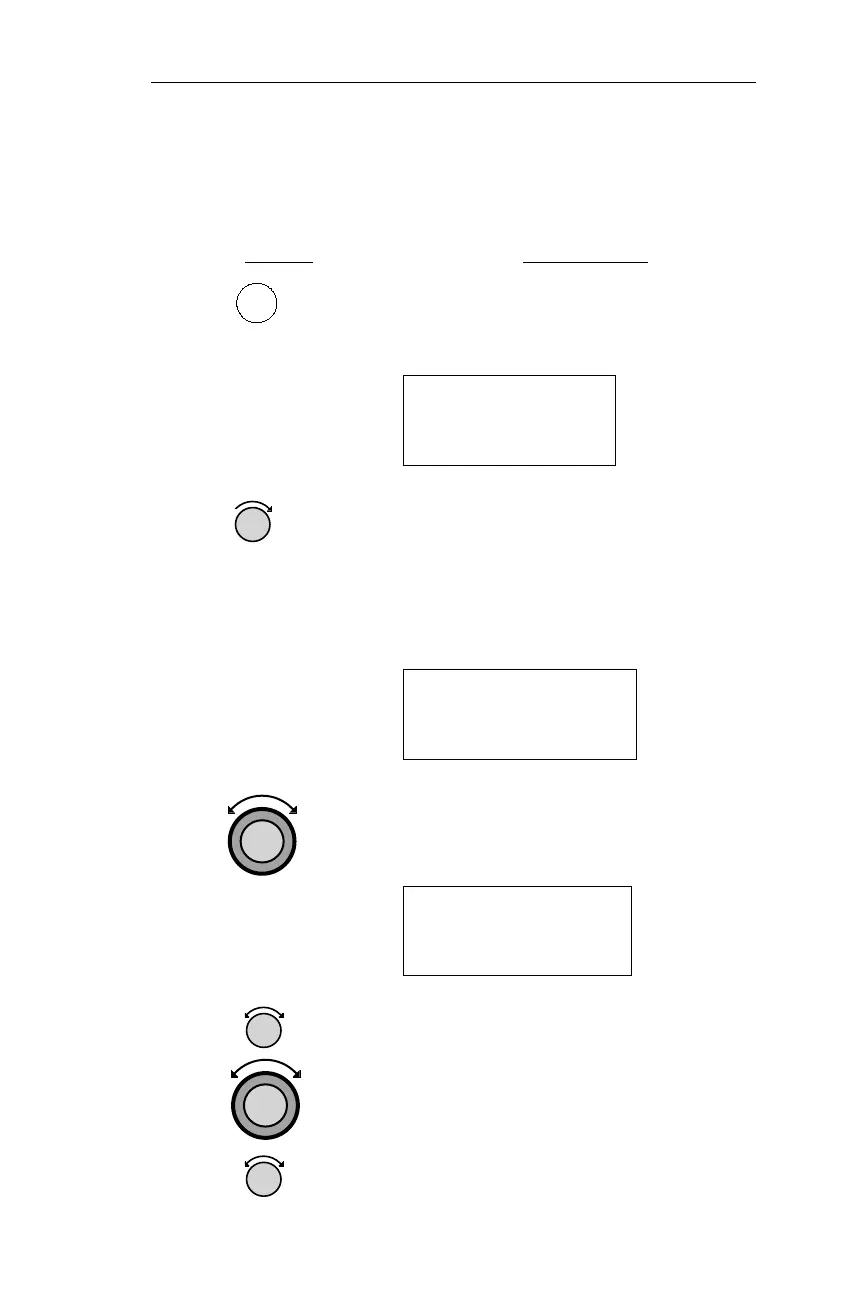
The following procedure is used to view messages. New messages are
those not yet viewed; old messages have already been viewed.
Action Explanation
1. Pressing MSG puts the NMC in
message mode, and displays the highest
priority new message.
LORAN 1
TD Sensor 1
Failure
2. Turn the Small knob to view the
remaining new messages. Once viewed,
new messages become old messages,
and the MSG light stops flashing, but
remains lighted while there are old
messages.
Countdown Timer
Expired
3. To view old messages, turn the Large
knob to display the Old Message
Summary page.
2 Old Messages
Turn Large Knob
For New Msgs ·
4.
TurntheSmallknob toscrollthrough the
oldmessages. If newmessage conditions
occur while in MSG mode, the MSG
annunciator begins flashing again. Turn
the Large knob to display the New
Messages page. Turn the Small knob to
display the new messages.
41
Operations Message Displays
MSG



 To Next Page