Creating a Flight Plan
Action Explanation
1.
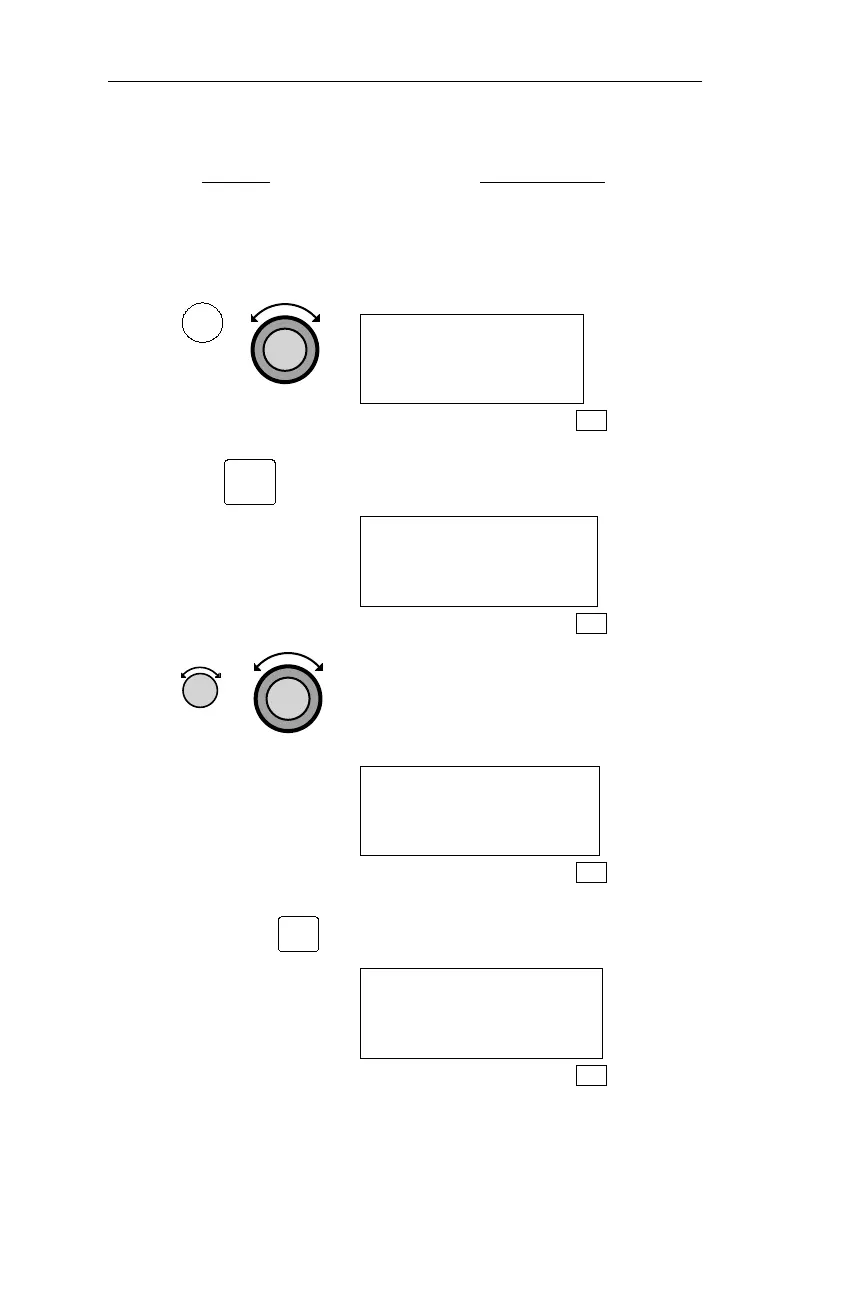
Press FPL to enter FLIGHT PLAN
mode, then rotate the Large knob to
display the flight plan creation page,
shown below.
PRESS SEL TO
CREATE A NEW
FLIGHT PLAN
FPL
2.
Press SEL to start flight plan creation.
The first character position will flash.
_______
ENTER A NEW
PLAN NAME
FPL
3.
Turn the Small knob to choose
characters.Turn the Largeknob to move
the cursor. The flight plan name may
have up to eight characters.
COA_____
ENTER A NEW
PLAN NAME
FPL
4.
Press ENT to save the name and create a
flight plan.
TURN SMALL KNOB
TO INS WPTS OR
SEL FOR OPTIONS
FPL
144
Flight Plan (FPL) Mode Operations
FPL
SEL
ENT



 To Next Page