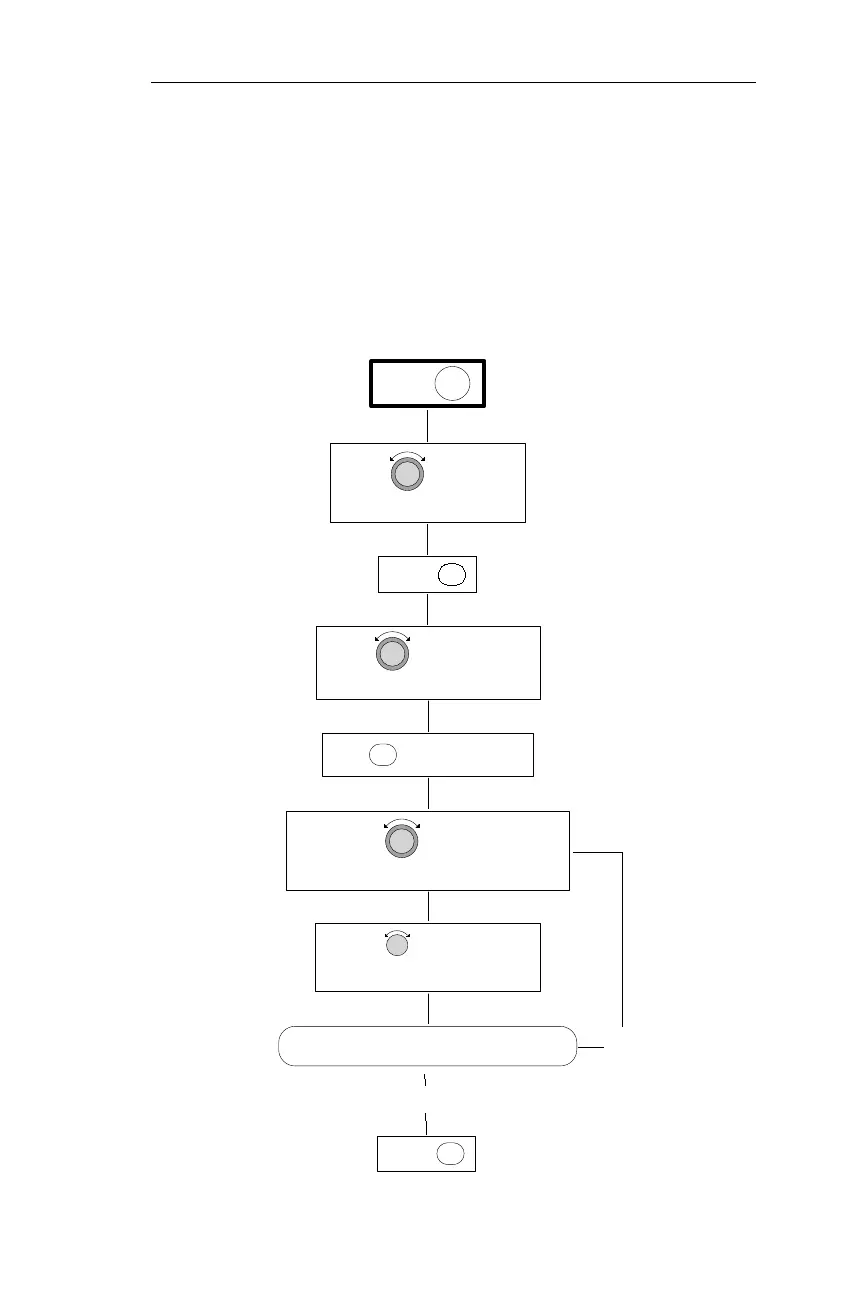
Setting the Time and Date
The following procedure is used to enter the time and date. The NMC
uses a real time clock set to Universal Coordinated Time
(UTC—formerly called Greenwich Mean Time). The correct UTC
must be entered for GPS sensors to initialize. During the power-up
sequence, the NMC briefly displays the current time and date. The
time and date may also be adjusted during the power-up sequence. The
NMC will update itself from GPS satellite data during power-up after
it gets a 3-D fix. For the procedure used to adjust the time and date
during power-up, see Operations, Power-Up Sequence.
203
Operations System Information Sub-State
ENTPRESS
PRESS SYS
PRESS TO ACTIVATE EDITING
SEL
ENTPRESS
THE SYSTEM INFO PAGE
TURN TO DISPLAY
TIME AND DATE PAGE
TURN TO DISPLAY THE
TURN TO DISPLAY THE
DESIRED CHARACTER
YES
IS THE DESIRED DATE AND UTC DISPLAYED?
TIME/DATE CHARACTER TO CHANGE FLASH
TURN TO MAKE THE
NO



 To Next Page