5.
Press ENT to save the Flight Plan
Comment. The flashing cursor will stop,
and you will be viewing the entered Flight
Plan Comment. The Flight Plan light will
still be flashing, indicating that you are still
viewing INFO. Press INFO to end the
Flight Plan Comment access, and to
redisplay the Flight Plan Summary page.
USE PARALLEL
COURSE OFFSET ON
LEG 3
FPL
Accessing Flight Plan Summary Options
Several Flight Plan Summary Options are available to assist you in
maintaining your flight plans when the Flight Plan Summary page is
displayed. Shown below is a simple explanation for accessing these
Flight Plan Summary Options. A more detailed explanation of the
purpose of each of these options is given later.
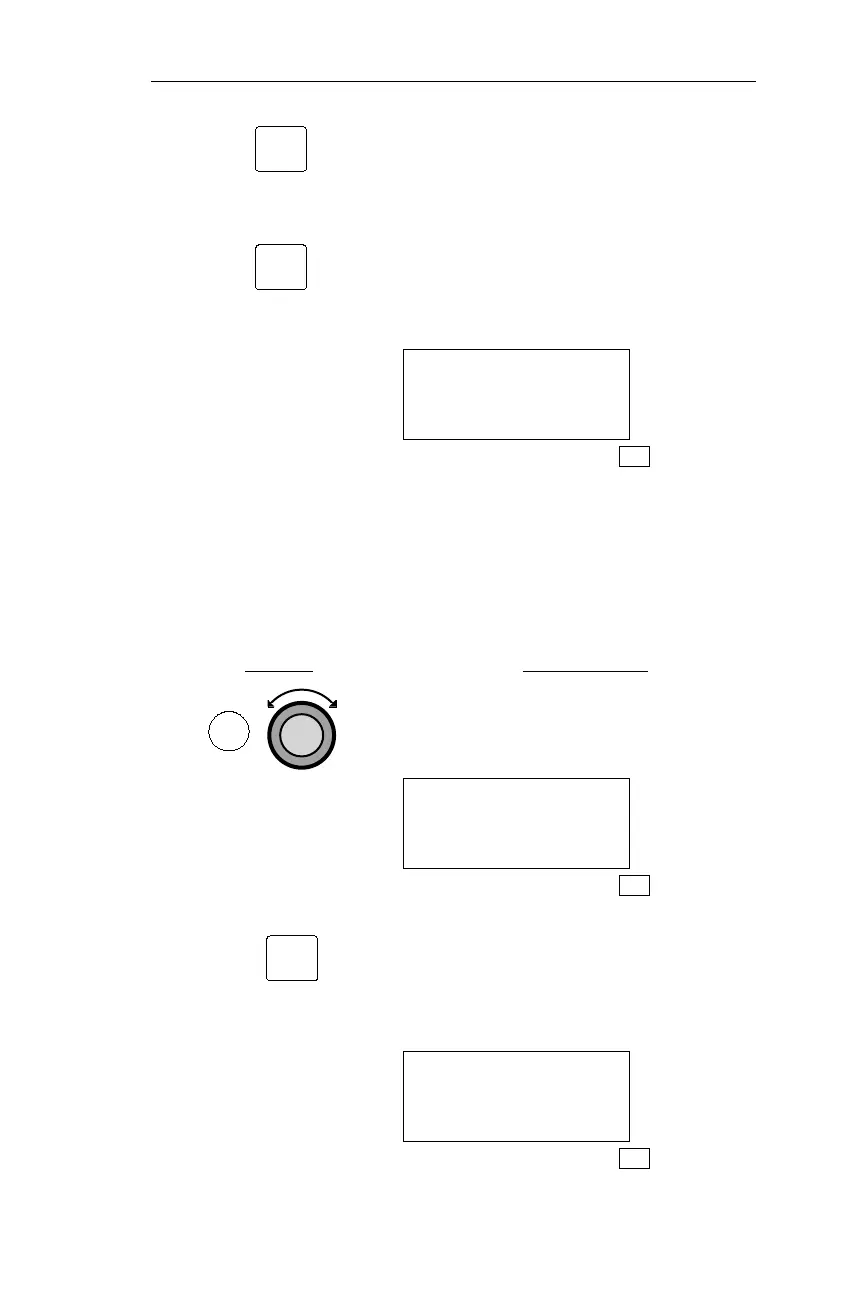
Action Explanation
1.
Press FPL to enter FLIGHT PLAN mode,
then rotate the Large knob to display the
desired Flight Plan Summary page.
VALLEY 364NM
DEST WPT: EUG
INACTIVE
FPL
2. When the correct Flight Plan Summary
page is displayed, press SEL to start the
flashing cursor. The first Flight Plan
Summary Option will be flashing on the
bottom line of the display screen.
VALLEY 364NM
DEST WPT: EUG
ACTIVE?
FPL
153
Operations Flight Plan (FPL) Mode
FPL
SEL
ENT
INFO



 To Next Page