Searching Around a Waypoint (continued)
4.
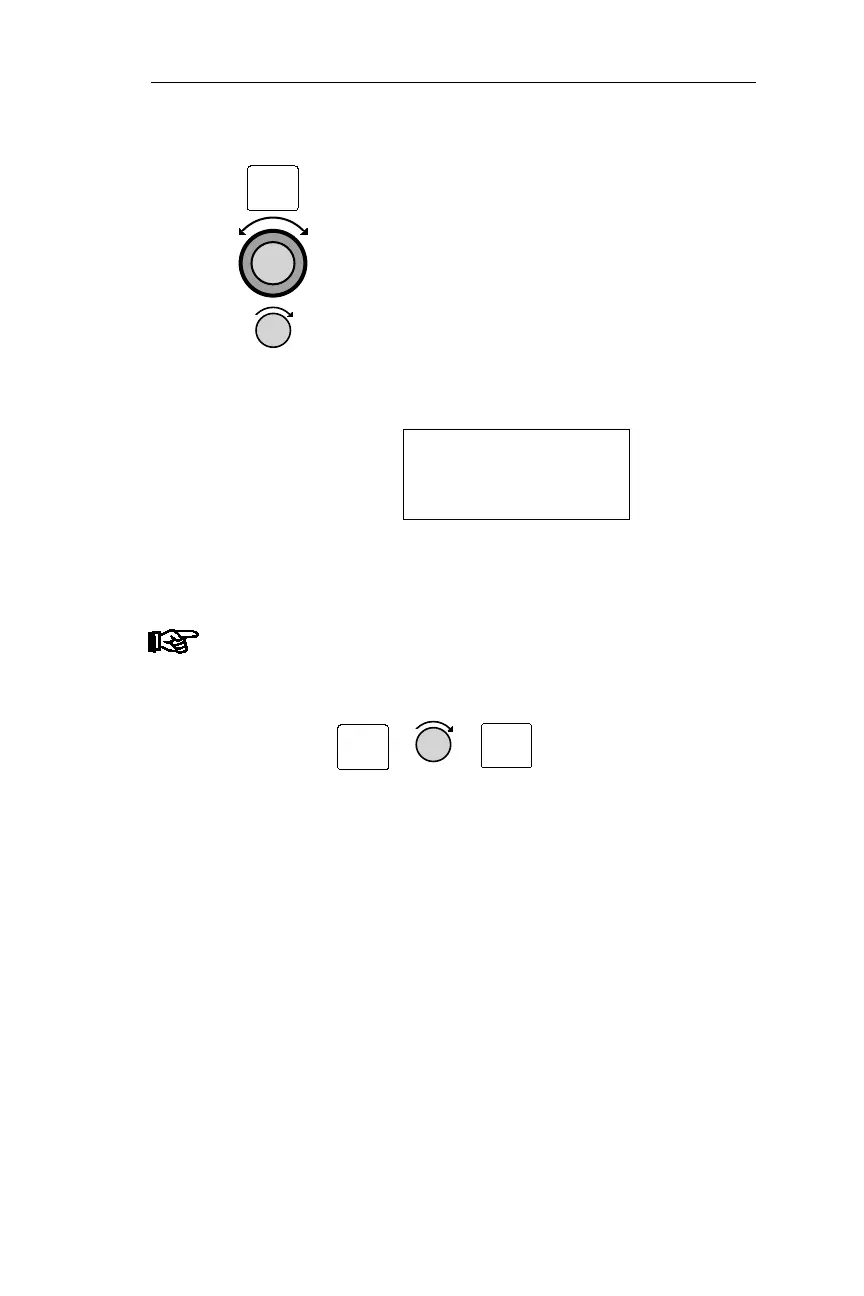
Pressing ENT enters the reference
waypoint. The NMC displays the
nearest airport to the reference
waypoint. If necessary, turn the Large
knob to change the database type. Turn
the Small knob clockwise to scroll
through the waypoints in order, from
the nearest to the most distant.
NEAR 2 TO WA61
GR NDB
BRG 279° 10.6NM
Note
Press INFO and then turn the Small knob to examine
details about the displayed waypoint. Press INFO
again to return to the previous screen.
35
Operations Emergency Mode Procedures
ENT
INFO
INFO



 To Next Page