FUEL AT
FUEL AT 12USG
FPL
Fuel At is the fuel remaining at the displayed leg’s To waypoint. Fuel
At information is only available for the Active flight plan with a
Fuel/Air Data Sensor installed on NAVNET, and a ground speed of
greater than 20 knots. If these inputs are not available, the number is
dashed.
The units of fuel displayed may be edited in System Mode to US Gallons,
Imperial Gallons, Liters, Pounds of Jet Fuel A, Pounds of AvGas, Pounds
of JP4, Kilos of JP4, Kilos of Jet Fuel A, or Kilos of AvGas.
Using Flight Plan Comments
You may edit and save one screen of user-input information for each
flight plan. This information is called the Flight Plan Comment, and is
accessed from a Flight Plan Summary page.
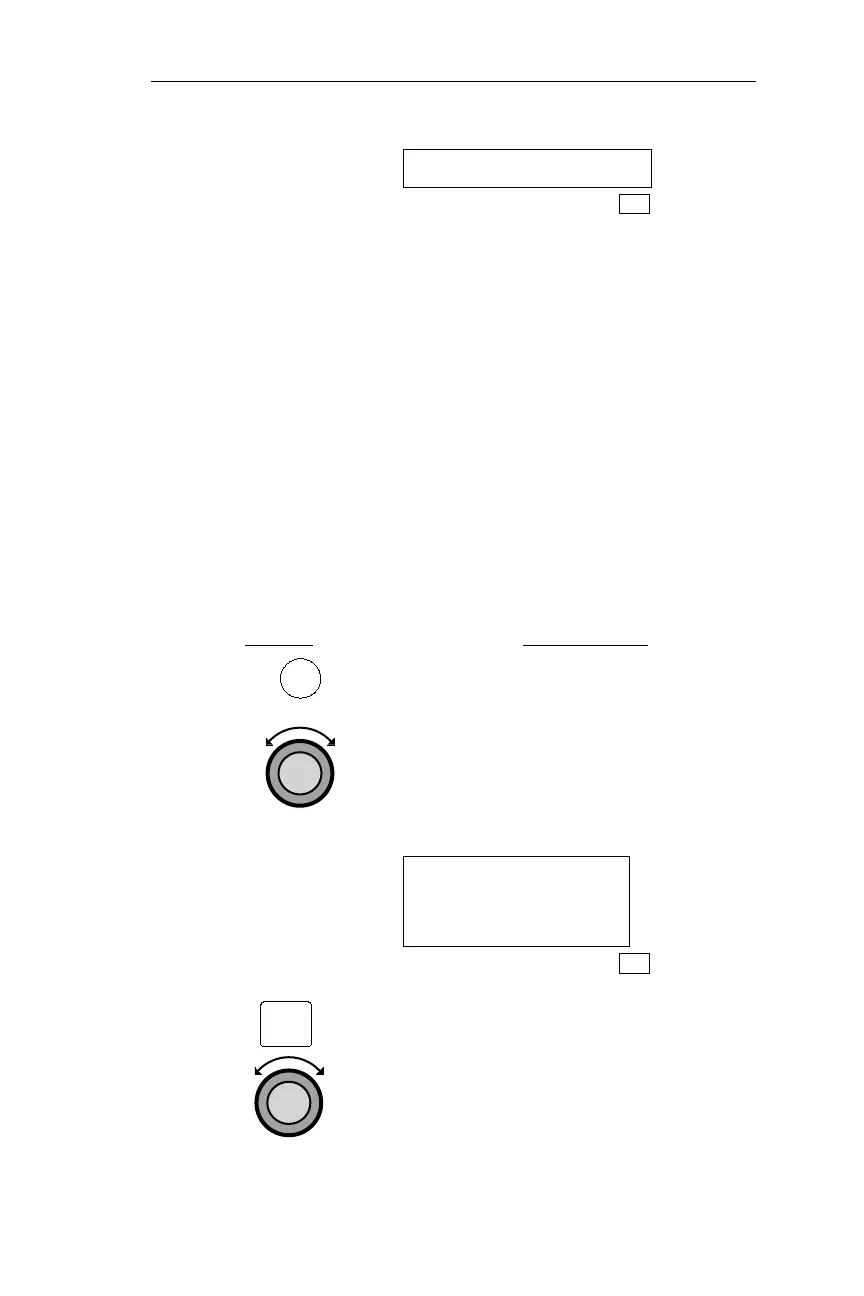
Action Explanation
1. Press FPL to enter FLIGHT PLAN
mode, then rotate the Large knob to
display the desired Flight Plan
Summary page. All Flight Plan
Summary pages are accessed by
rotating the Large knob in Flight Plan
mode.
VALLEY 364NM
DEST WPT: EUG
INACTIVE
FPL
2. Press INFO and turn the Large knob
CCW one position to access the
user-input information for the displayed
flight plan. The FPL light will begin
flashing to remind you that you are
accessing INFO. If the Flight Plan
Comment has been entered, it will now
be displayed.
151
Operations Flight Plan (FPL) Mode
FPL
INFO



 To Next Page