Countdown Timer
The countdown timer is set in hours, minutes, and seconds. When the
timer reaches 00:00:00 a message is generated, and the MSG light
flashes. After viewing the message, the message clears. A maximum
time of 99:59:59 may be entered. Once the timer is started, you may
change modes or displays without disturbing the Countdown Timer.
Setting/Starting the Countdown Timer
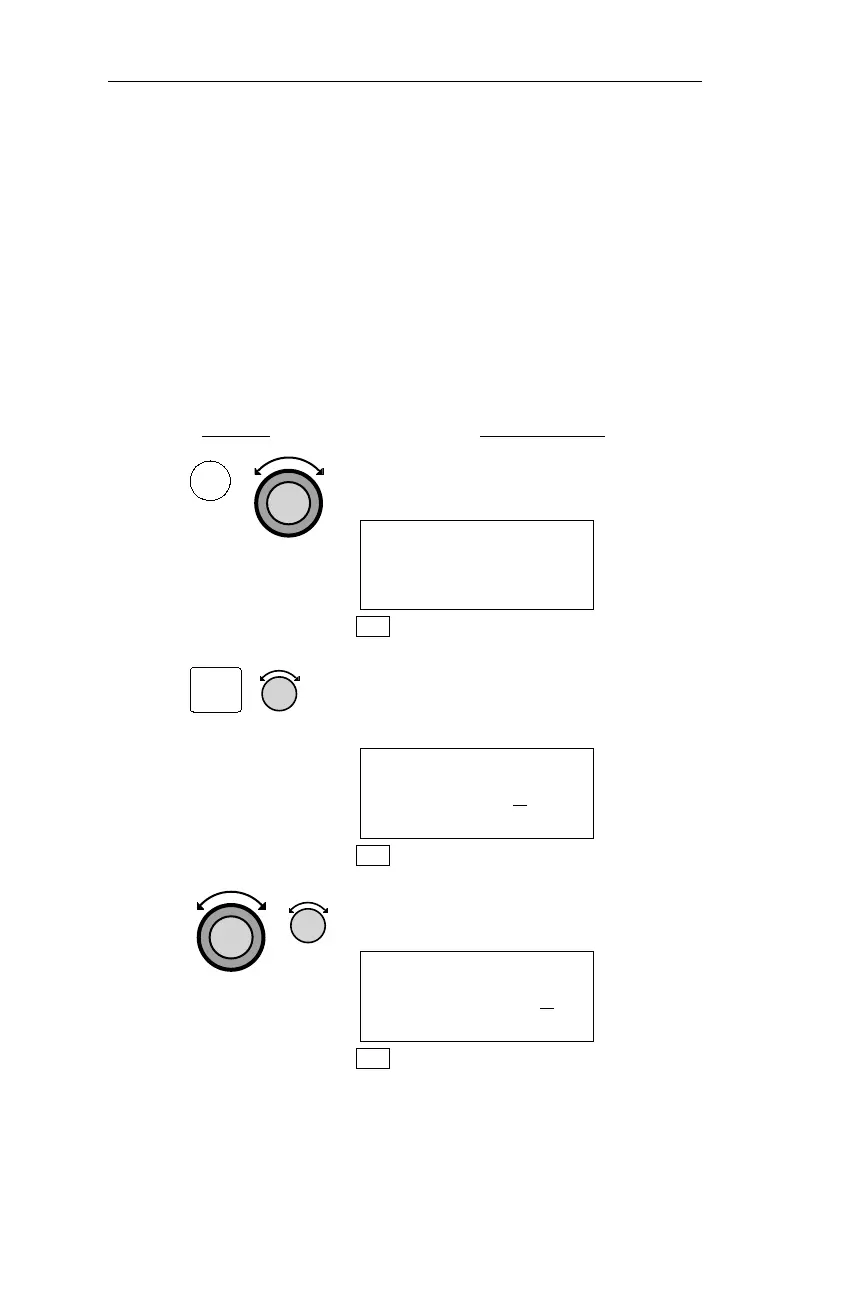
The following procedure is used to set and start the countdown timer.
Action Explanation
1. In NAV mode turn the Large knob to
display the Countdown Timer page.
COUNTDOWN TIMER
00:03:00
NAV
2. Pressing SEL activates editing, and the
minutes value flashes. Turn the Small
knob to adjust the minutes value.
COUNTDOWN TIMER
00:04
:00
NAV
3. Use the Large and Small knobs to edit
other values on the display.
COUNTDOWN TIMER
00:04:3
0
NAV
102
NAV Mode Procedures Operations
NAV
SEL



 To Next Page