Entering and Editing Owner Information
The NMC allows you to input your name, address, phone number, and
aircraft ID number. The owner name is displayed each time the NMC is
powered up. This is designed to discourage theft. The information
entered may not be changed without the proper six letter password, also
entered by the owner. Entry of this information is optional, but highly
recommended. The password may not be changed once it is entered.
Caution
To change the owner information, you must
remember your password. The password can only be
cleared by II Morrow technicians.
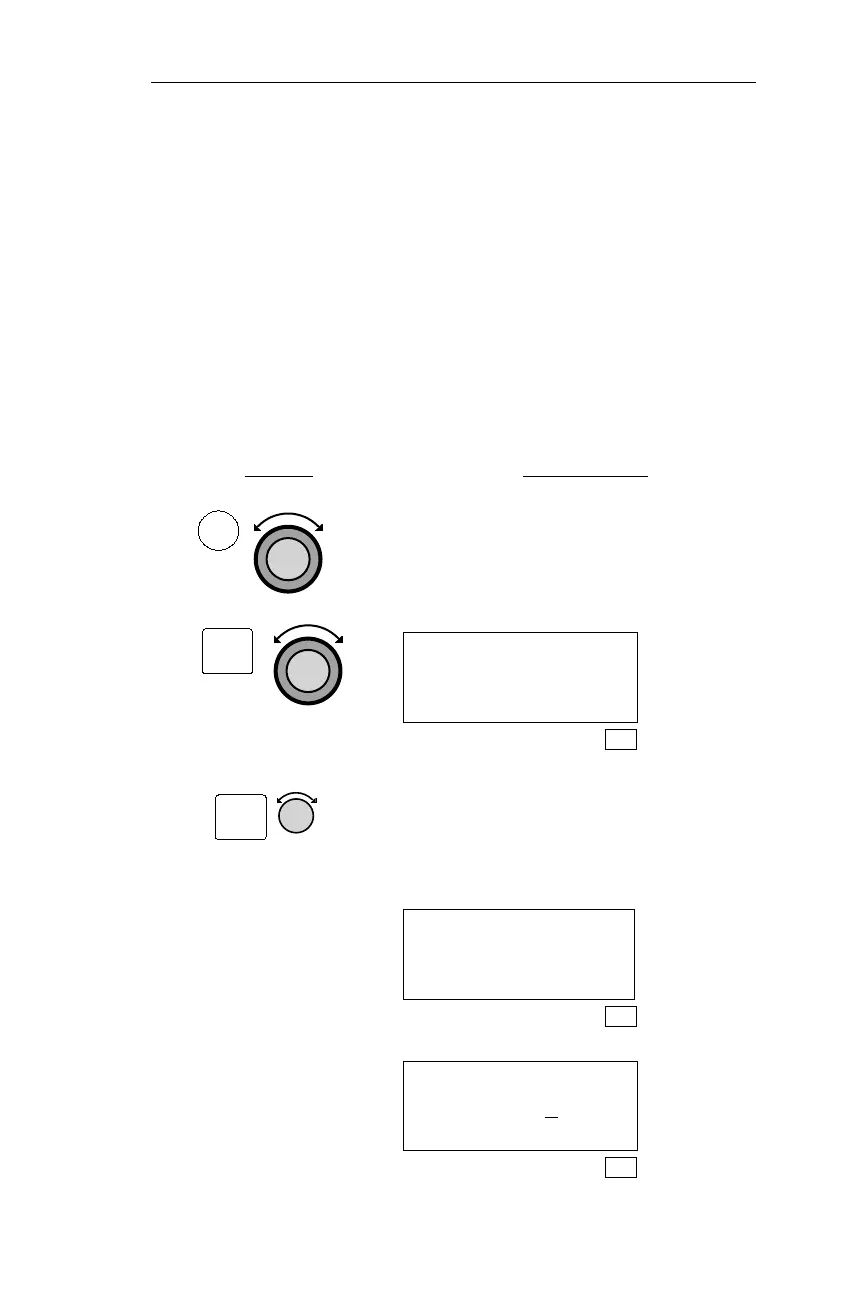
Action Explanation
1.
In SYS mode, turn the Large knob to
display the System Info page and press
ENT to activate the System Info
functions. Turn the Large knob to
display the Owner Name page.
OWNER NAME:
SEL TO EDIT
SYS
2.
Pressing SEL activates editing. The
display belowappears for approximately
3 seconds. Turn the Small knob to
display the first character in the
password.
USER MUST FIRST
ENTER PASSWORD
SYS
ENTER OWNER
PASSWORD T
_____
SYS
209
Operations System Information Sub-State
ENT
SEL
SYS



 To Next Page