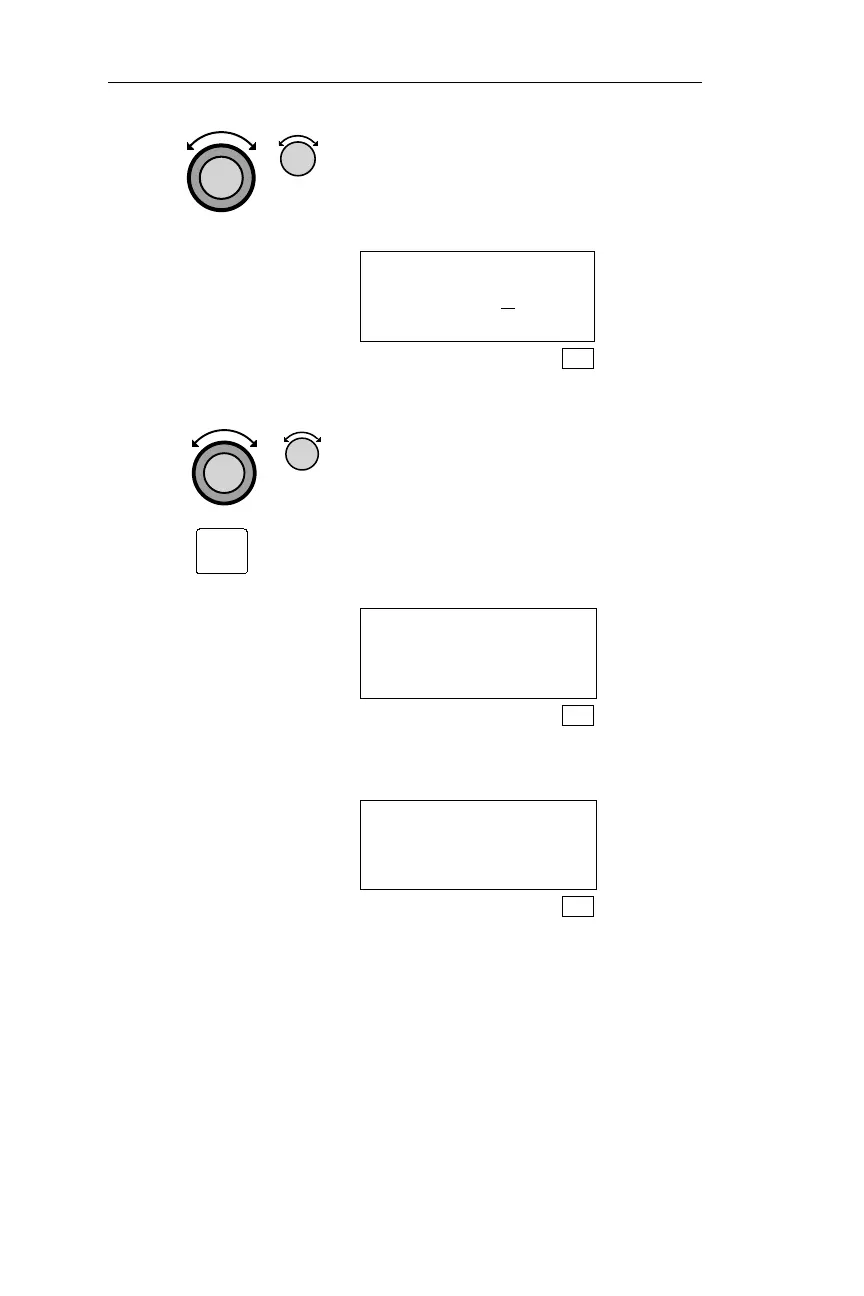
4. Turn the Large knob to make the next
character space flash. Turn the Small
knob to display the desired character.
ENTER OWNER
PASSWORD A
_____
SYS
5. Repeat step 4. Use the Large and Small knobs to
choose the remaining characters in the
password. Characters chosen are not
displayed when another character space
is flashing. To review the characters,
turn the Large knob. Press ENT to
enter the password. The display below
appears for approximately 3 seconds.
CAUTION PASSWORD
MUST BE VERIFIED
SYS
After 3 seconds the display below
appears.
VERIFY OWNER
PASSWORD ______
SYS
210
System Information Sub-State Operations
ENT



 To Next Page