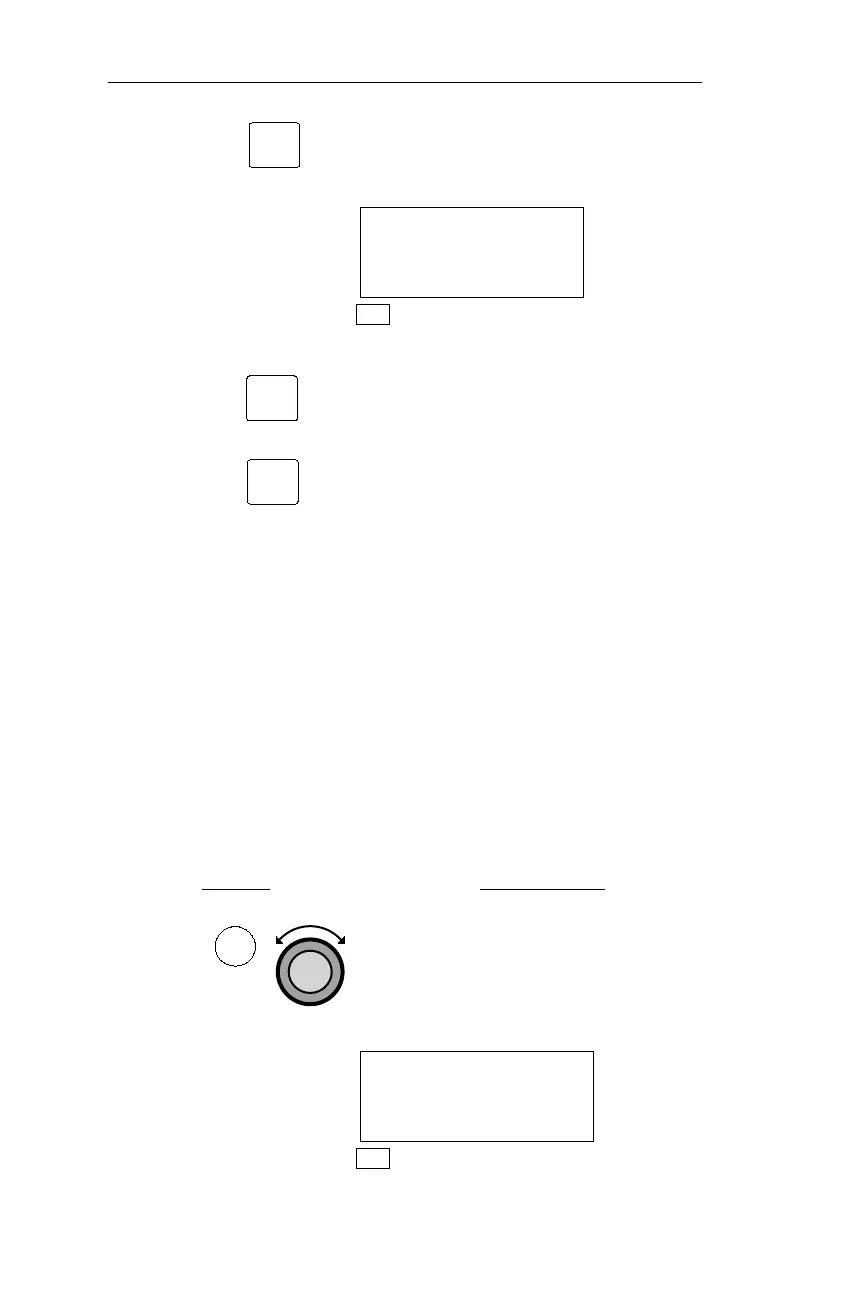
3. Pressing SEL activates editing.
“Standby” automatically changes to
“Use?”.
LORAN2 USE?
45°27.46N EPE
122°51.31W 2.9
NAV
4. Pressing ENT enters the displayed sensor
as the In Use sensor, and the NMC will
use data from this sensor to calculate
position. Pressing SEL instead exits
editing without changing the In Use
sensor.
Manually selecting a position sensor will
cancel Automatic Position Sensor
Selection.
Automatic and Manual Position Sensor Selection
Position Sensor Selection allows you to choose which of the position
sensors installed on the Navnet network to use for navigation.
Automatic Position Sensor Selection allows the NMC to automatically
choose which position sensor is being used for navigation. Manual
Position Sensor Selection disables the automatic option and allows
you to choose your position sensor. While using Manual Position
Sensor Selection, the NMC will not choose a different position sensor
for navigation.
Action Explanation
1.
In NAV mode, turn the Large knob to
display the In Use Position Sensor
page. The (A) on the top right of the
display indicates that Automatic
Position Sensor Selection is in use.
LORAN1 IN USE(A)
44°55.30N EPE
123°00.08W 0.0·
NAV
82
Nav Mode Procedures Operations
SEL
ENT
SEL
NAV



 To Next Page