Activating the Display Test
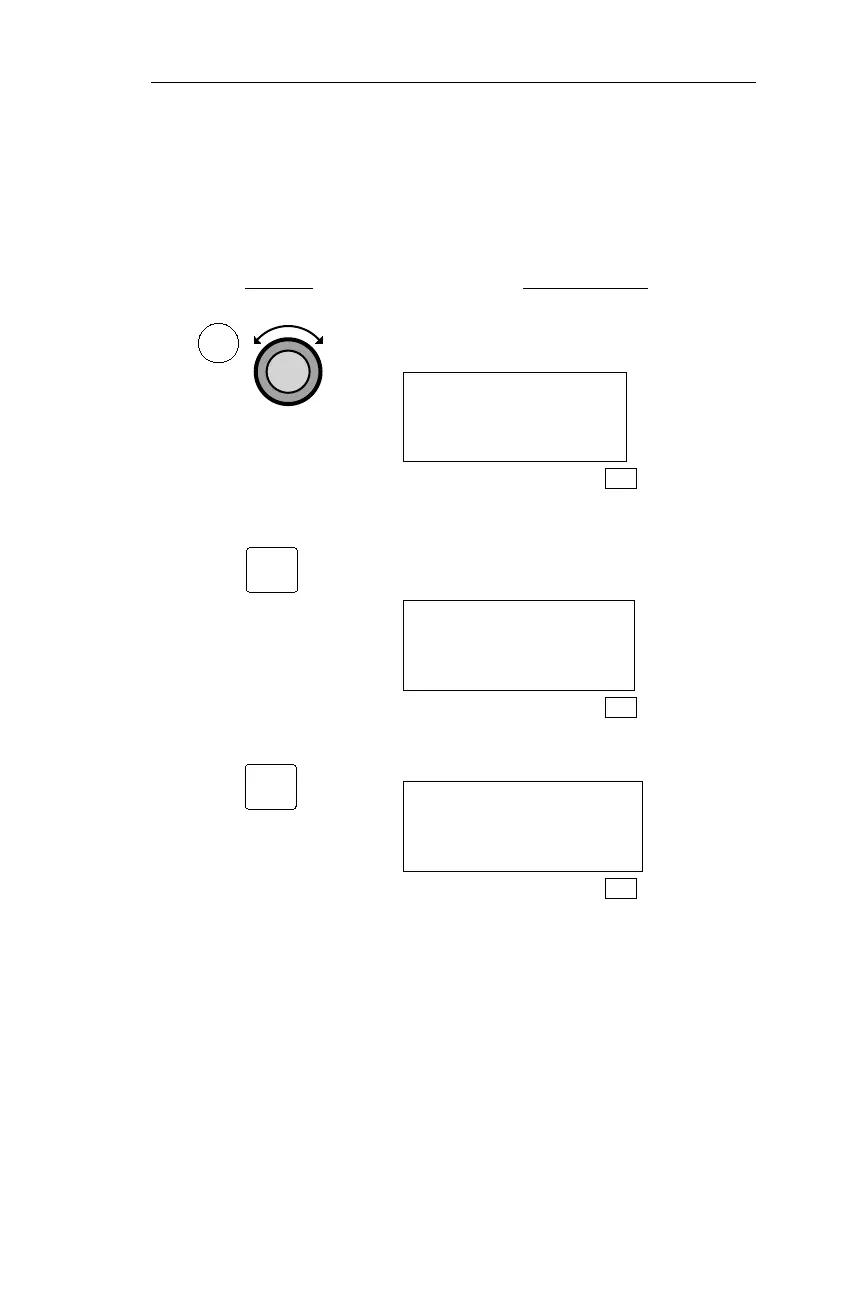
The following procedure is used to test the NMC display. The test
illuminates every LED (Light Emitting Diode) in the display. If any
LED does not light in response to this test, have the NMC serviced.
Action Explanation
1. In SYS mode, turn the Large knob to
display the System Info page.
SYSTEM INFO
PRESS ENT
SYS
2. Pressing ENT activates the System Info
sub-state functions. Turn the Large
knob to display the Test Display page.
TO TEST DISPLAY
PRESS ENT
SYS
3. Pressing ENT activates display testing.
················
SYS
207
Operations System Information Sub-State
ENT
SYS
ENT



 To Next Page