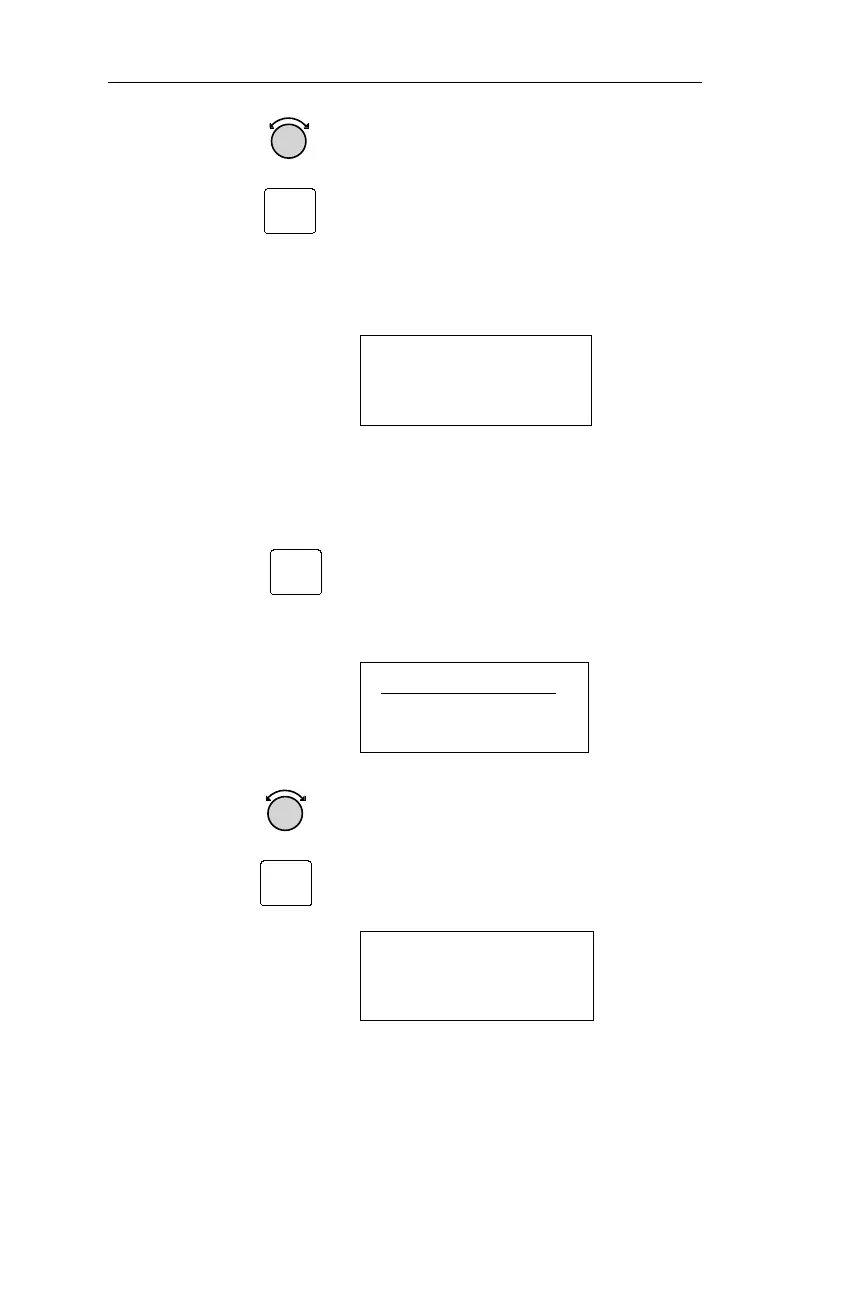
3. To indefinitely remove a satellite from
service, including over power ups,
rotate the Small knob until REMOVE
is displayed in the hours location and
press ENT. The screen below will
display and the satellite will be ignored
starting from the FR date shown on the
screen.
PRN01
FR:01FEB99 03:04
OUT-OF-SERVICE
Clear RAIM Predict Ignore List
The user has the option to clear the RPIL available from the main
RAIM prediction page.
1. Press SEL to display “Select
Waypoint?”. Use the Large knob to
display “Predict RAIM?” on the top
line
PREDICT RAIM?
AT:SLE ARPT
01MAY99 12:56 ·
2 Use the Small knob to display “Clr
Ignore List?”. Press ENT to clear the
RPIL. This will make all satellites
available for future RAIM predictions.
CLR IGNORE LIST?
AT:SLE ARPT
23FEB99 17:33
86
Nav Mode Procedures Operations
ENT
SEL
ENT



 To Next Page