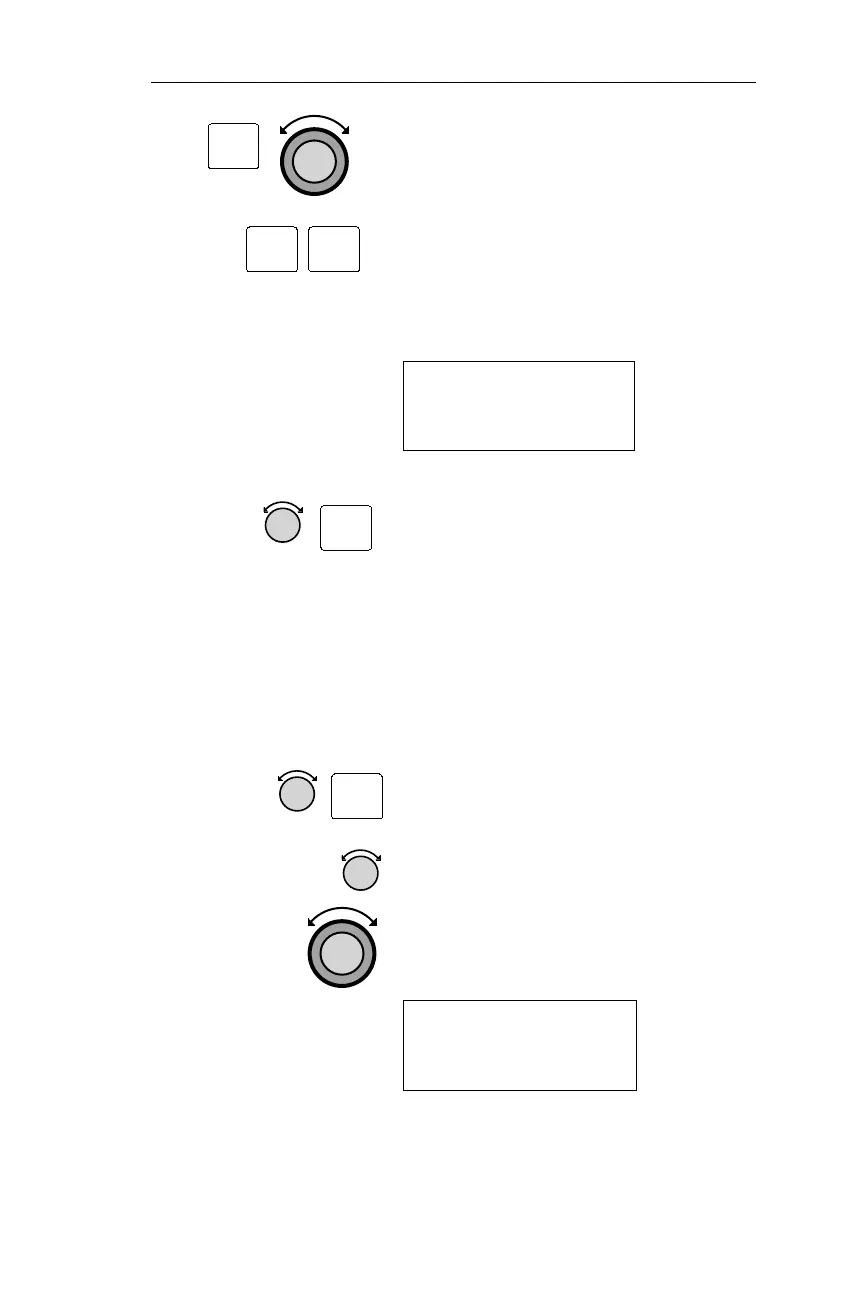
4. Press ENT to access the database and
use the Large and Small knobs to
select a waypoint.
5. Press ENT twice to begin the
prediction process or use the Large and
Small knobs to change the date and
time. The prediction process will take
approximately 20 seconds.
RAIM AVAILABLE
AT: SEA ARPT
012APR99 14:56 ·
6. To reselect the destination waypoint,
rotate the Small knob to USE DEST &
ETA ? Press ENT to select destination,
compute ETA and start RAIM
prediction.
Editing RAIM Predict Ignore List
The Apollo NMC allows the user to specify satellite outages for RAIM
predictions using information presented in NOTAMs or NANUs.
1. From the RAIM prediction page rotate
the Small knob to the desired satellite
page. Press the SEL button
2. The screen below will initially display
with the hours field flashing. Rotate the
Small knob to select the outage hours
(from 0 to 99). Rotate the Large knob
to select other fields to modify.
PRN01 OUT: 00HRS
FR:01FEB99 03:04
TO 01FEB97 03:04
85
Operations Nav Mode Procedures
ENT
ENT
ENT
ENT
SEL



 To Next Page