NAV Mode Procedures
This section details the procedures used in NAV mode.
Displaying Nav Information
The following procedure is used to display the various Nav pages.
Action Explanation
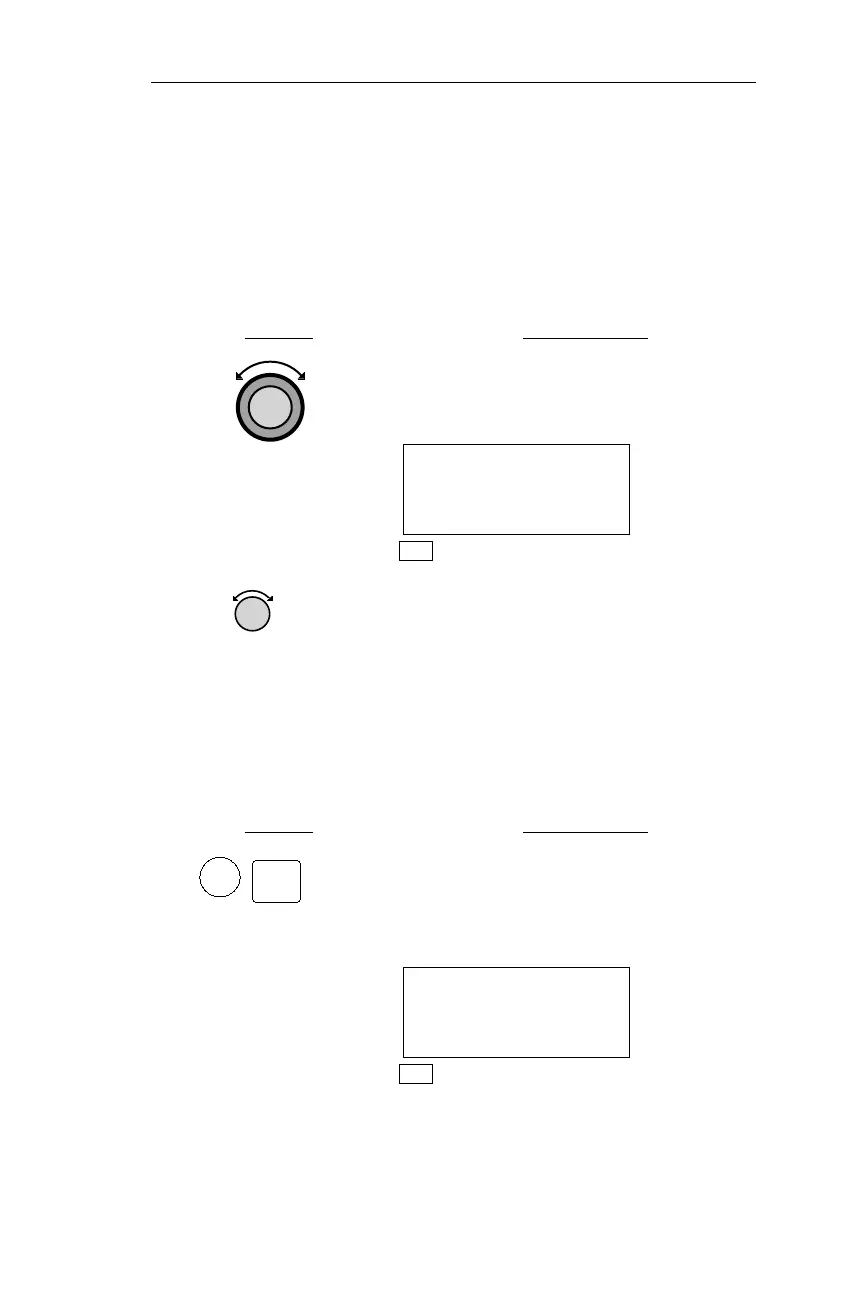
1. In NAV mode, if necessary, turn the
Large knob to display the Required Nav
Information page.
ETE ABB 01:25
à 0.00
BRG 251 97NM·
NAV
2.
TurntheSmallknob toscrollthrough the
Nav Information displays.
Starting/Stopping Auto Nav Scroll
This feature automatically displays navigation screens sequentially for
a specified amount of time, from 1 to 9 seconds per display. To select
the amount of time each screen is displayed, refer to Operations,
Setting Auto Nav Scroll Time.
Action Explanation
1 In NAV mode while viewing any
information page, press ENT to start Auto
Nav Scroll. Rotating either knob or
pressinganybuttonstopsAutoNavScroll.
ETE ABB 01:15
à 0.00
BRG 286 198.9NM·
NAV
79
Operations Nav Mode Procedures
NAV
ENT



 To Next Page