Parallel Course Offset
The NMC allows you to fly a course parallel to the course you’ve
defined by entering a parallel course offset. This may be useful in
avoiding weather or other obstacles.
Activating/Deactivating/Editing Parallel Course Offset
The following procedure is used to activate, deactivate, or edit a
parallel course.
Action Explanation
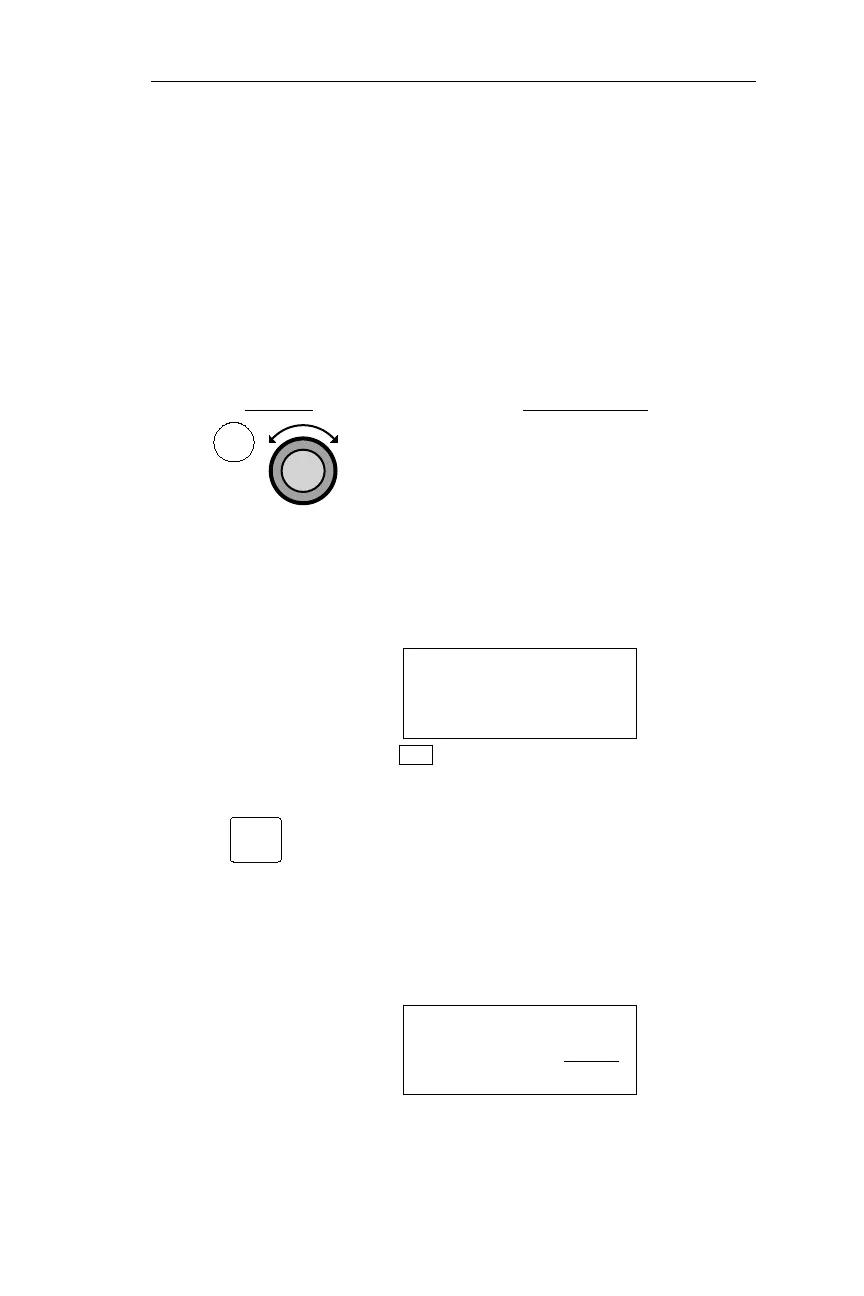
1. In NAV mode, turn the Large knob to
display the Parallel Course Offset page.
The current status is displayed on the
right side of the middle line. There are
two status options available: In Use and
Standby. In this example, the status is
Standby, meaning the feature is not in
use.
PARALLEL COURSE
OFFSET: STANDBY
LEFT 0.0NM
NAV
2. Pressing SEL activates editing, and a
prompt for the alternate status option,
in this example “Use?”, flashes. The
current offset direction and value is
displayed on the bottom line. If the
desired offset were already displayed,
pressing ENT at this point would enter
the new status.
PARALLEL COURSE
OFFSET: USE?
LEFT 0.0NM
99
Operations NAV Mode Procedures
NAV
SEL



 To Next Page