Deleting a User Waypoint
The following procedure is used to delete a User waypoint. This may
be necessary to make room for a new User waypoint.
Action Explanation
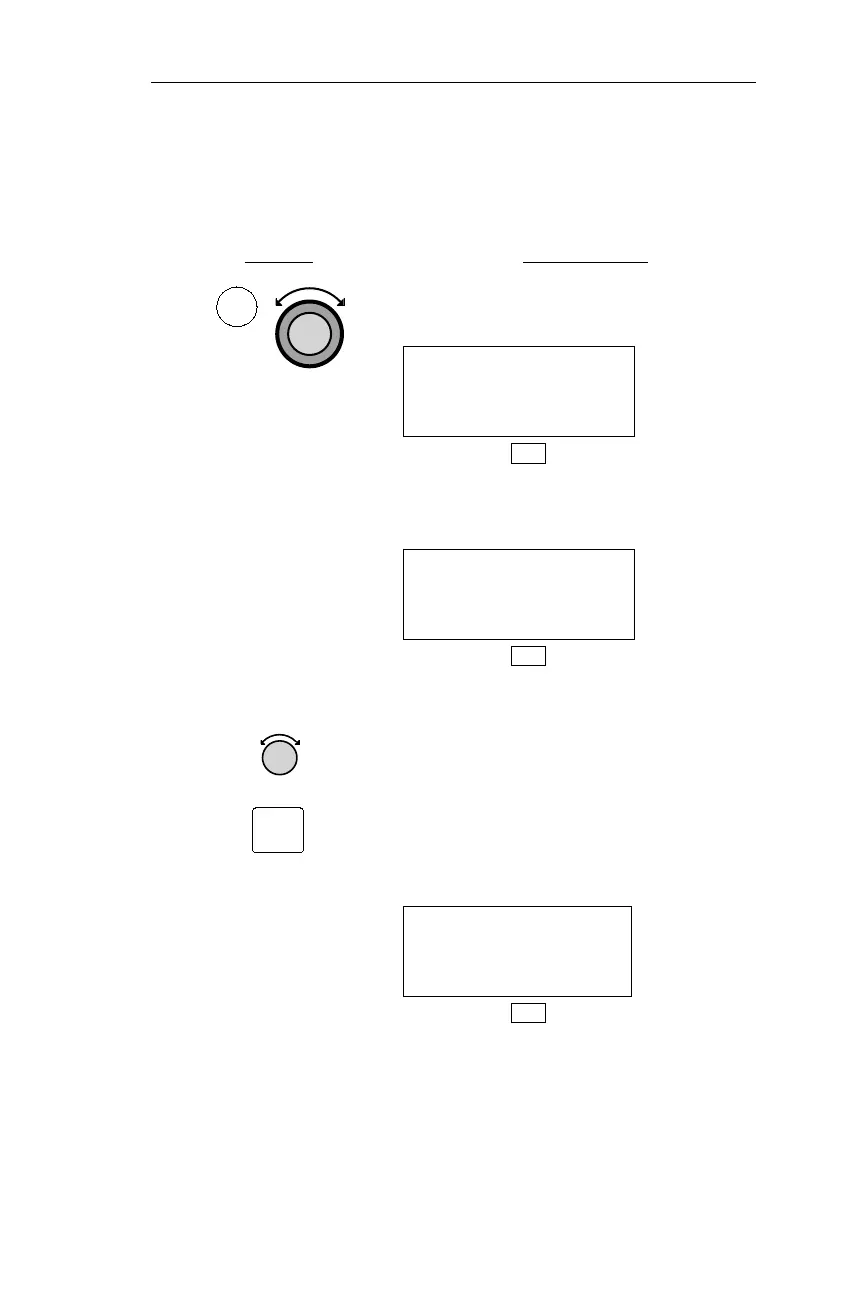
1. In DB mode, turn the Large knob to
display the Delete User Waypoint page.
DELETE USER WPT
PRESS ENT
DB
If there are no User waypoints stored,
the display below appears.
DELETE USER WPT
DATABASE EMPTY
DB
2. The NMC displays the Find Waypoint
to Delete page. Turn the Small knob to
display the desired waypoint. If desired,
you may press SEL to activate
character editing to display the
waypoint; however, this is generally
unnecessary unless there are a large
number of User waypoints.
FIND WPT TO MOD
HOME USER
PRESS ENT
DB
139
Operations DB Mode Procedures
DB
SEL



 To Next Page