Databases
Database mode (DB mode) is used to access and display waypoints
stored in databases. The datacard stores four databases—Airports,
VORs, NDB’s, and Intersections (INT). The NMC (Nav Management
Computer) stores User waypoints. It is useful to think of these
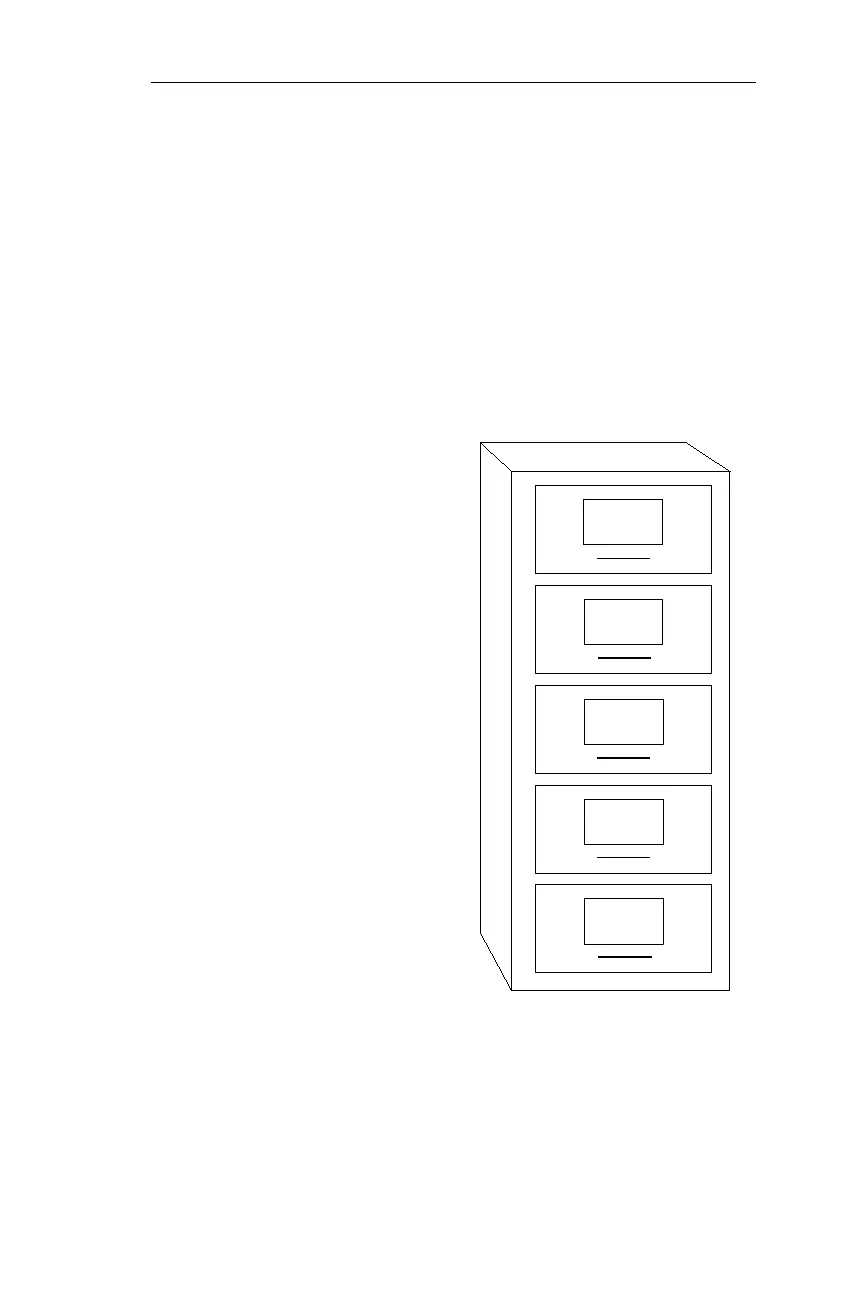
databases as “drawers” in an electronic “file cabinet.” Each drawer
contains “folders,” and each folder represents a waypoint, a specific
location on the earth. All databases store waypoints according to
identifier in alphanumeric order. You may only edit (change) the
contents of the User database.
Airport Database
These databases (drawers)
contain Airports. A “folder” is
maintained for every public-use
airport located in the datacard
coverage area. Additional
information, such as available
runways and frequencies, is
included for each waypoint.
VOR/NDB/Intersection
Databases
These databases (drawers)
contain a “folder” for every
VOR, NDB, and Intersection
located in the datacard coverage
area. Additional information,
such as the frequency and
facility name of each VOR and
NDB, is included.
User Database
When your new NMC leaves the factory, the User database is empty.
You may create, delete, and edit (change) waypoints in the User
database. You may also enter a runway length for each User waypoint.
109
Operations Databases
Airports
VORs
NDBs
INTs
USER



 To Next Page