Setting the Auto Nav Scroll Time
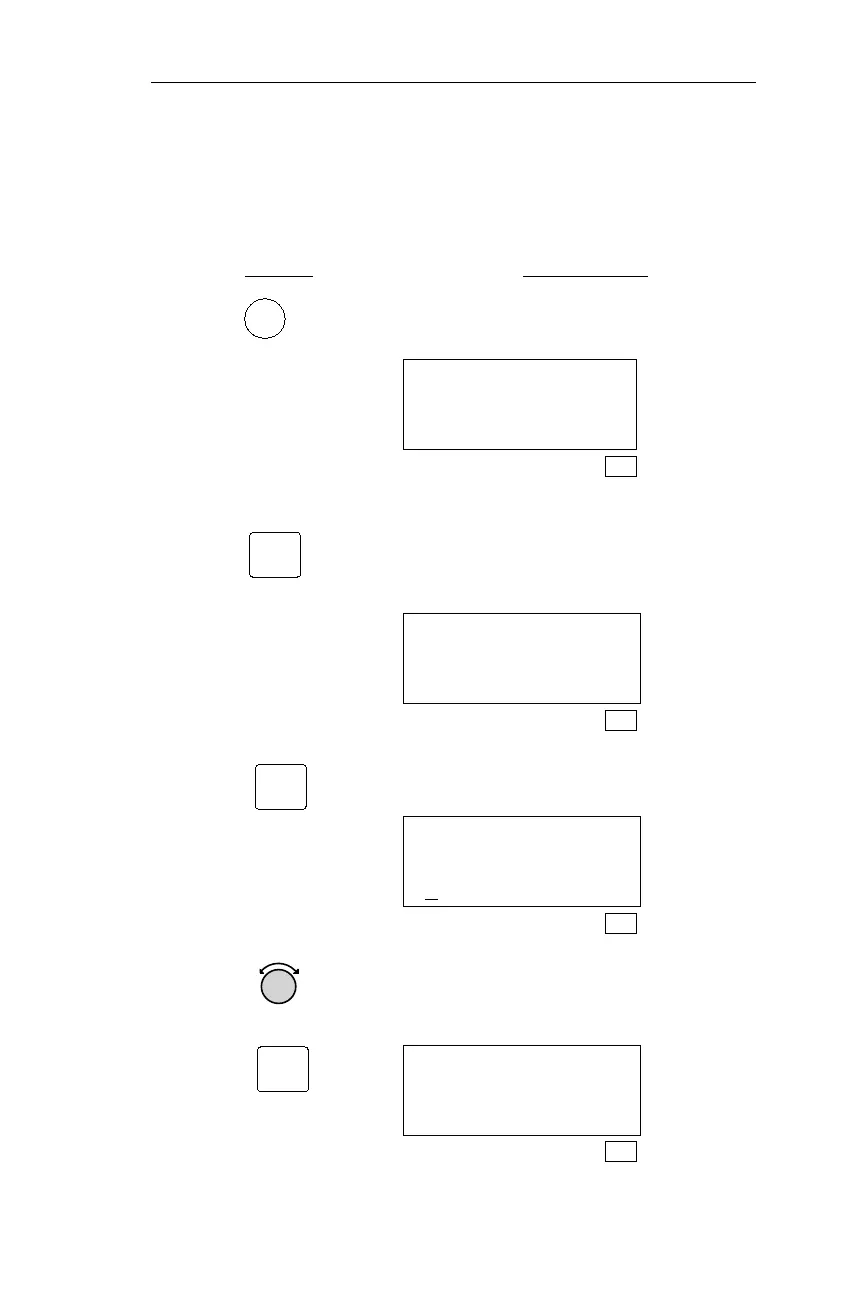
The following procedure is used to set the amount of time each NAV
information page is displayed during Auto Nav Scroll. Each NAV
information page may be displayed for up to 9 seconds.
Action Explanation
1. In SYS mode, turn the Large knob to
display the Navigation Info page.
Navigation Info
Press ENT
SYS
2. Pressing ENT activates the Navigation
Info sub-state functions. Turn the
Large knob to display the Autonav
Time page.
Autonav Time
4 Seconds/Page
SYS
3. Pressing SEL activates editing.
Autonav Time
4
Seconds/Page
SYS
4. Turn the Small knob to display the
desired time. Press ENT to save the
setting.
Autonav Time
6 Seconds/Page
SYS
185
Operations Navigation Information Sub-State
SYS
ENT
ENT
SEL



 To Next Page