Airspace Alert Settings (continued)
7.
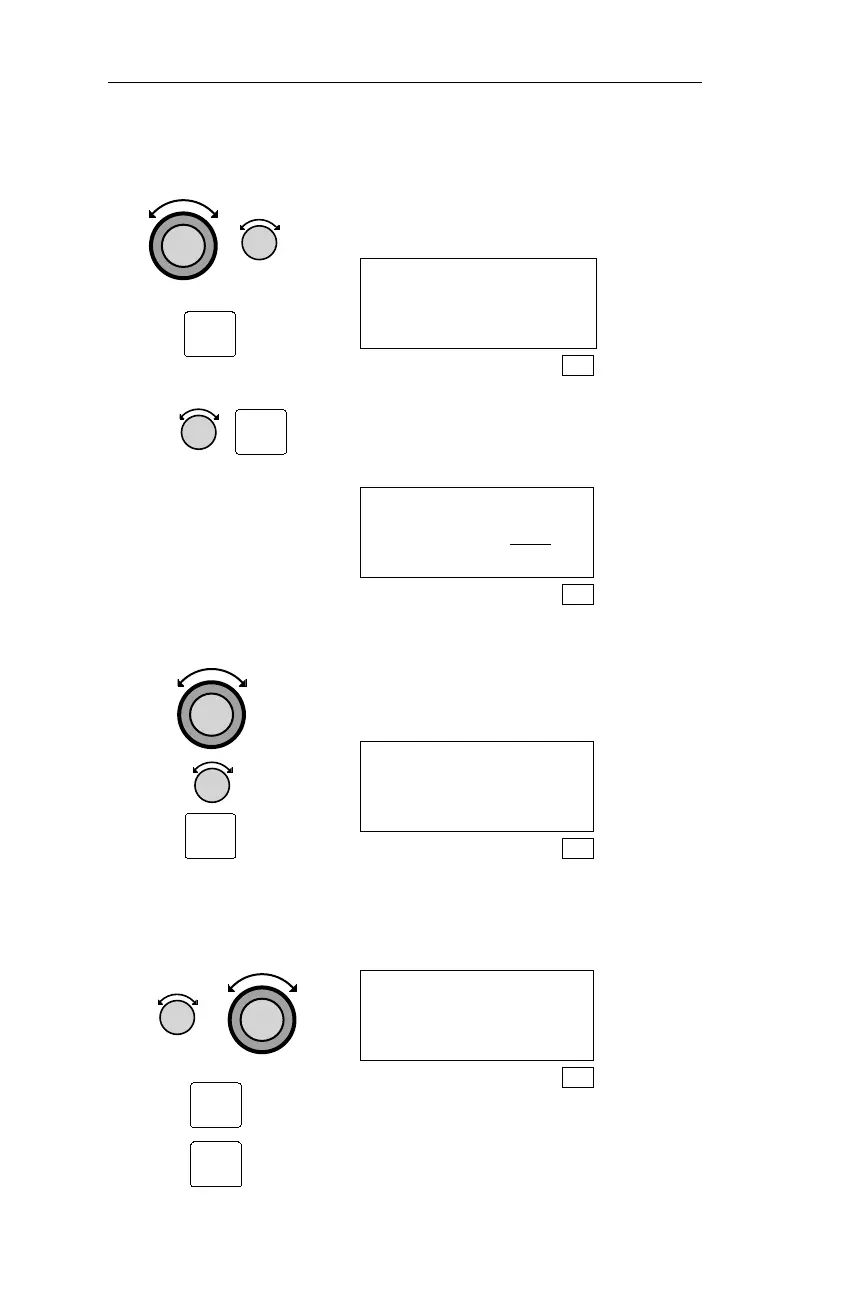
Repeat step 6. Use the Large and Small knobs to edit the
time setting. Pressing ENT save the
changes.
Airspace Buffers
Dist Alt Time
5nm 400’ 15min
SYS
8. Turn the Small knob to display the
desired Airspace Select page. Pressing
SEL activates editing.
Airspace Select
Class B :OFF
B Outer :ON
SYS
9. Turn the Large knob to make the
setting you want to change flash. Turn
the Small knob to display the desired
setting. Press ENT to save the changes.
Airspace Select
Class B :ON
B Outer :OFF
SYS
10. Repeat steps 8 and 9
as required.
Use the Small and Large knobs and the
SEL and ENT buttons to edit the
remaining Airspace Select pages.
Airspace Select
Restrict: ON
Prohibit: ON
SYS
184
Navigation Information Sub-State Operations
ENT
SEL
SEL
ENT
ENT



 To Next Page