Restoring Default Nav Displays
The following procedure is used to restore the default (factory)
Nav displays.
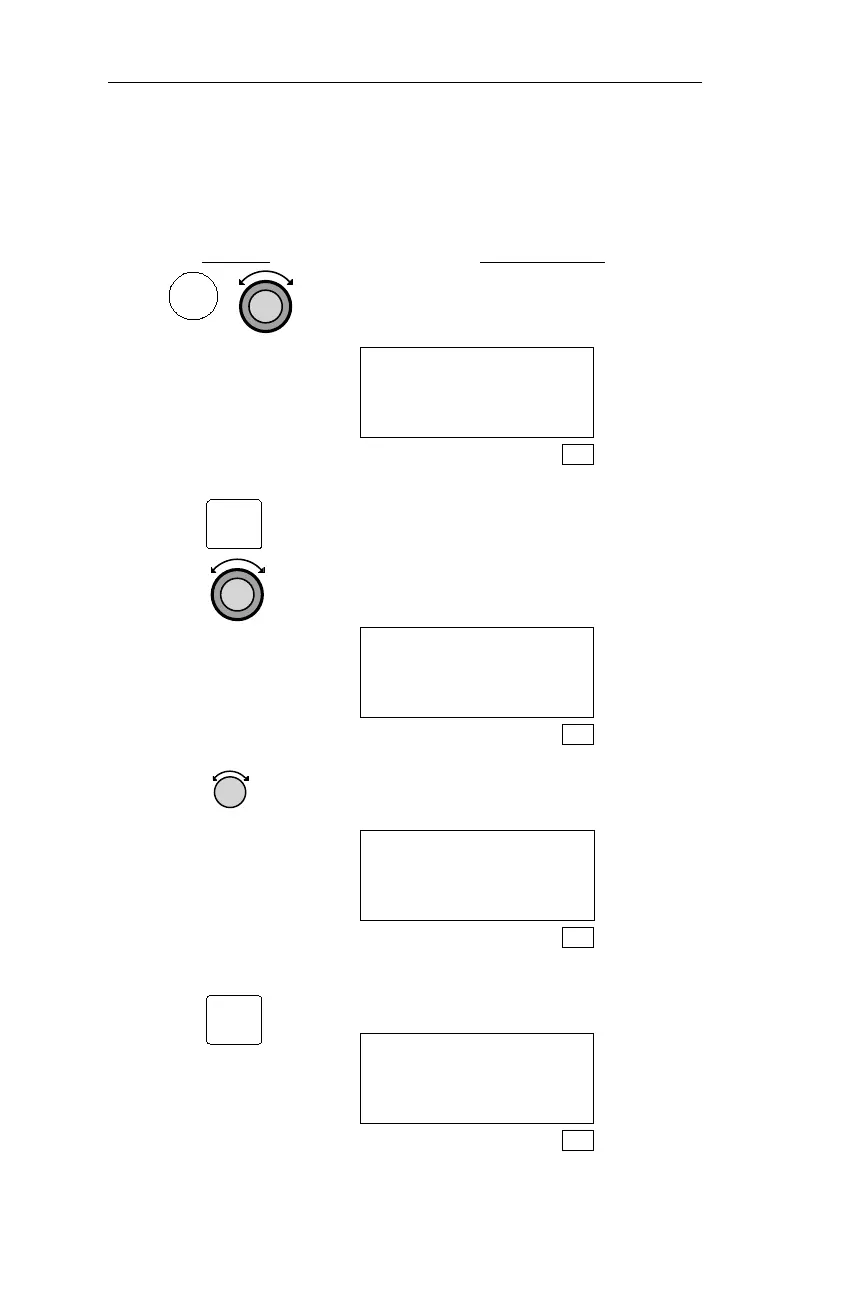
Action Explanation
1.
In SYS mode, turn the Large knob to
display the Navigation Info page.
Navigation Info
Press ENT
SYS
2. Pressing ENT activates the Navigation
Info Sub-state functions. Turn the
Large knob to display the NAV Mode
Display Programmable and Autonav
page.
NAV MODE DISPLAY
PROGRAMMABLE AND
AUTONAV PAGES
SYS
3. Turn the Small knob to display the
Restore Default Nav Pages screen.
PRESS ENT TO
RESTORE DEFAULT
NAV PAGES
SYS
4. Pressing ENT restores the default Nav
displays, and displays the next page.
NAV MODE DISPLAY
PROGRAMMABLE AND
AUTONAV PAGES
SYS
190
Navigation Information Sub-State Operations
SYS
ENT
ENT



 To Next Page